



-150x150.png)

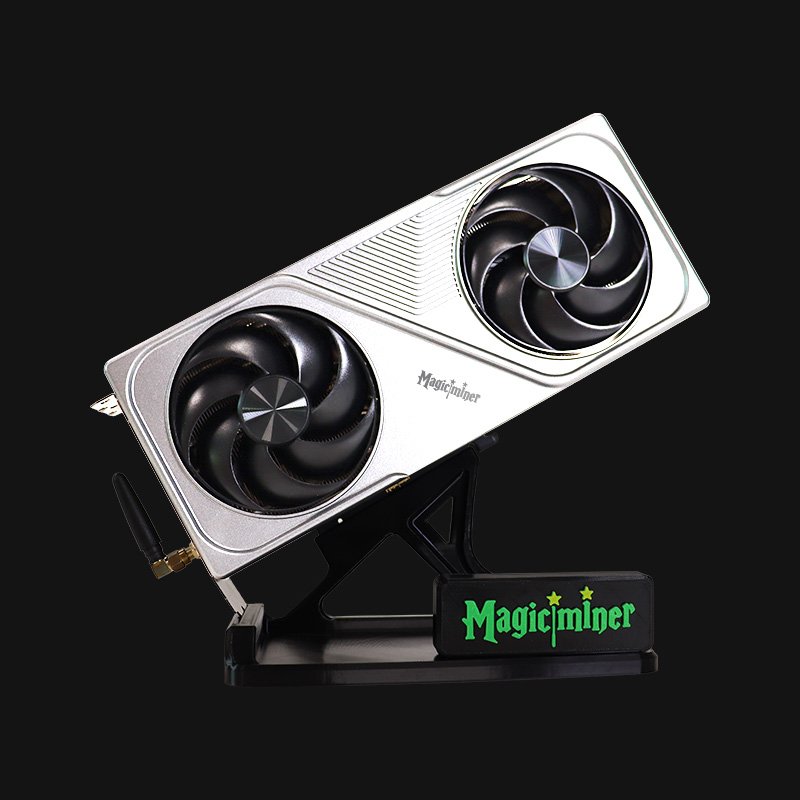
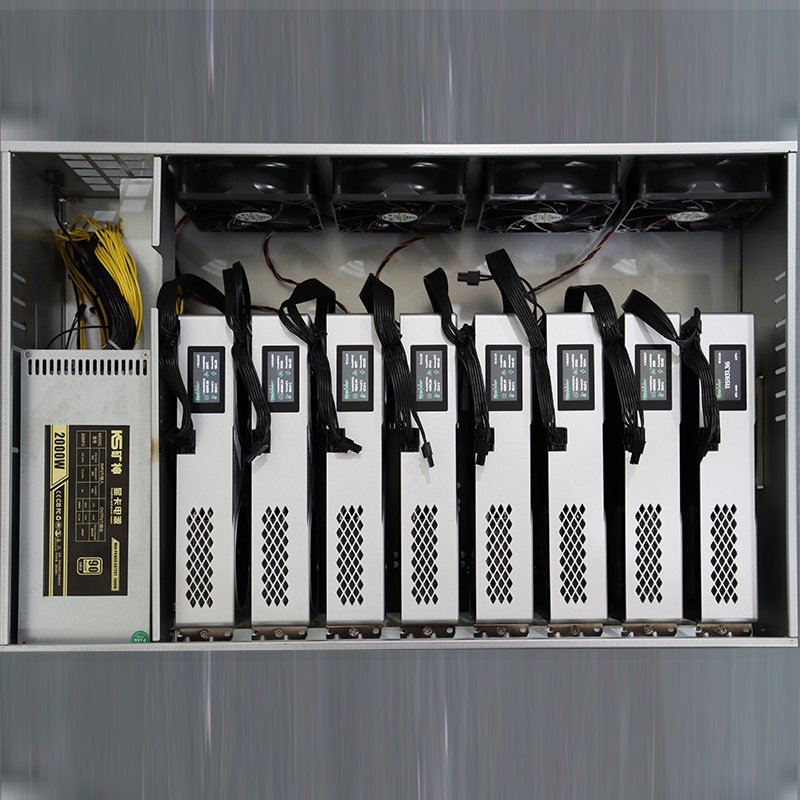
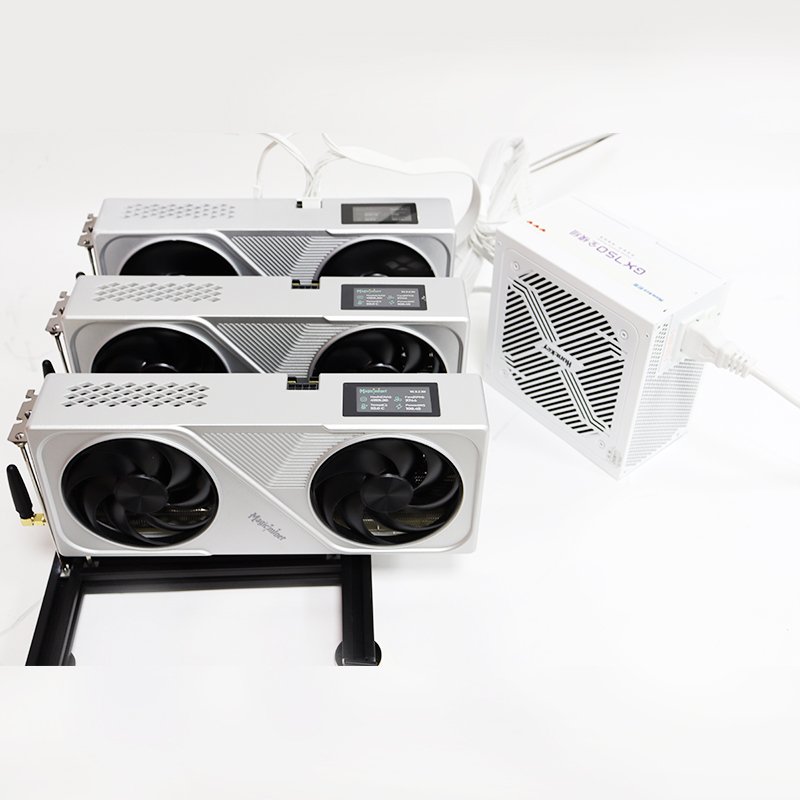
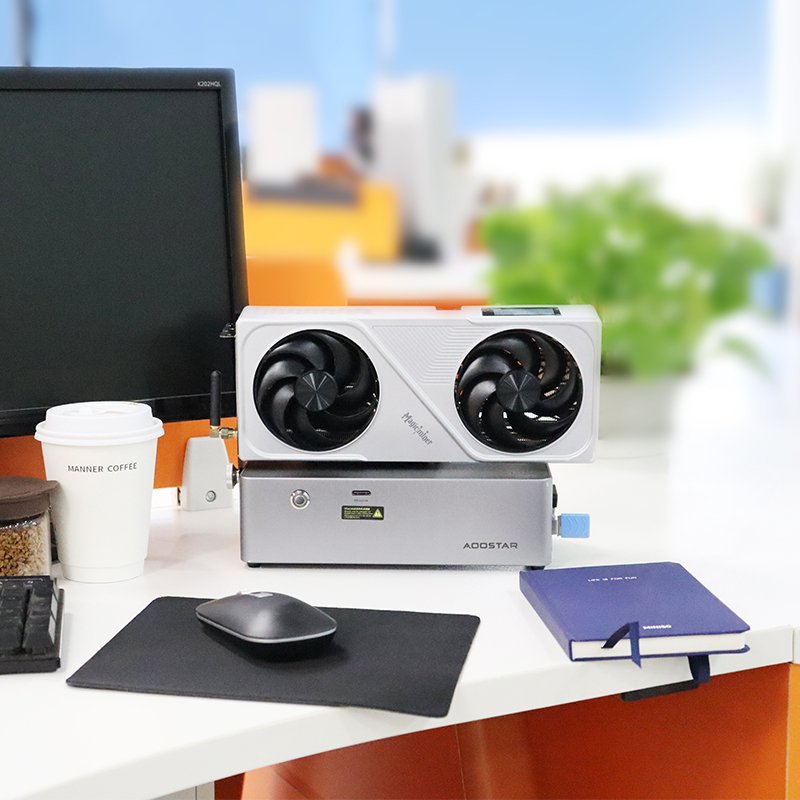
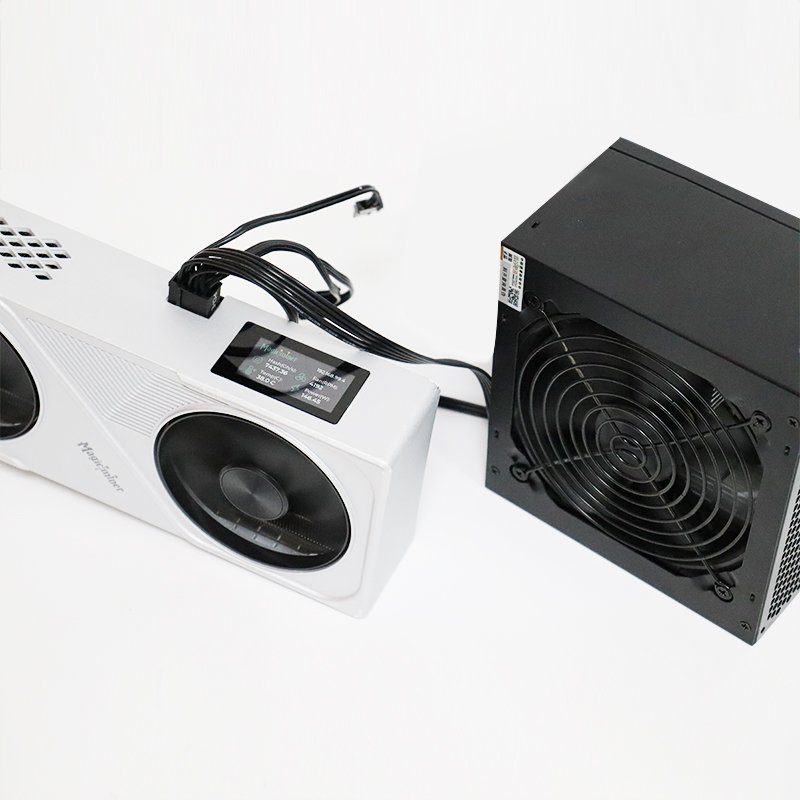
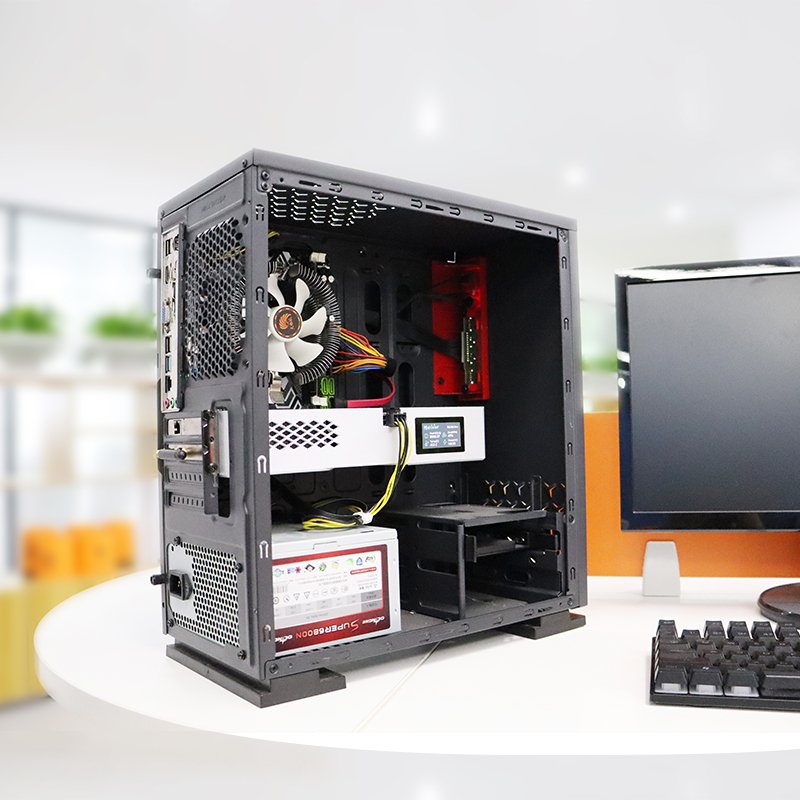
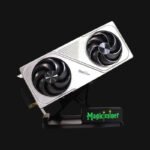
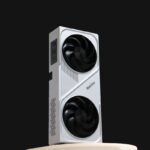
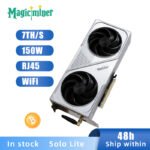

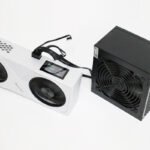
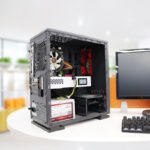



Magicminer BG02
Original price was: $399.00.$359.00Current price is: $359.00.
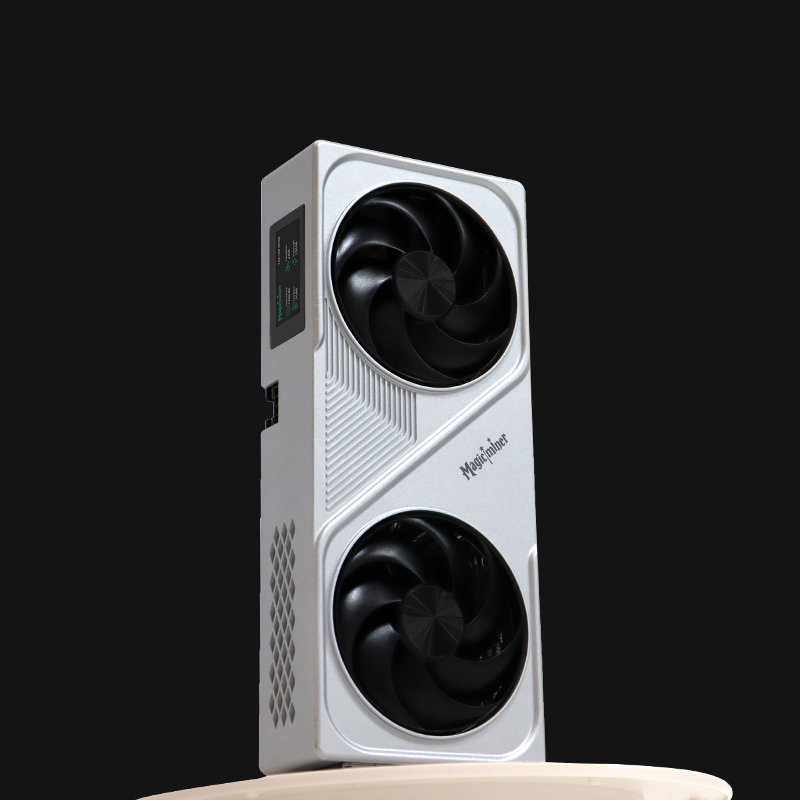
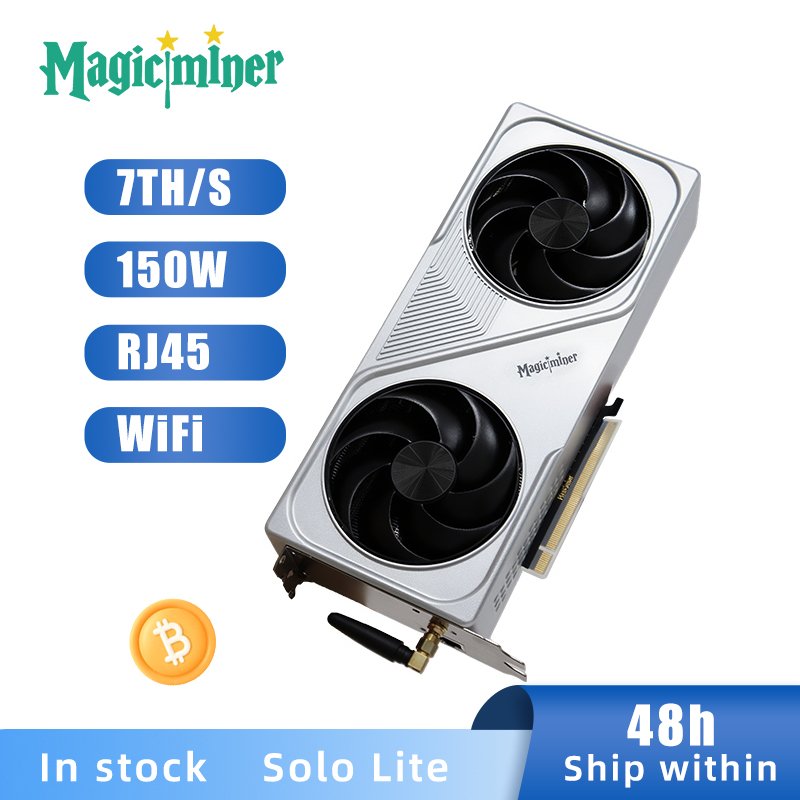
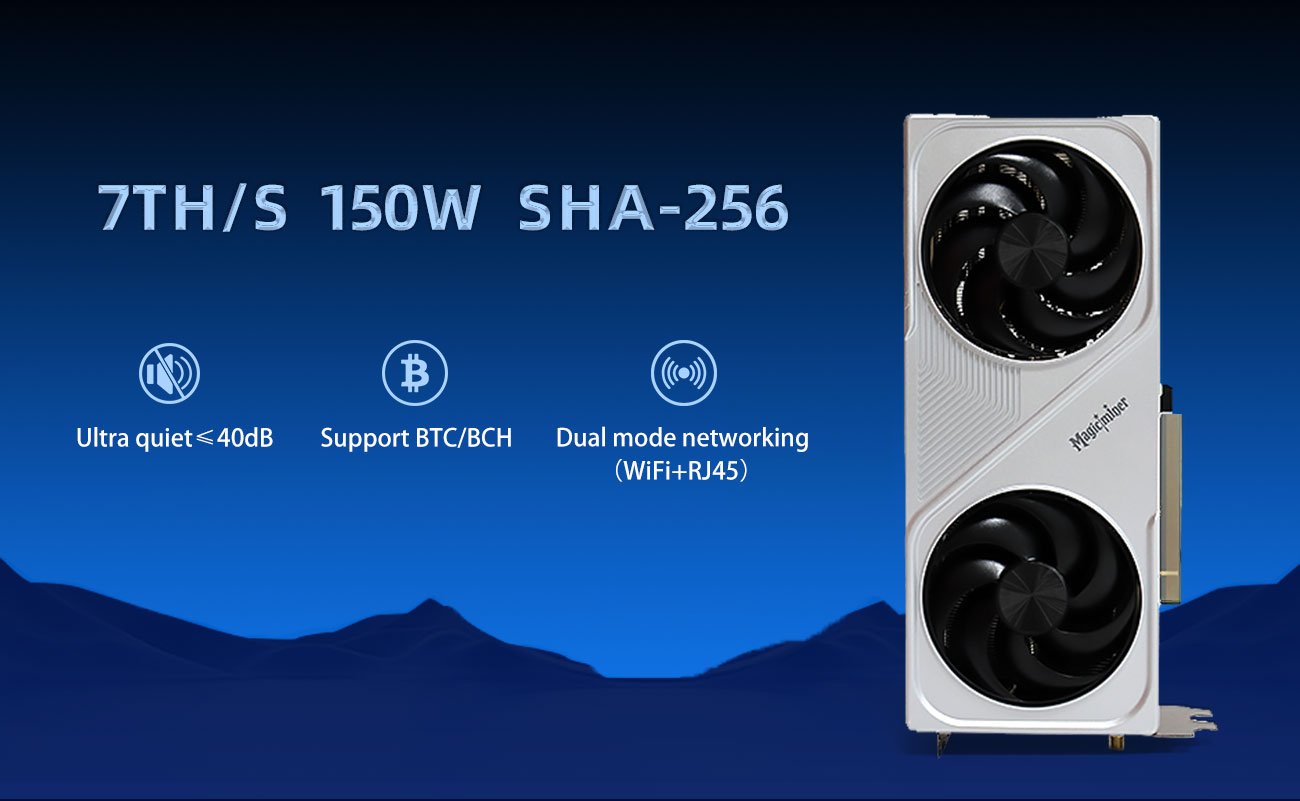
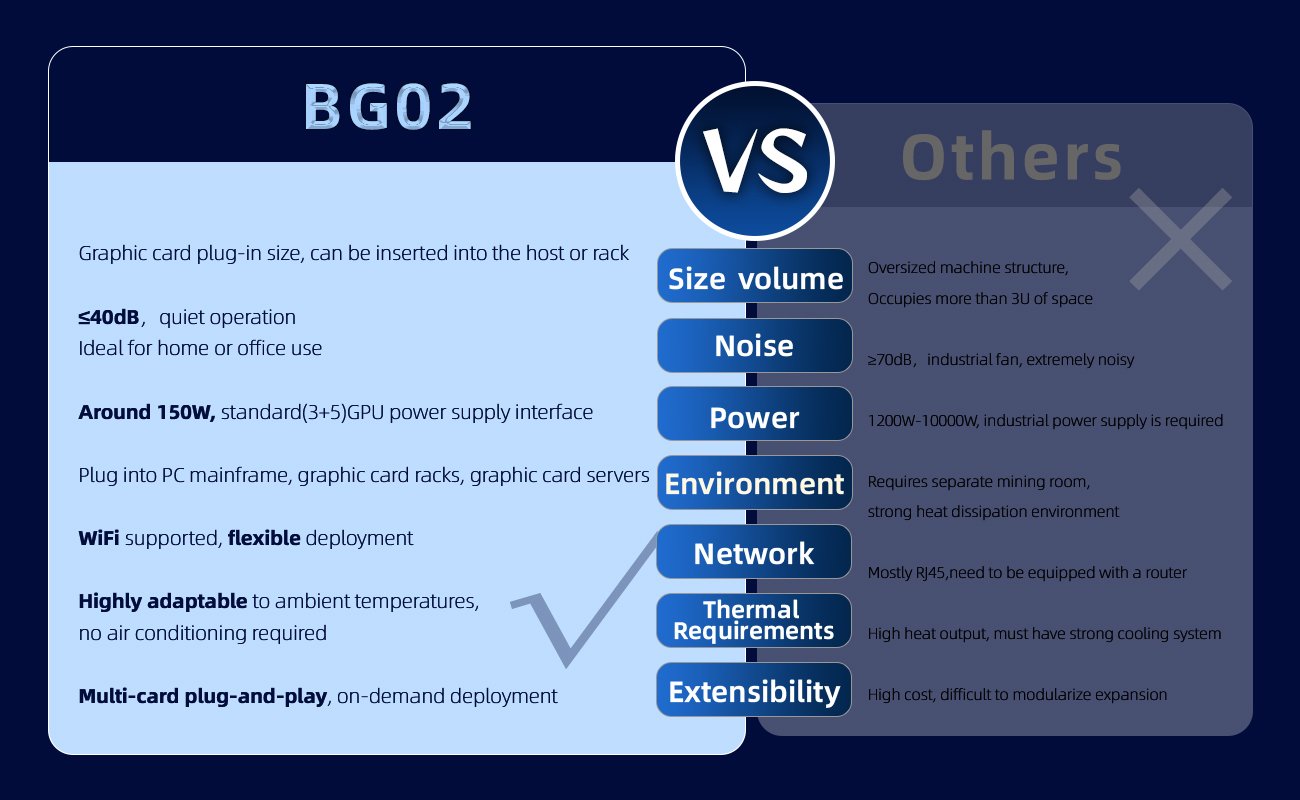
The Magicminer BG02 is a compact, energy-efficient SHA-256 ASIC solo miner, delivering 7 TH/s at 150W. Ideal for home users,It can be powered by standard PC or server power supplies. It offers a dependable solution for mining Bitcoin, Bitcoin Cash, and 40+ SHA-256-based cryptocurrencies. With compatibility for desktop, dock, or rack environments, it combines low noise, consistent performance, and easy installation.
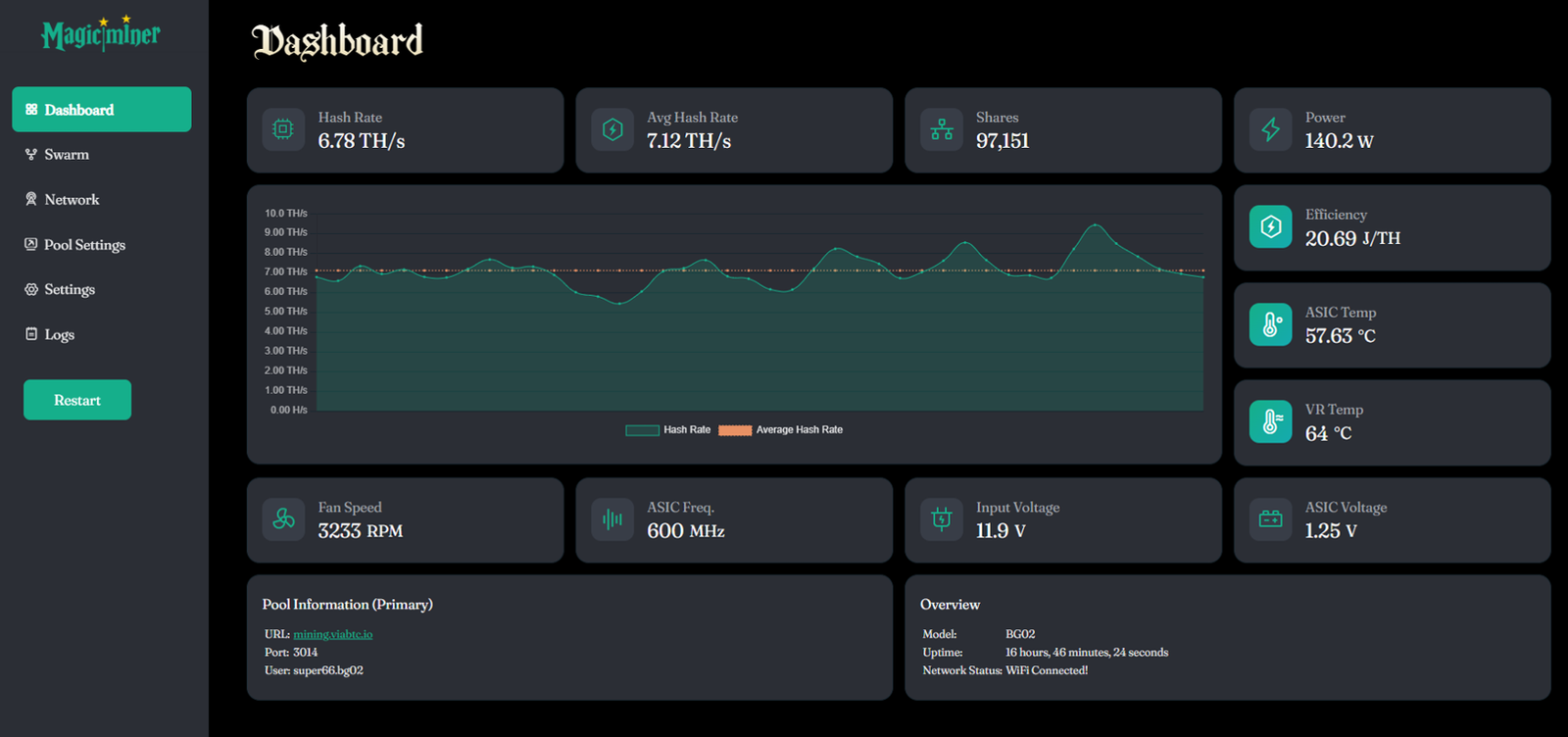
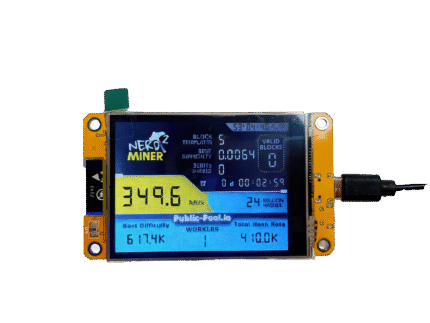
The screenshot of Magicminer BG02 Web Dashboard:
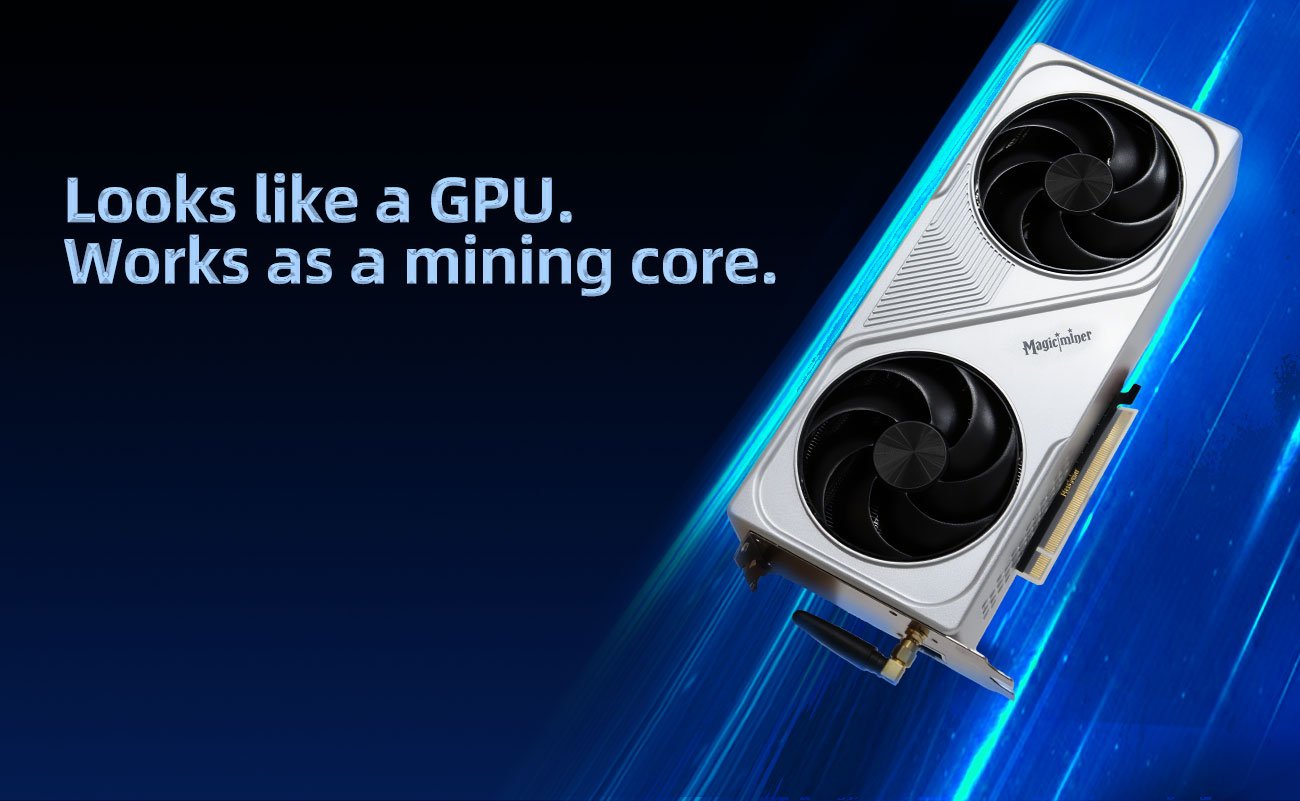

Magicminer BG02 – 7TH/s Ultra-Efficient SHA-256 Bitcoin Miner for Home & Desktop Use
Meta Title: MagicMiner BG02 – 7TH/s Low-Power Bitcoin Miner | Quiet, Efficient, Desktop-Friendly
Meta Description: Discover the MagicMiner BG02, a 7TH/s, 150W low-power SHA-256 Bitcoin miner. Quiet, compact, WiFi-enabled and ideal for home, office, or cluster mining setups. Perfect for BTC hobbyists and small-scale miners.
📌 Product Overview
The MagicMiner BG02 is a next-generation low-power SHA-256 Bitcoin miner designed for home users, beginners, and desktop mining enthusiasts.
Delivering 7.0TH/s ±5% at only 150W, BG02 combines the best of ASIC mining performance with a compact, silent, and user-friendly design—making Bitcoin mining accessible to everyone.
Whether you’re exploring mining for the first time or building scalable GPU/ASIC clusters, BG02 is the perfect balance of power, efficiency, and versatility.
✨ Key Features of Magicminer BG02
🔋 Ultra-Efficient 150W Power Consumption
At only 150W ±10%, BG02 delivers one of the best energy efficiencies in its class: 21.4 J/TH.
Perfect for 24/7 home or office mining without high electricity cost.
🔇 Quiet Operation – ≤ 40 dB
Engineered for silent environments: bedrooms, desktops, workplaces, and small clusters.
🌐 Dual Network Support: RJ45 + WiFi
Flexible connectivity:
10/100M RJ45 Ethernet
2.4G WiFi with easy web setup
Ideal for standalone desktop use or multi-device rack installations.
💻 Easy Web Management
Control everything through a simple web interface:
Pool settings
Hashrate monitoring
Temperature
Power control
WiFi setup
Self-test & diagnostics
No software installation required.
🖥️ Flexible Deployment Scenarios
The BG02 can be placed in:
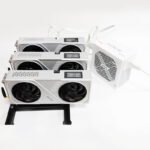
Desktop table setup
PCIe GPU dock
Standard PC case
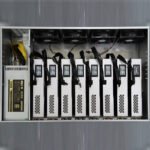
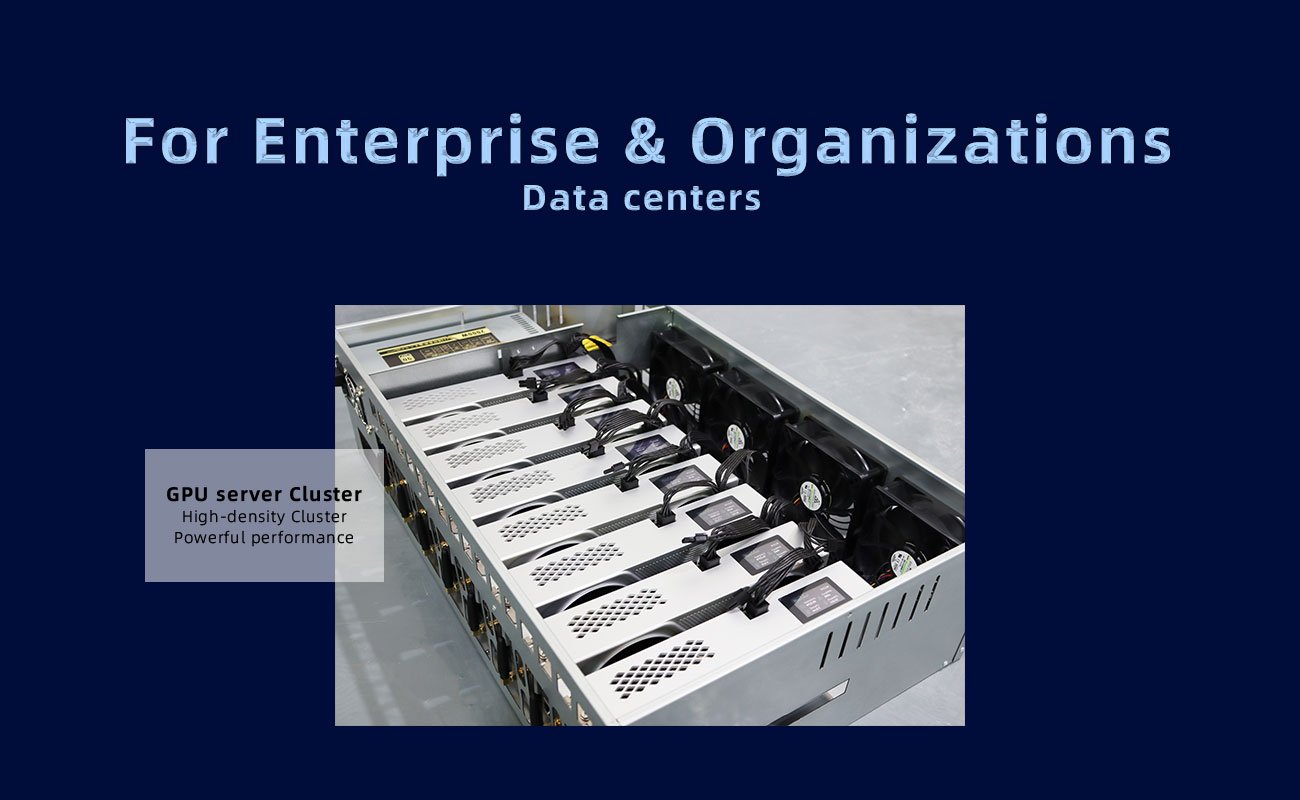
ASIC/GPU rack cluster
GPU server cluster
Just connect to a PC or server PSU and start mining instantly.
🧩 Technical Specifications
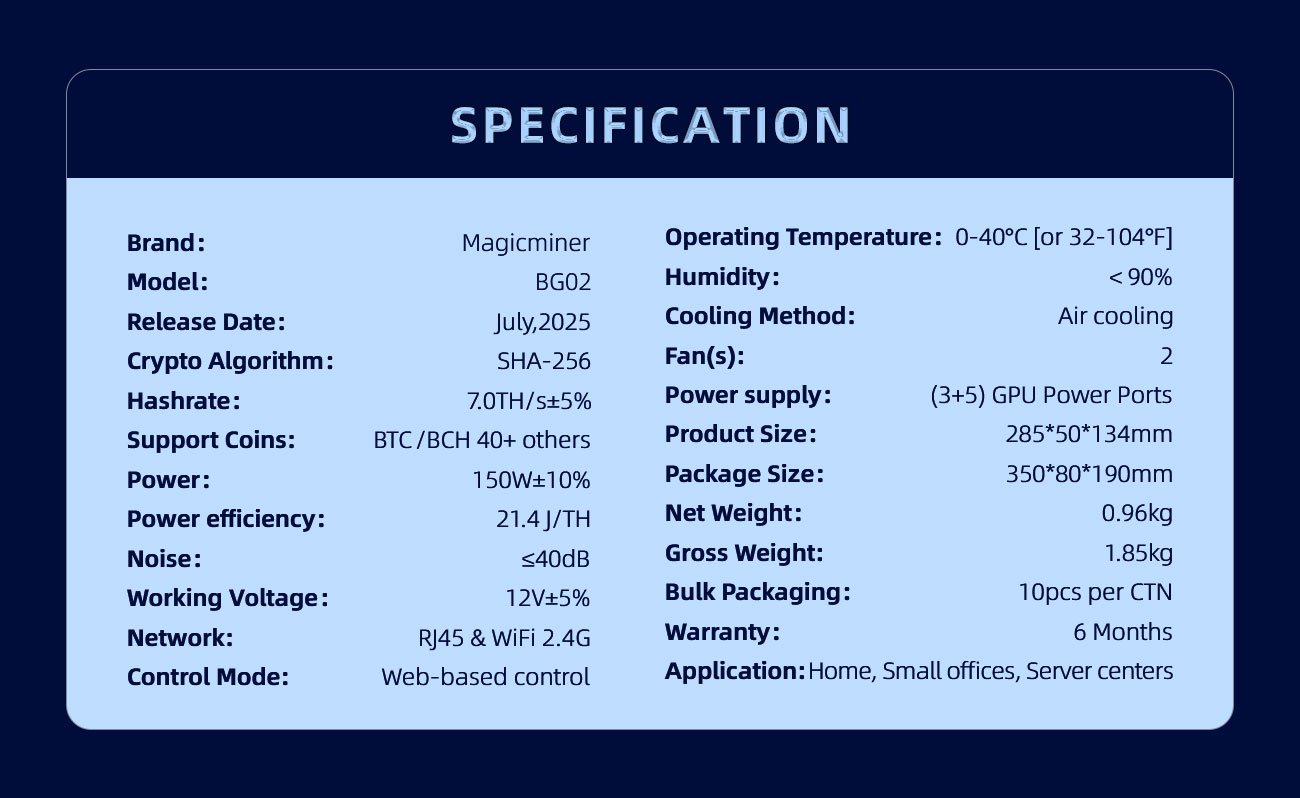
| Item | Description |
|---|---|
| Brand | Magicminer |
| Model | BG02 |
| Algorithm | SHA-256 |
| Supported Coins | BTC, BCH, DGB, FB… |
| Rated Hashrate | 7.0 TH/s ±5% |
| Power Consumption | 150 W ±10% |
| Efficiency | 21.4 J/TH |
| Voltage | 12V ±5% (PCIE 5+3, 16AWG+) |
| Network | RJ45 10/100M, WiFi 2.4G |
| Cooling | Air cooling |
| Noise | ≤ 40 dB |
| OS | Web UI |
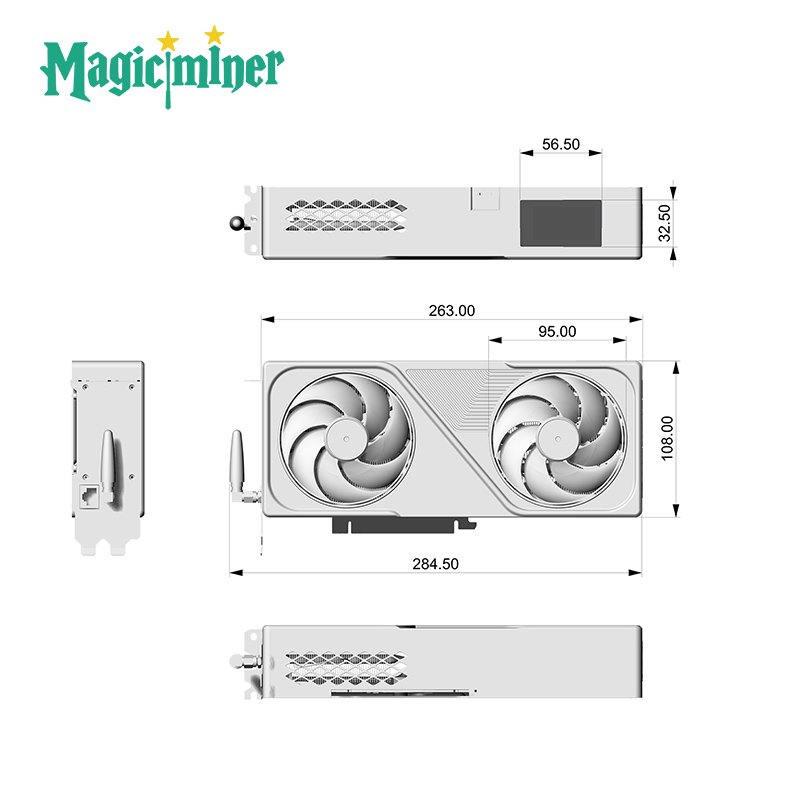
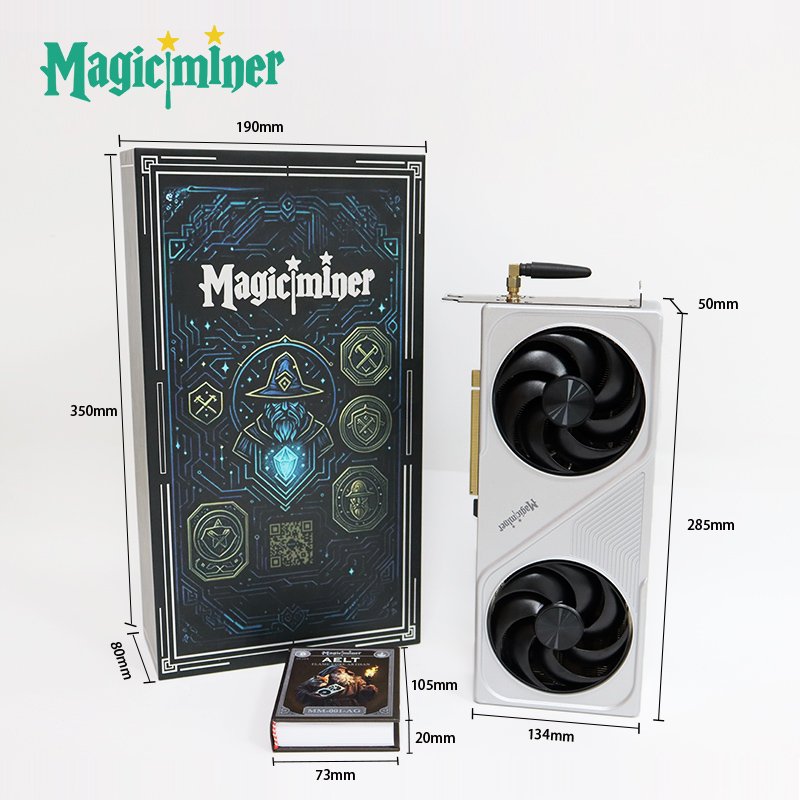
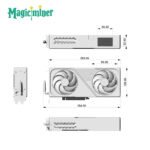
| Dimensions | 285×50×134 mm |
| Weight | 1.0 kg (net) |
| Recommended PSU | Gold-certified PC/Server PSU |
| Environment | 0–40°C, <90% humidity |
| Warranty | 6 months |
⚡ Recommended Usage Environment
To ensure best performance:
Power
Use a Gold-certified PC or server PSU
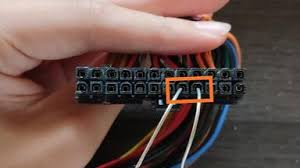

- (NOTED: With a fully modular PC power supply, the unit will only start after the two connectors are shorted.)
PCIE cable: 6+2 configuration, 16AWG or thicker
Power stability ≥200W required
Temperature & Ventilation
Operating: 0~40°C
Provide airflow; avoid blocking the fan
Clean dust regularly
🛠️ Quick Installation Guide
Step 1 – Hardware Setup
Prepare a Gold-rated PSU (PC or server).
Connect PCIE 5+3 power cable to BG02.
Place BG02 with adequate ventilation.
Power on the PSU and wait for the miner to boot.
Step 2 – Network Configuration
RJ45 Wired
Connect Ethernet cable → Router
Screen shows the assigned IP
Open browser → enter IP → access dashboard
WiFi Wireless
Power on → BG02 broadcasts Magic-** WiFi**
Connect via PC/phone
Auto-redirect or open 192.168.4.1
Enter your router SSID + password
Device reconnects automatically
Step 3 – Start Mining
Enter your mining pool settings
Enter BTC wallet address
Save → Reboot → Begin mining
Monitor hashrate & temperature on dashboard
🌐 Recommended Mining Pools
For SHA-256 coins such as BTC/BCH:
ViaBTC – PPS+, PPLNS, SOLO
CKPool – Popular SOLO pool
Jackpool – SOLO mining
Public-Pool – SOLO & regional pools
Lucky Pool – SOLO mining
Fractal Pool – FB coin mining
You may check pool performance at:
miningpoolstats.stream
🧠 FAQ – Frequently Asked Questions
Q1: What PSU should I use?
A Gold-certified PC PSU with 5+3 PCIE cable (16AWG+).
Q2: BG02 won’t turn on?
Check power switch & cable
Ensure PSU delivers ≥200W
Check PCIE cable rating
Q3: Do I need Ethernet?
WiFi is fully supported; Ethernet is optional.
Q4: Hashrate lower than 7TH/s?
Check:
Temperature
Airflow / dust
PSU cable quality
Router stability
Q5: What is the warranty?
6 months. Damage from water, PSU failure, modification, lightning, drops, or disasters is not covered.
Q6:What is the recommended operating frequency for BG02?
The recommended operating specifications for BG02 are:
Frequency: 600
Voltage: 1250
These settings help ensure stable performance and optimal efficiency.
Q7:What are the ideal ASIC and VR temperature ranges?
ASIC Temperature:
Recommended: Below 70°C
Optimal: Around 60°C
VR Temperature:
Recommended: Below 80°C
Optimal: Around 60°C
Maintaining the miner within these temperature ranges helps ensure stable operation and prolongs hardware lifespan.
📞 Support & Contact
Support Email: support@magicminer.com
Website: www.magicminer.cc
WhatsApp/Telegram: +852-56140308
For reseller or bulk inquiries, contact the sales team on the official website.
🎯 Why Choose Magicminer BG02?
High hashrate for its size (7TH/s)
Ultra-low 150W power consumption
Quiet enough for desktop use
WiFi compatible
Perfect for home or office mining
Upgrade-friendly firmware
Versatile deployment options
If you’re looking for a compact, efficient, and user-friendly SHA-256 miner, MagicMiner BG02 is one of the best low-power Bitcoin miners available today.
Brand | Magicminer |
Model | BG02 |
Release Date | July,2025 |
Crypto Algorithm | SHA-256 |
Hashrate | 7.0TH/s±5% |
Support Coins | BTC / BCH 40+ others |
Power | 150W±10% |
Power efficiency | 21.4 J/TH |
Noise level | ≤40dB |
Working Voltage | 12V±5% |
Networking Connection Mode | RJ45 Ethernet 10/100M &WiFi 2.4G |
Control Mode | Web-based control |
Operating Temperature | 0-40°C [or 32-104°F] |
Humidity | <90% |
Cooling Method | Air cooling |
Fan(s) | 2 |
Power supply(Optional) | (3+5) GPU Power Ports |
Dimension | 285*50*134 |
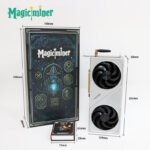
Dimension(with packaging) | 350*80*190 |
Net Weight | 0.96kg |
Gross Weight | 1.85kg |
Bulk Packaging | 10pcs per CTN |
Warranty | 6 Months |
Application | Home Users, Small offices, Server centers |
1. Order
Q: Where to purchase Magicminer/Luckyminer?
A: For small orders, can order through ourofficial stores on third party e-commerce platform like aliexpress/Amazon, or local authorized dealers.
For bulk order, contact with our sales directly.
+852-56140308(WhatsApp)
Q: What is the minimum order quantity (MOQ)?
A: We can provide 1-10 small quantity samples before the bulk order.
Q: Do you offer OEM and ODM services? Can the brand be customized based on our own?
A: Of course, we provide ODM and OEM services to many customers. MOQ is 500 pcs.
Contact us to design your own branded products. : +852-56140308(WhatsApp)
Q: May I use USD/Credit Card/Debit Card to make the payment?
A: We support bank transfer/Paypal and cryptocurrency for now.
2. Logistics
Q: How do you ship? How long does delivery take?
A: For small orders, we typically use DHL, UPS, EMS, FedEx, or TNT. Delivery typically takes 5-7 days. We also offer air and sea freight services. We have a strong freight forwarding team and can provide you with a one-stop service, including DDP and DDU.
Q: Is international shipping supported?
A: Yes. Global delivery supported.
Confirm details with customer service
3. After-sales and Support
Q: What is the warranty period?
A: 6 months. See after-sales service policy for details.
Q: How to get after-sales service?
A: Contact customer service via website, WeChat, phone, or email. 24/7 tech support available.
Q: Is there a user manual?
A: Each device includes a printed manual. A digital version is available for download.
Q: Is there an official user group?
A: Yes. Join the official Magicminer community to exchange experiences and updates.
4. Product
Q: Do your products have relevant certifications?
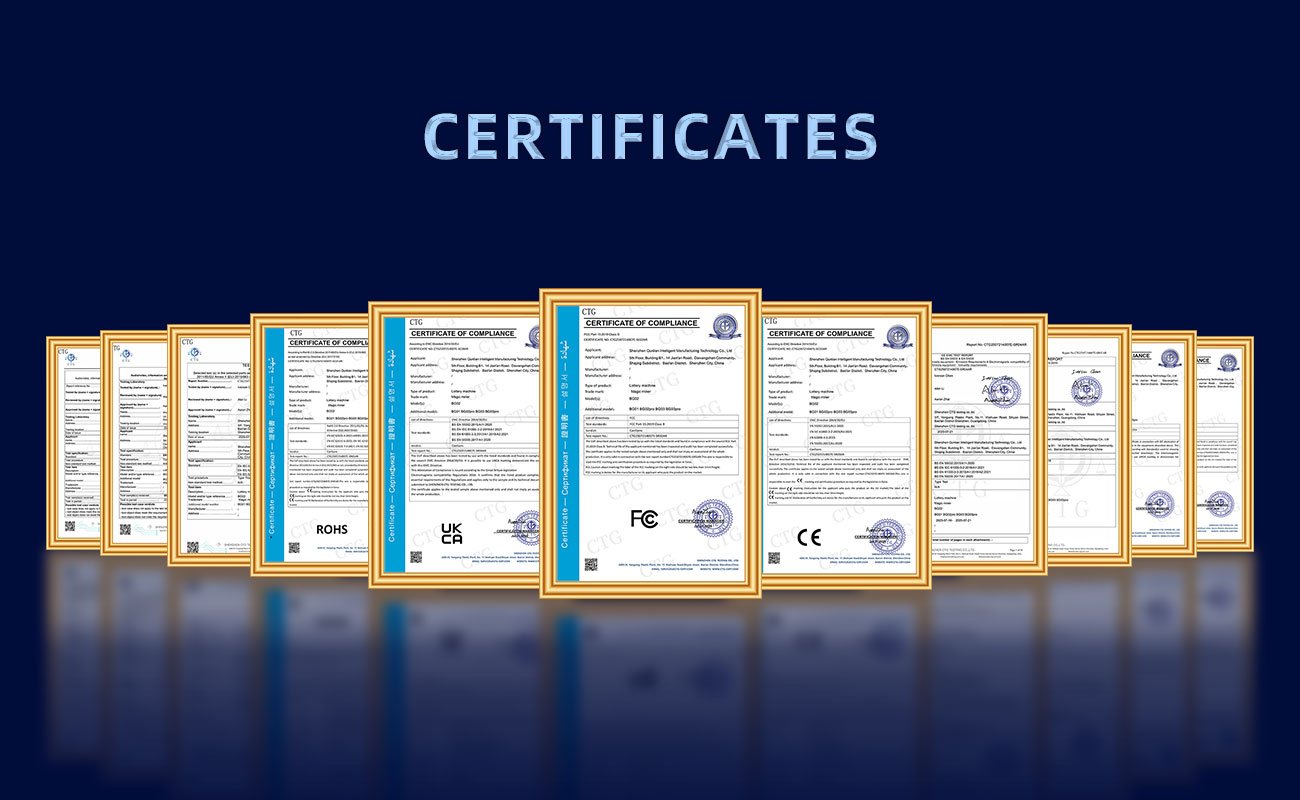
A: Yes, our products are certified for CE/FCC/UKCA/UL/ROHS.
Q: Which PSU would be suitable for BG02?
A: PCIe 6-pin is acceptable, but PCIe 8-pin is recommended.
Q: Can the Magic miner Bg02 firmware be updated? It’s at version 1.0.0.
A: The BG02 firmware is currently only 1.0.0.
Q: Cannot connect with Wifi?
A:1. Wi-Fi only supports 2.4G and cannot connect to 5G.
- Do not use special characters in the Wi-Fi name and password.
- The actual password is the saved password and has not changed; it is simply not displayed on the front panel.
- It is recommended to power cycle the router and device.
- Check that the external Wi-Fi antenna is securely screwed in.
- Test the device by turning on the hotspot on your phone to see if it can connect.
- The device is too far from the router for sufficient signal strength. Try moving it closer to the router. If none of the above work, disassemble the device to see if the Wi-Fi antenna connector is loose.
Q: No harsh rate
A: Try the following steps:
- Disable the router firewall.
- Try a different mining pool, network environment, or use a mobile hotspot.
If the issue persists, please provide a photo of your device’s S/N number, along with screenshots of the dashboard and login page.
This information will help our engineers diagnose and resolve your issue more efficiently.
Login Page: Check the log data by selecting “Logs” → “Show Logs.”
Customer Service: +852-56140308(WhatsApp)
Q: Can not visit the web interface
A: Restart your mining machine

You must be logged in to post a review.



Reviews
There are no reviews yet.