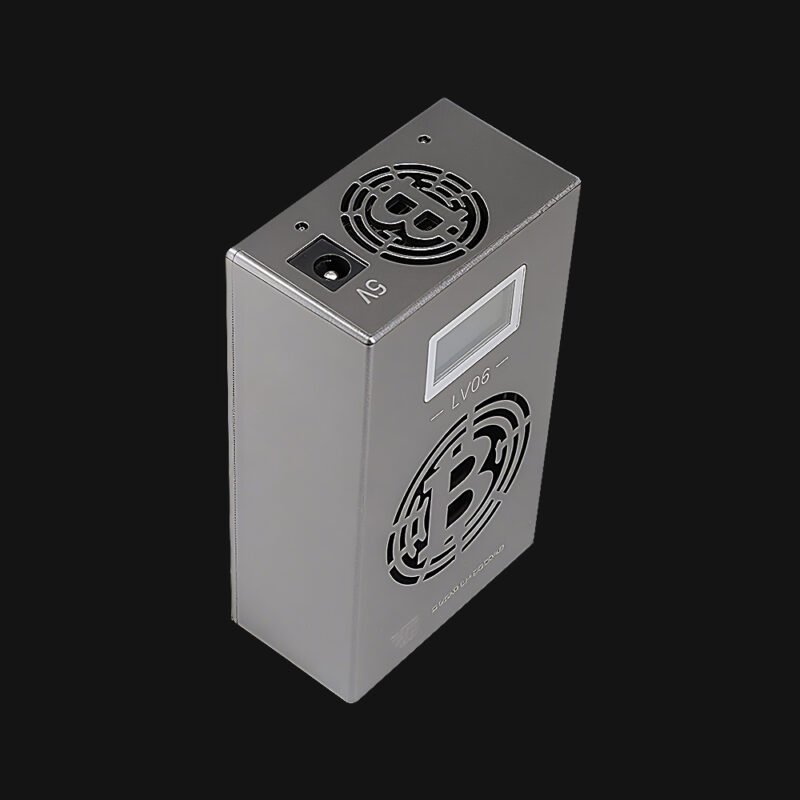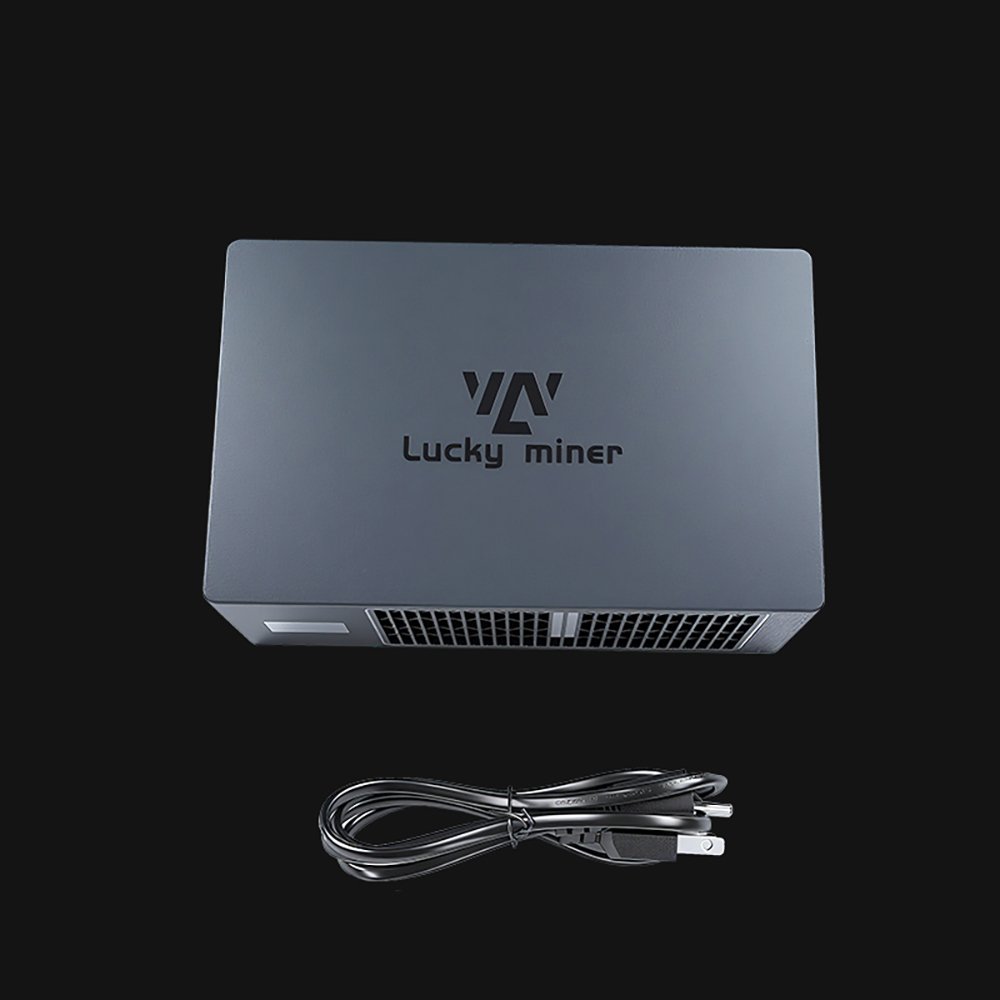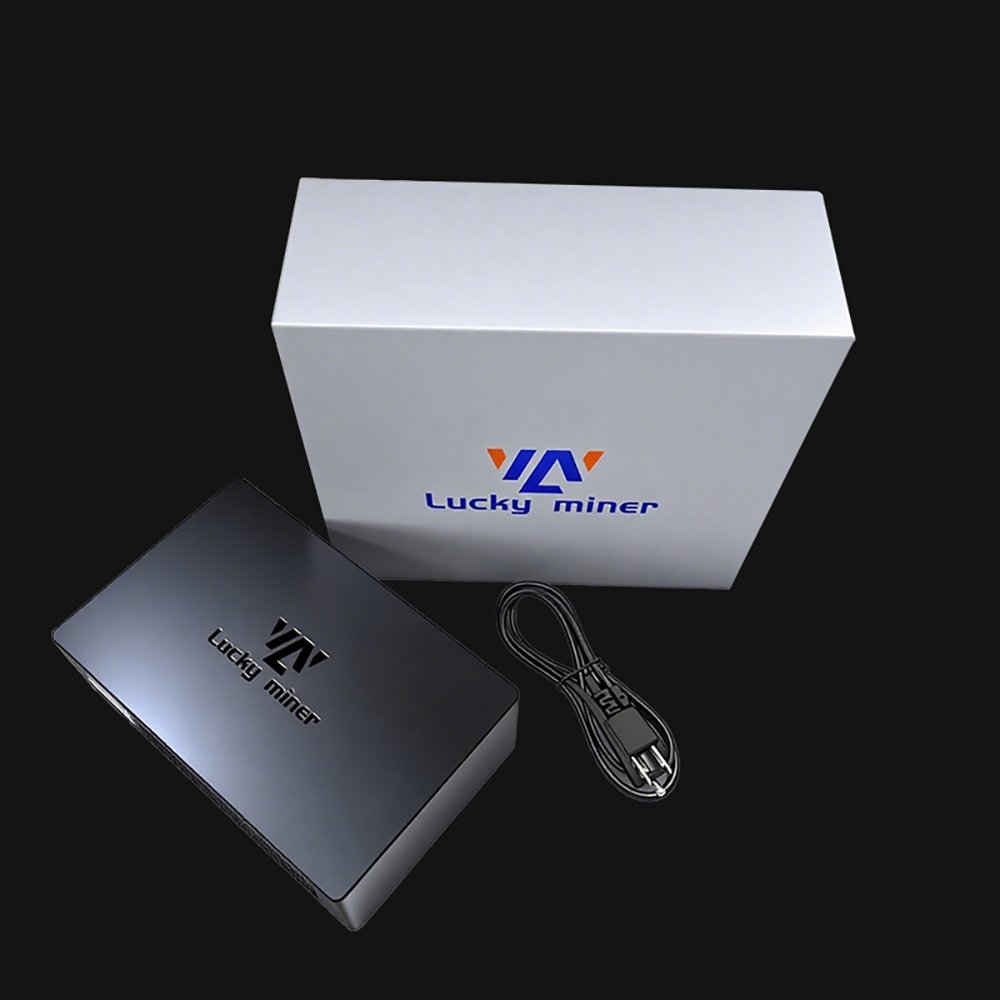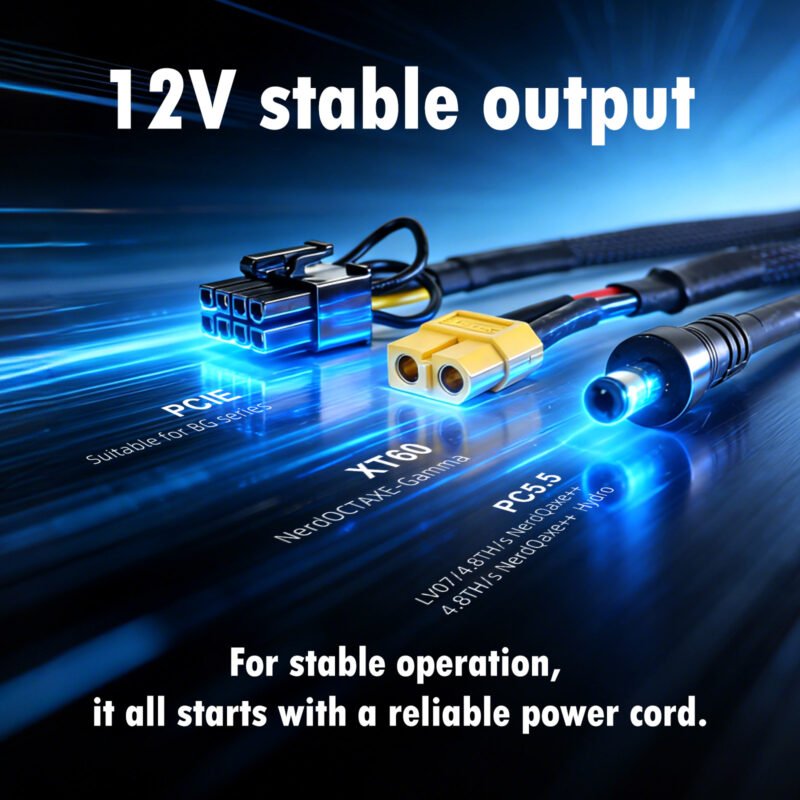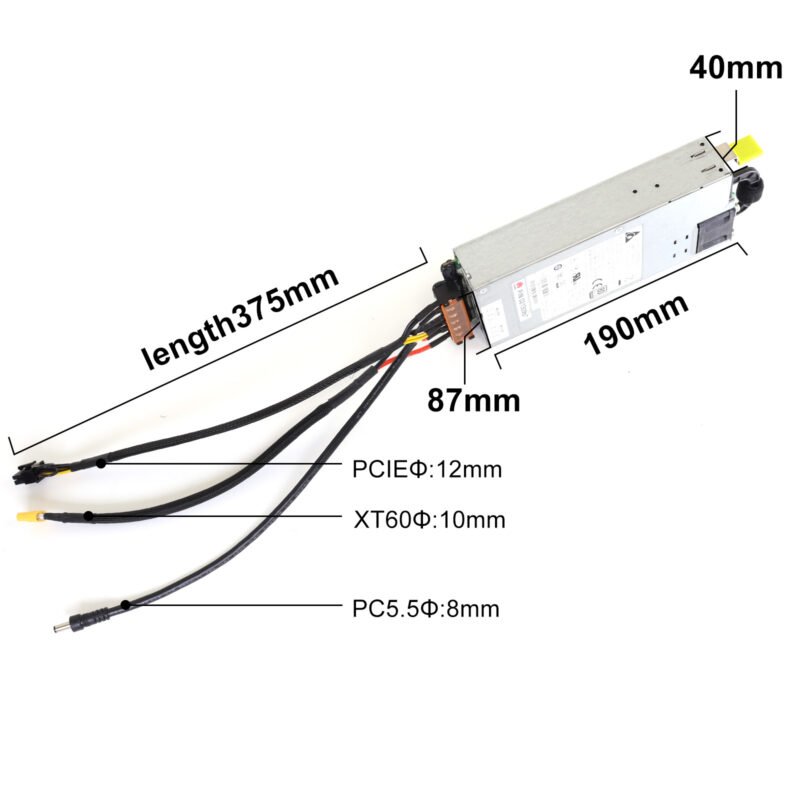

power cable-1
Power Adapter & Plug(Mining machine) Original price was: $59.00.Current price is: $50.00.
Back to products
Lucky Miner LV03
Lucky Miner LV03 Original price was: $30.00.Current price is: $26.00.

Lucky Miner LV02

The 250KH/s USB Home Miner – Your First Step into Crypto Mining

Original price was: $30.00.Current price is: $26.00.

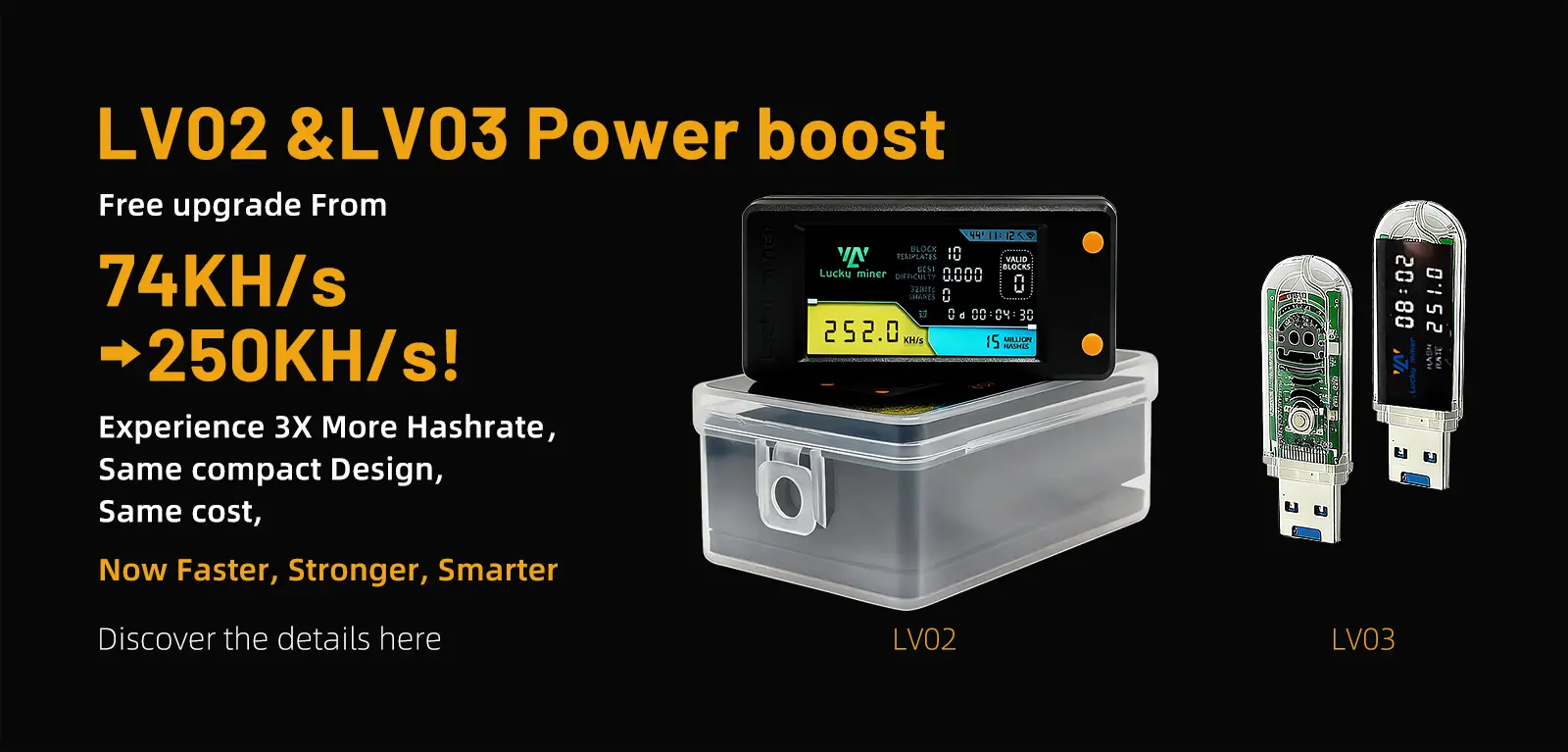
Lucky Miner LV02 is powered by the BM1366 ASIC chip, delivering 250KH/s hashrate with just 1 watt power draw for sustainable 24/7 learning. Features a 1.9-inch full-color LCD for real-time monitoring of hashrate, temperature, and network status.

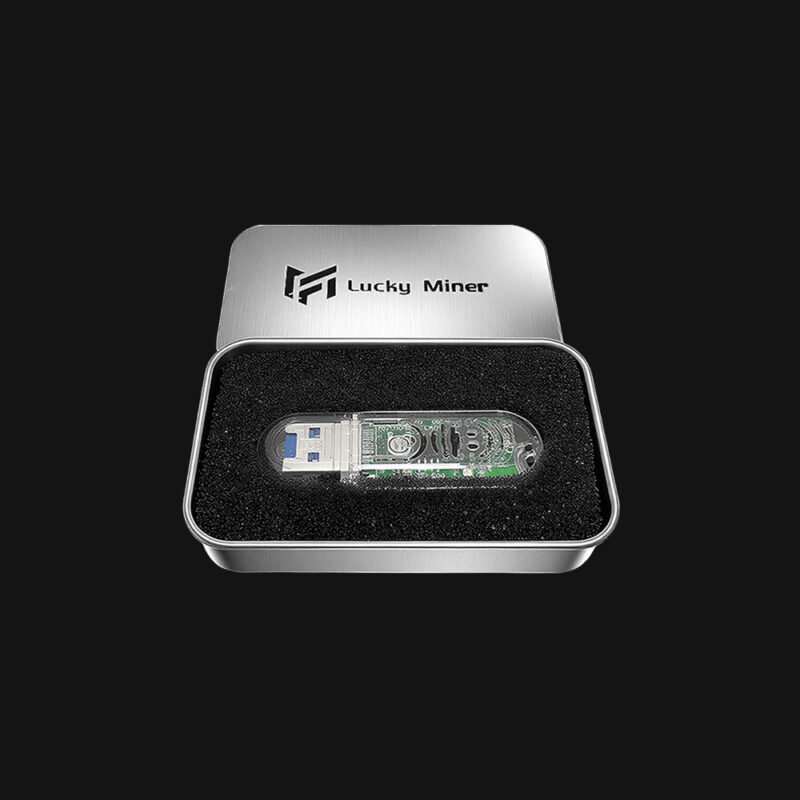
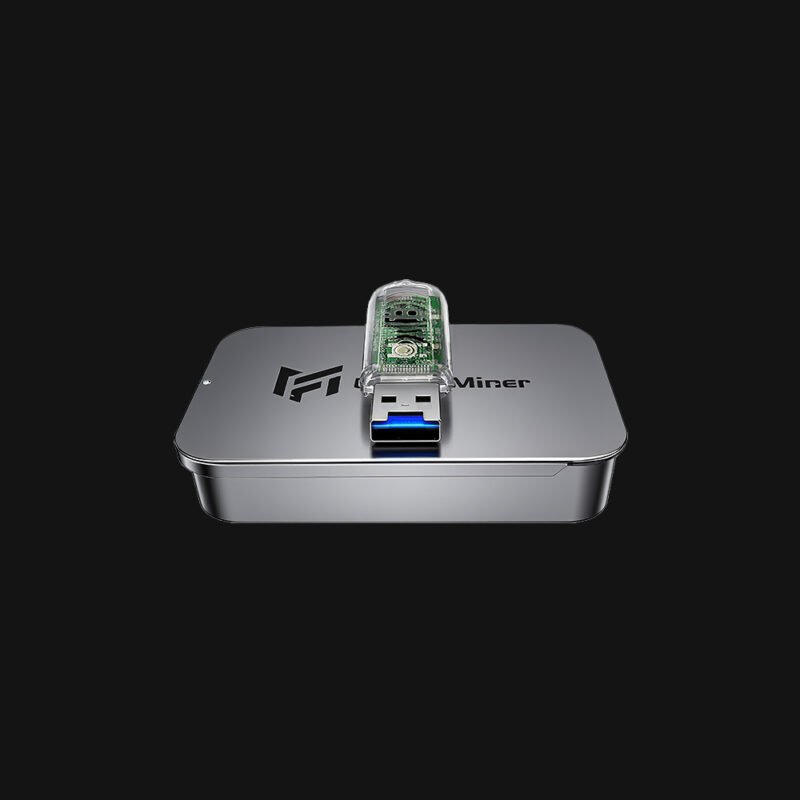
Dual connectivity options include USB-C power (2.4A+ required) and 2.4G WiFi for wireless management. Passive cooling ensures silent operation. Compact design with a protective case, ideal for home mining, blockchain education, and DIY experimentation.

SKU: LYLV02NN Category: Tags: , Brand:
Description

Lucky Miner LV02 – 250KH/s 1W Educational Bitcoin Miner with LCD

Key Technical Features

  • 250KH/s Hash Rate – BM1366 ASIC chip delivers professional efficiency
  • 1W Ultra-Low Power Draw – Sustainable operation for 24/7 learning
  • 1.9″ Full-Color LCD – Real-time monitoring of hash rate, temperature, and network status
  • Dual Connectivity Options – USB-C powered (2.4A+ required) + 2.4G WiFi for wireless management

Why Choose Lucky Miner LV02?

  • Beginner-Optimized Setup: Pre-configured for solo mining with SHA-256 algorithm
  • Portable Design: 3.5″ x 2.3″ footprint fits in palm (includes protective case)
  • Passive Cooling System: Silent operation with aluminum heat dissipation
  • Education-Focused: Ideal for universities, tech workshops, and home labs

Ideal Use Cases

  • Home Miners: The Lucky Miner LV02’s compact size (smaller than a shoebox) and low noise make it perfect for apartments, garages, or home offices.
  • Blockchain Educators: Teach mining fundamentals with a user-friendly device that includes detailed manuals and troubleshooting guides.
  • DIY Enthusiasts: Experiment with solo mining via the lottery mode or test energy efficiency metrics using real-time power consumption dashboards.

Recommended Mining Pool for LV02/LV03

  • URL: pool.sethforprivacy.com
  • Port: 3333
  • User: BTC wallet address

Lucky Miner LV02

You can download product resources via the link below.

LV02-User-Manual.pdf

Additional information
Weight0.06 kg
Dimensions8.5 × 5.3 × 3.2 cm
FAQ
LV02 – Core Specifications LV02 · SHA256 · 250KH/s
+

1.1 Hashrate & Power

What is the hashrate and power consumption of the LV02 home miner?
The LV02 delivers a typical hashrate of 250 KH/s with an ultra-low power consumption of just 1W. This makes it one of the most energy-efficient home miners available. It uses the SHA256 algorithm and can be powered via a standard USB-C port.
What are the hardware features of this solo miner?
The LV02 features a 1.9-inch full-color mini display and 3 physical buttons (Reset, Screen, Restart). It supports USB-C connectivity and 2.4G WiFi. The device weighs only 2.11 oz (about 60g), making it highly portable.

1.2 Package Contents

What is included in the LV02 package?
The package includes 1 x Luckyminer LV02, 1 x Quick Start Guide, and 1 x Data cable.
Setup & Configuration WiFi · Solo Mining · Buttons
+

2.1 Power On & WiFi Connection

How do I power on the LV02 home miner?
Locate the USB-C port on the miner and connect it to a USB-C power source (computer, power bank, or compatible adapter). The device will automatically power on after 3–5 seconds, and the full-color display will activate immediately.
How do I connect this solo miner to WiFi?
Open your device's WiFi settings and search for the hotspot "Luckyminer AP". Select it and enter the default WiFi password (marked on the product or quick start guide). Once connected, the miner's display will automatically switch to the configuration interface.

2.2 Mining Configuration

How do I configure solo mining on the LV02?
Follow these 8 steps on the configuration page (accessible via IP 192.168.4.1):
  1. Select your local 2.4G WiFi network.
  2. Confirm the selected WiFi name.
  3. Enter your local WiFi password.
  4. Input the solo mining pool address (see recommended pools below).
  5. Enter the corresponding mining pool port number.
  6. Input your Bitcoin wallet address for mining rewards.
  7. Modify the designated number to 8.
  8. Click "Save" to confirm all settings.

2.3 Button Operations

What do the 3 physical buttons do on this home miner?
The LV02 has 3 buttons: Reset (short press to switch display screens), Screen, and Restart. Short press = quick tap; long press = hold for 6 seconds.
Mining Pools & Real-Time Status Recommended Pools · Hashrate View
+

3.1 Recommended Solo Mining Pools

Which mining pools are recommended for this solo miner?
Below are recommended pools for the LV02:
  • public-pool.io: Port 21496, Official web: web.public-pool.io, Direct connection: Yes
  • pool.nerd-miners.org: Port 3333, Official web: nerdminers.org, Direct connection: Yes
  • solo.ckpool.org: Port 3333, Direct connection: No
  • btc.zsolo.bid: Port 6057, Direct connection: No
  • eu.stratum.slushpool.com: Port 3333, Direct connection: No
Note: Pool information is for reference only. Always check official pool websites for the latest URL and port updates.

3.2 View Real-Time Mining Status

How do I check the real-time hashrate and mining status of this home miner?
Open the webpage https://web.public-pool.io/#/ on your mobile or computer browser. Enter your Bitcoin wallet address (the one you used during configuration) in the designated field. Click "My Workers" to view real-time hashrate, mining progress, and device status.
Troubleshooting Guide Display · WiFi · Configuration
+

4.1 Common Issues & Solutions

This home miner shows no display after power connection. What should I do?
Check the USB-C power connection. Confirm that the power source is active and working properly.
I cannot find the "Luckyminer AP" hotspot. What should I do?
Restart the miner. Ensure the device is fully powered on and wait 3–5 seconds for the hotspot to appear.
WiFi configuration fails on this solo miner. What could be wrong?
Verify that you are using a 2.4G WiFi network (5G is not supported). Re-enter your WiFi password and double-check the mining pool information for accuracy.
Warranty & Disclaimer 1-Year · Coverage · Risks
+

5.1 Warranty Information

What is the warranty period for this home miner?
The LV02 is covered by a 1-year limited warranty against defects in materials and workmanship under normal residential use, commencing from the date of purchase.
How do I make a warranty claim for my solo miner?
Contact customer support at business@magicminer.cc with your order number, product serial number, and a clear description of the issue. We will respond promptly and provide instructions for repair, replacement, or refund.
What voids the warranty for this home miner?
This warranty does not cover damage caused by improper use (including use with incompatible power adapters), operation in extreme environments, physical damage, unauthorized modification, or use in jurisdictions where mining activities are restricted or prohibited. It also does not cover damage resulting from accidents, neglect, or failure to follow the operating instructions.

5.2 Disclaimer

What are the risks associated with solo mining using this device?
Bitcoin mining involves inherent risks, including cryptocurrency market volatility, network difficulty changes, and no guaranteed mining rewards. Solo mining rewards are based on current Bitcoin network rules and are subject to change; successful block mining is random and not guaranteed.
What is the manufacturer not responsible for?
The manufacturer is not responsible for any losses caused by incorrect wallet address entry, mining pool service interruptions, or network issues.
Reviews (0)

Reviews

There are no reviews yet.

Be the first to review “Lucky Miner LV02”

RELATED PRODUCTS