



-150x150.png)



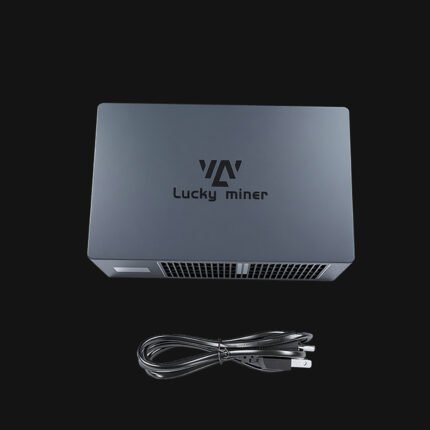
Power Adapter & Plug(Mining machine )
Original price was: $59.00.$50.00Current price is: $50.00.
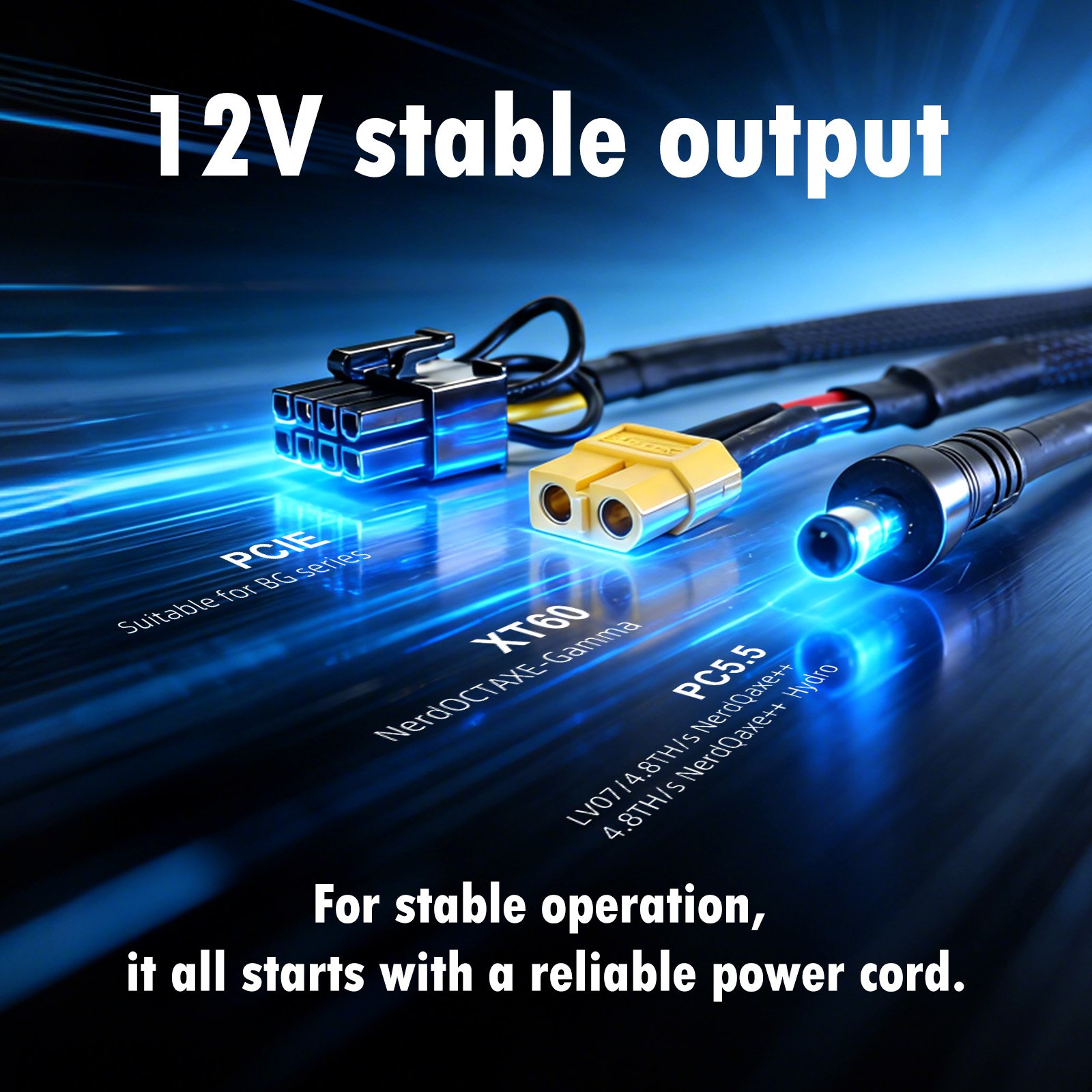
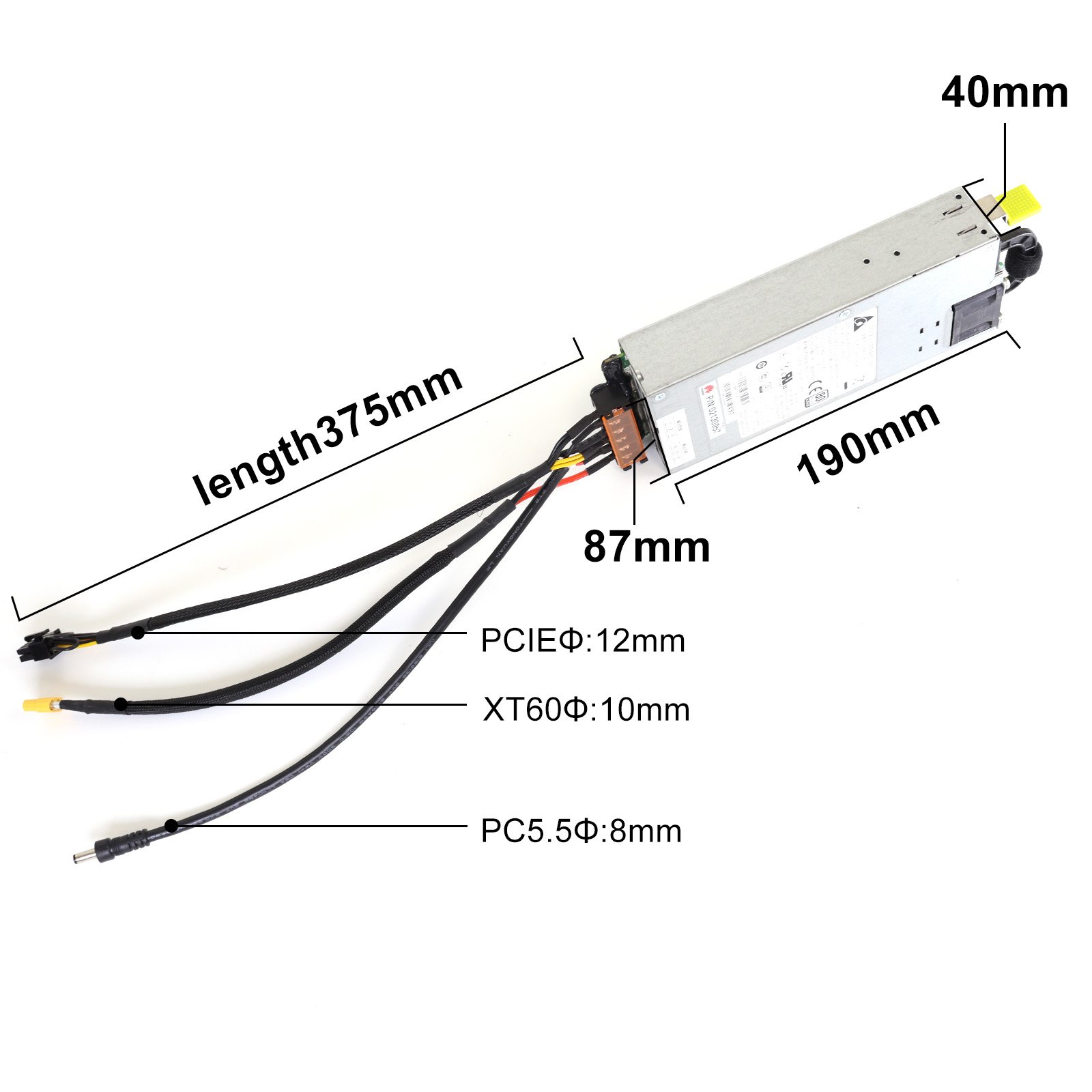
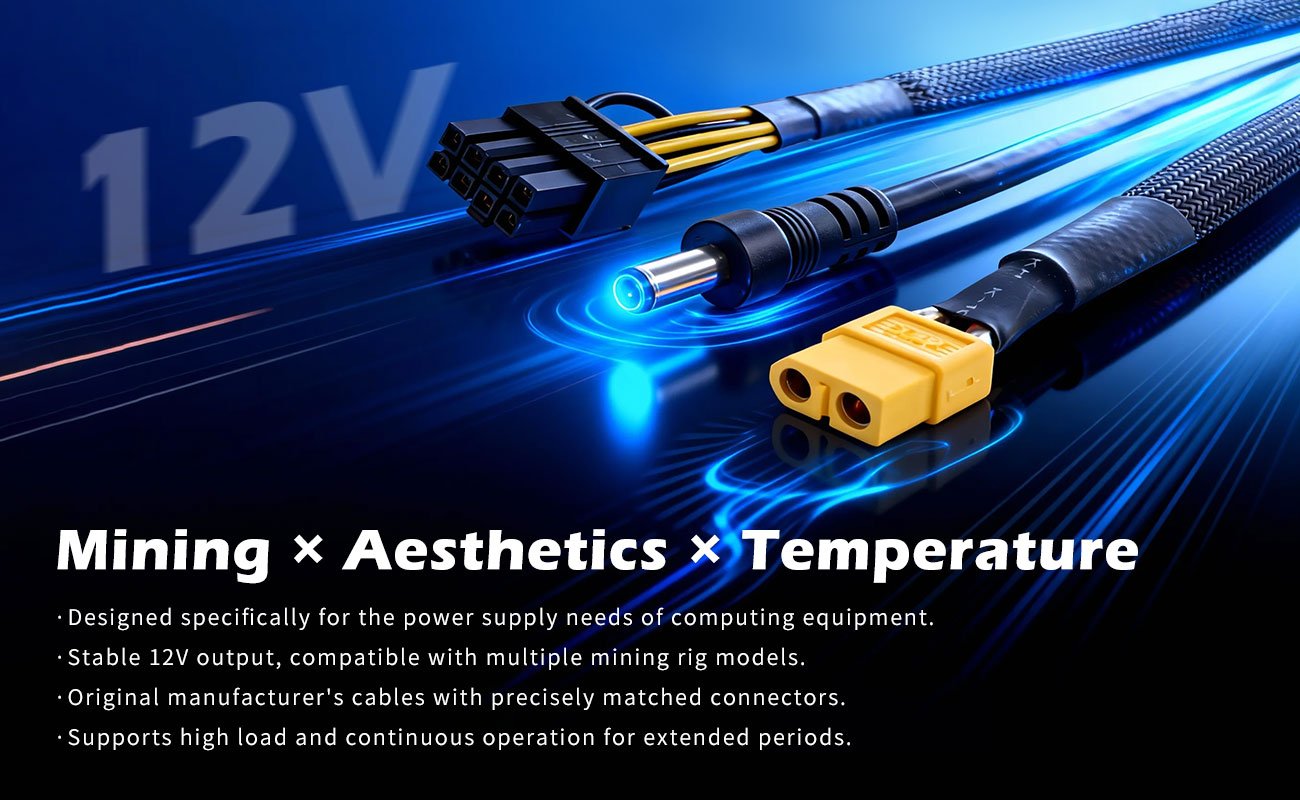
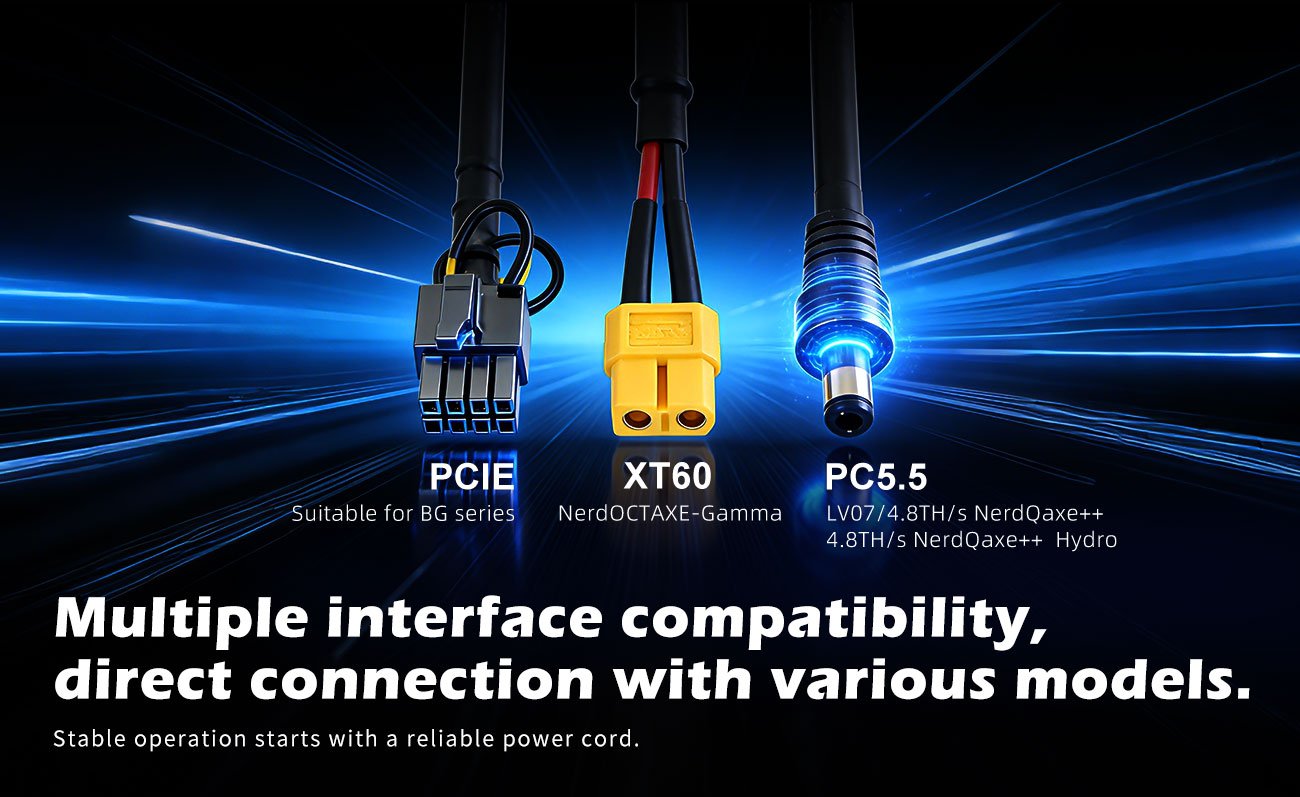
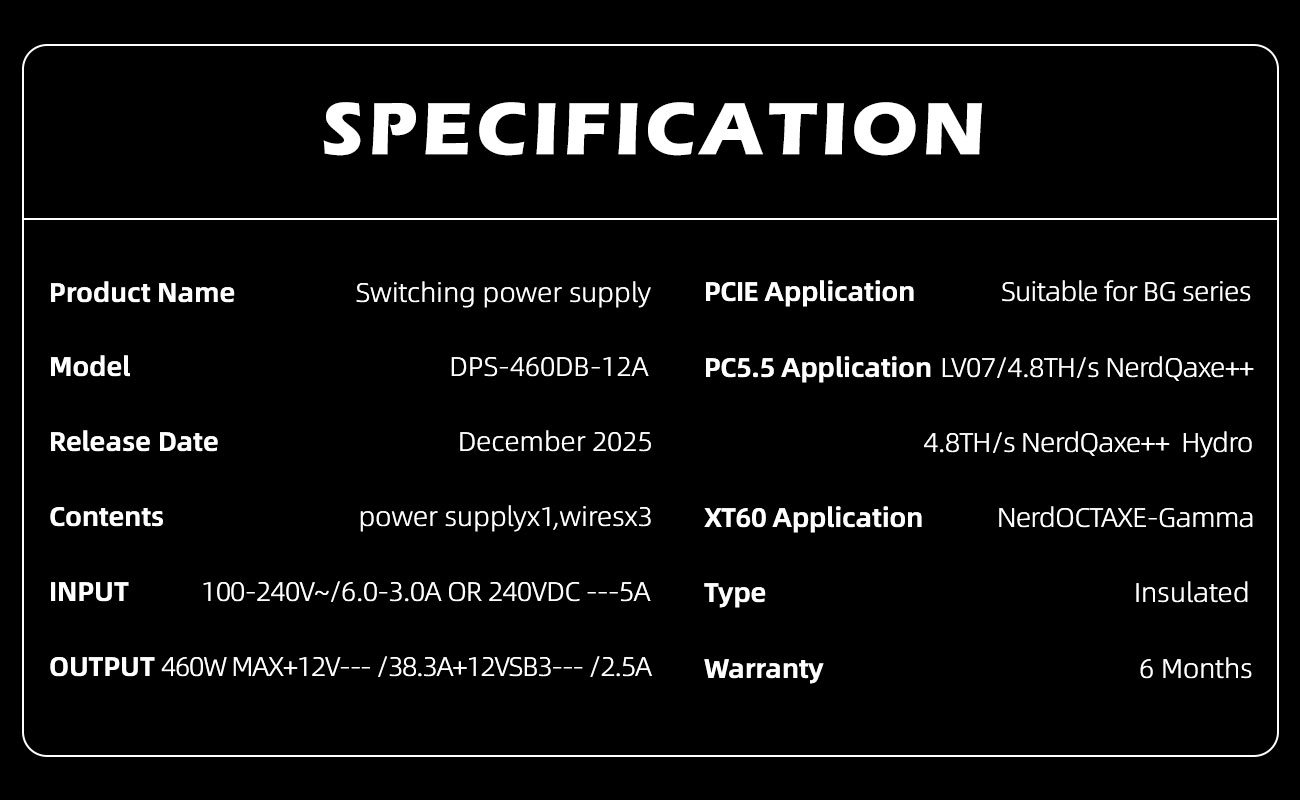
The MM-P300 power adapter can be used for blockchain mining machines such as BTC/BCH/BSV/XC/FB/… For example, XT60 can be used to match NerdOCTAXE mining machines, PC5.5 can be used to match NerdQaxe++or gamma, or PCIE can be used to configure Suitable for BG series
Out of stock
The MM-P300 power adapter can be used for blockchain mining machines such as BTC/BCH/BSV/XC/FB/… For example, XT60 can be used to match NerdOCTAXE mining machines, PC5.5 can be used to match NerdQaxe++or gamma, or PCIE can be used to configure Suitable for BG series
This power adapter is compatible with voltages of 100-176V and 176-264V. Depending on the recipient’s destination country, corresponding plugs are configured, including CN, EU, BR, AU, UK, US and other standard plugs. You can rest assured to place your order, and our packaging colleagues will provide you with the correct plugs.
1. Order
Q: Where to purchase Magicminer/Luckyminer?
A: For small orders, can order through ourofficial stores on third party e-commerce platform like aliexpress/Amazon, or local authorized dealers.
For bulk order, contact with our sales directly.
+852-56140308(WhatsApp)
Q: What is the minimum order quantity (MOQ)?
A: We can provide 1-10 small quantity samples before the bulk order.
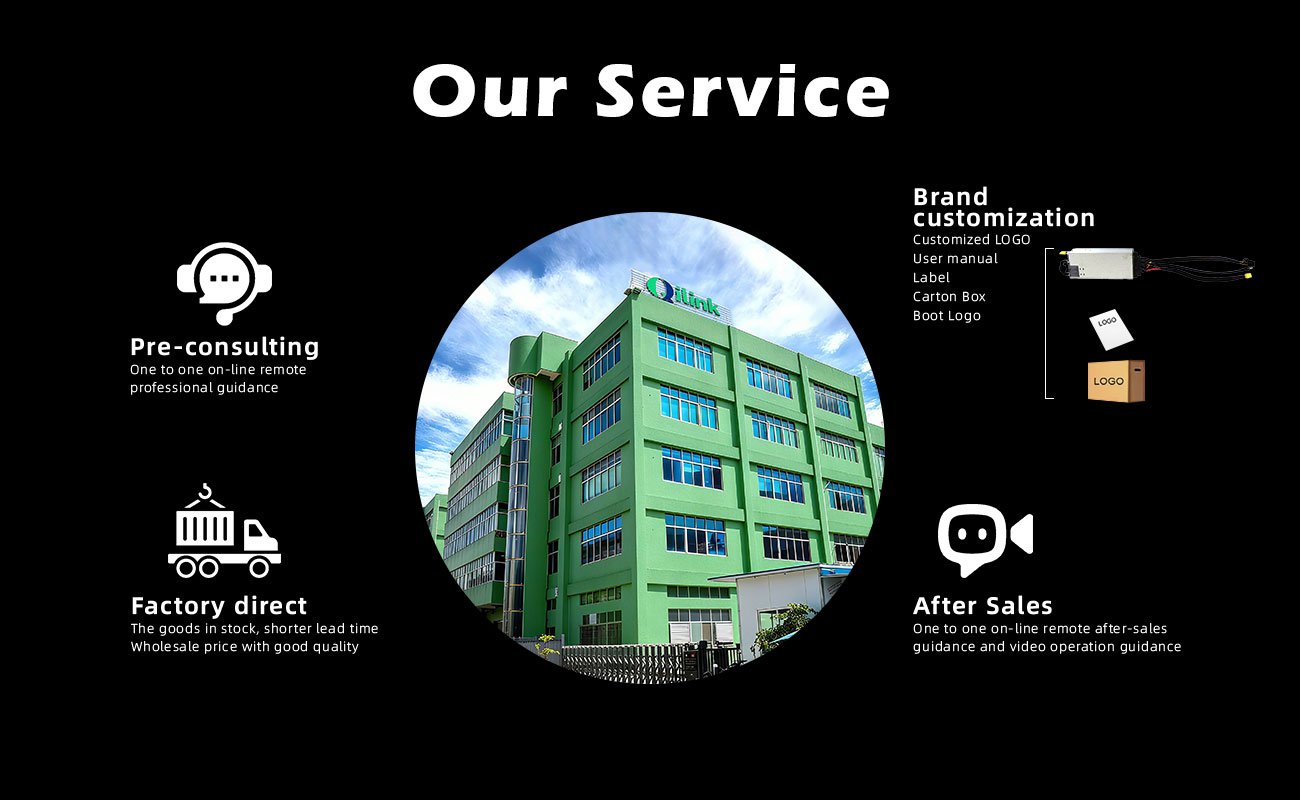
Q: Do you offer OEM and ODM services? Can the brand be customized based on our own?
A: Of course, we provide ODM and OEM services to many customers. MOQ is 500 pcs.
Contact us to design your own branded products. : +852-56140308(WhatsApp)
Q: May I use USD/Credit Card/Debit Card to make the payment?
A: We support bank transfer/Paypal and cryptocurrency for now.
2. Logistics
Q: How do you ship? How long does delivery take?
A: For small orders, we typically use DHL, UPS, EMS, FedEx, or TNT. Delivery typically takes 5-7 days. We also offer air and sea freight services. We have a strong freight forwarding team and can provide you with a one-stop service, including DDP and DDU.
Q: Is international shipping supported?
A: Yes. Global delivery supported.
Confirm details with customer service
3. After-sales and Support
Q: What is the warranty period?
A: 6 months. See after-sales service policy for details.
Q: How to get after-sales service?
A: Contact customer service via website, WeChat, phone, or email. 24/7 tech support available.
Q: Is there a user manual?
A: Each device includes a printed manual. A digital version is available for download.
Q: Is there an official user group?
A: Yes. Join the official Magicminer community to exchange experiences and updates.
4. Product
Q: Do your products have relevant certifications?
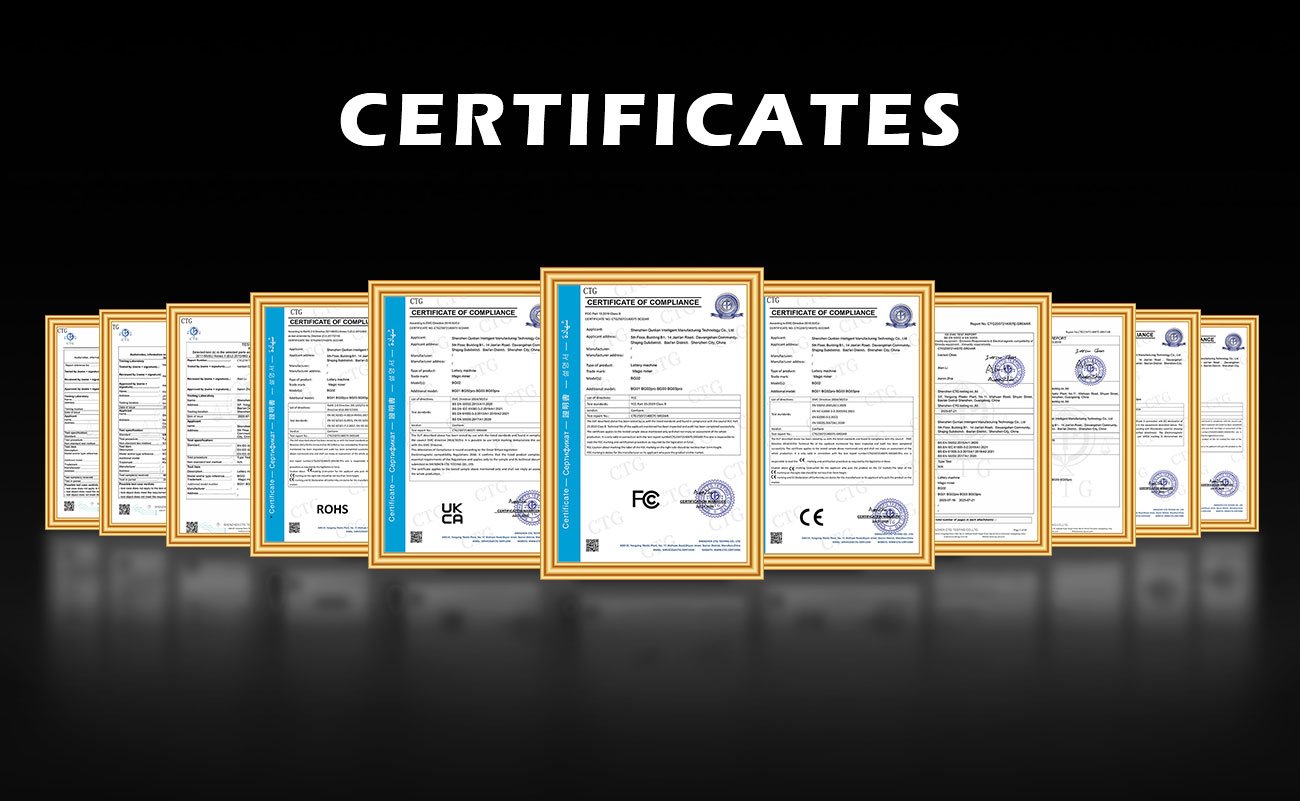
A: Yes, our products are certified for CE/FCC/UKCA/UL/ROHS.
Q: Which PSU would be suitable for BG02?
A: PCIe 6-pin is acceptable, but PCIe 8-pin is recommended.
Q: Can the Magic miner Bg02 firmware be updated? It’s at version 1.0.0.
A: The BG02 firmware is currently only 1.0.0.
Q: Cannot connect with Wifi?
A:1. Wi-Fi only supports 2.4G and cannot connect to 5G.
- Do not use special characters in the Wi-Fi name and password.
- The actual password is the saved password and has not changed; it is simply not displayed on the front panel.
- It is recommended to power cycle the router and device.
- Check that the external Wi-Fi antenna is securely screwed in.
- Test the device by turning on the hotspot on your phone to see if it can connect.
- The device is too far from the router for sufficient signal strength. Try moving it closer to the router. If none of the above work, disassemble the device to see if the Wi-Fi antenna connector is loose.
Q: No harsh rate
A: Try the following steps:
- Disable the router firewall.
- Try a different mining pool, network environment, or use a mobile hotspot.
If the issue persists, please provide a photo of your device’s S/N number, along with screenshots of the dashboard and login page.
This information will help our engineers diagnose and resolve your issue more efficiently.
Login Page: Check the log data by selecting “Logs” → “Show Logs.”
Customer Service: +852-56140308(WhatsApp)
Q: Can not visit the web interface
A: Restart your mining machine