
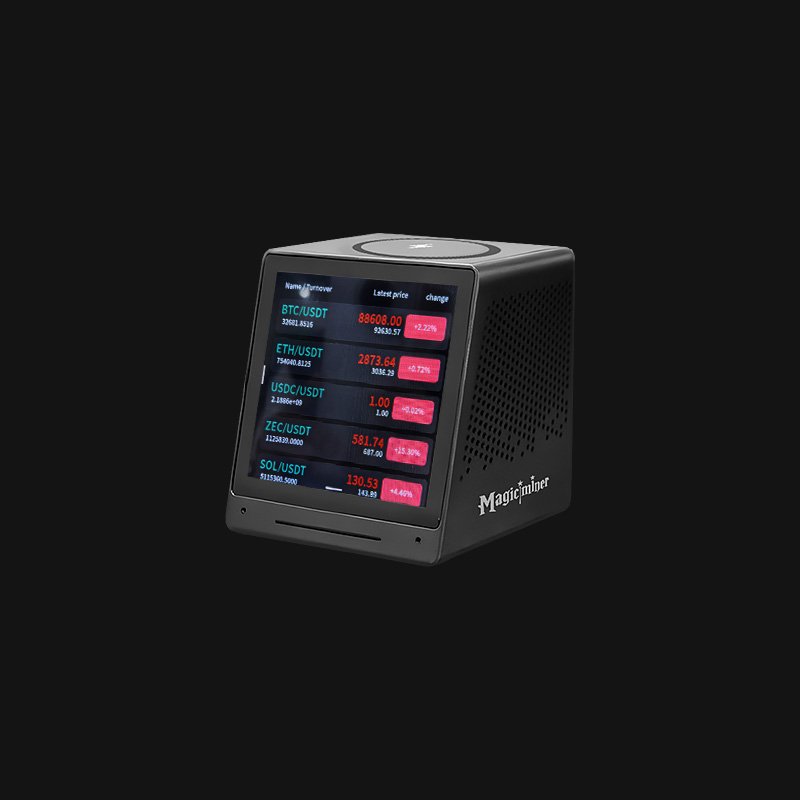
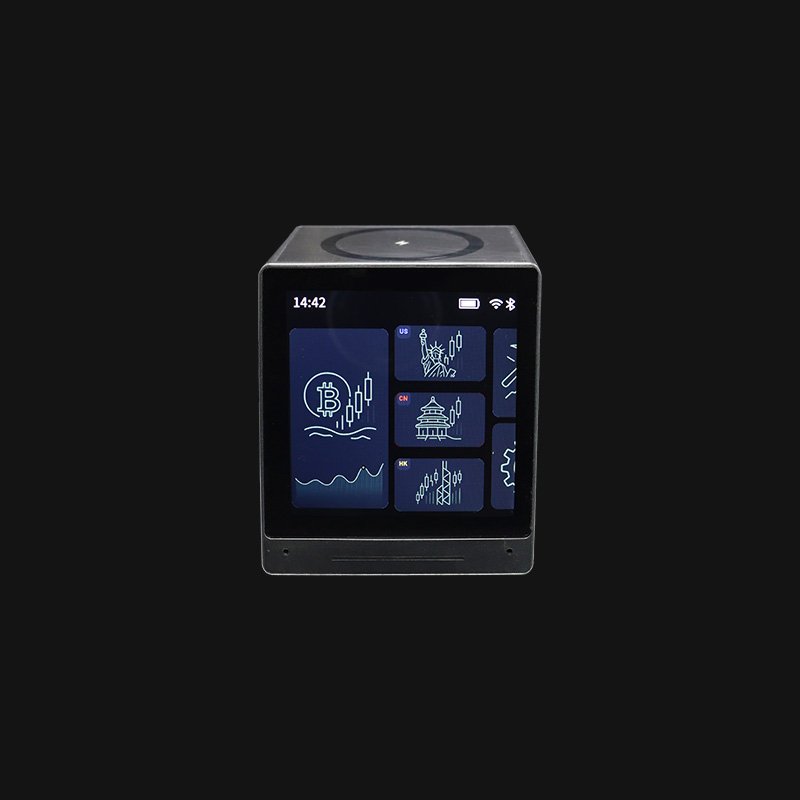
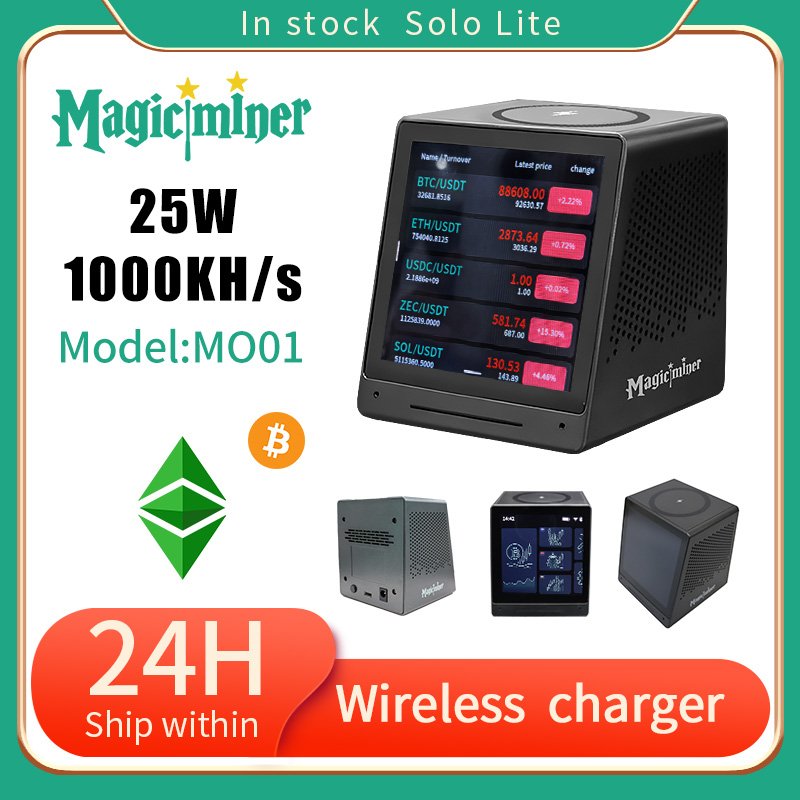








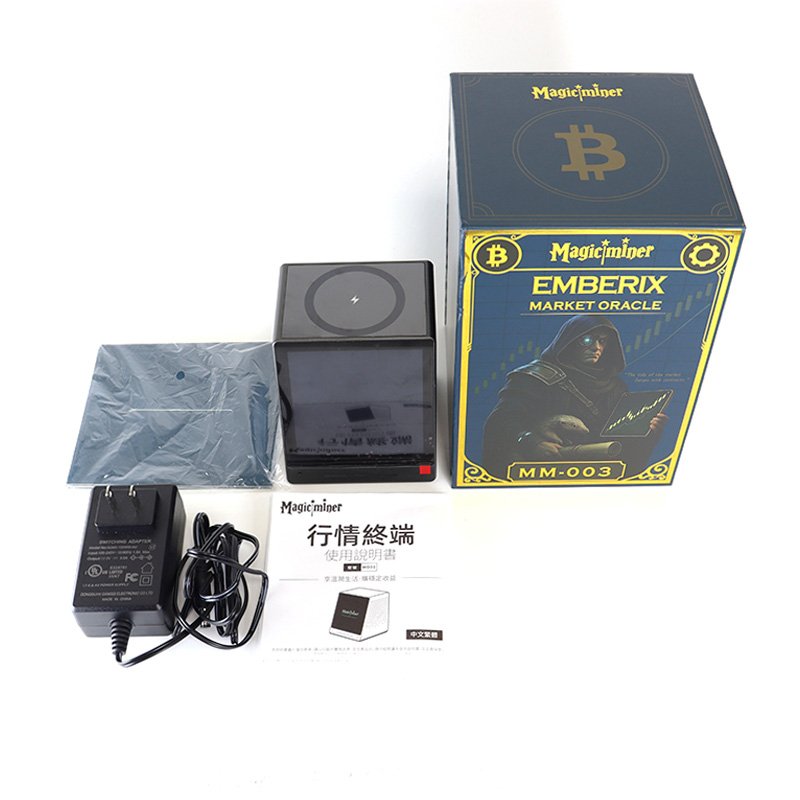
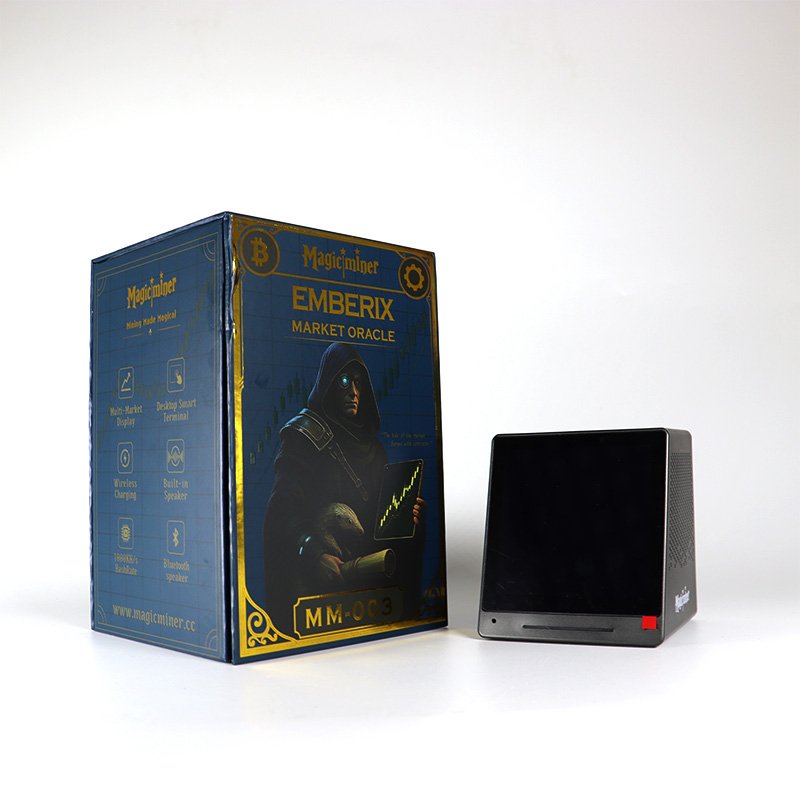
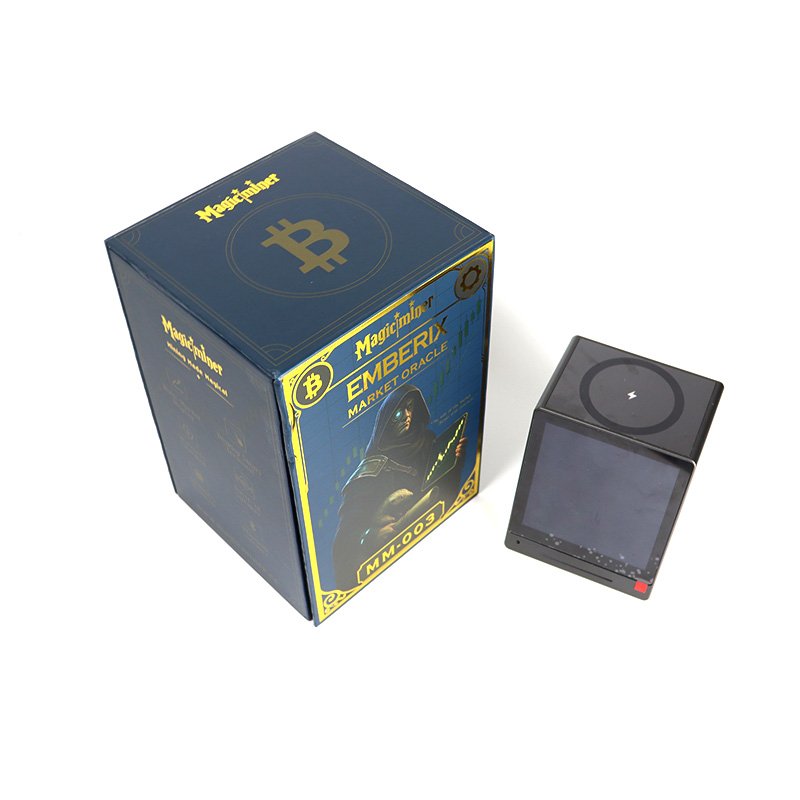
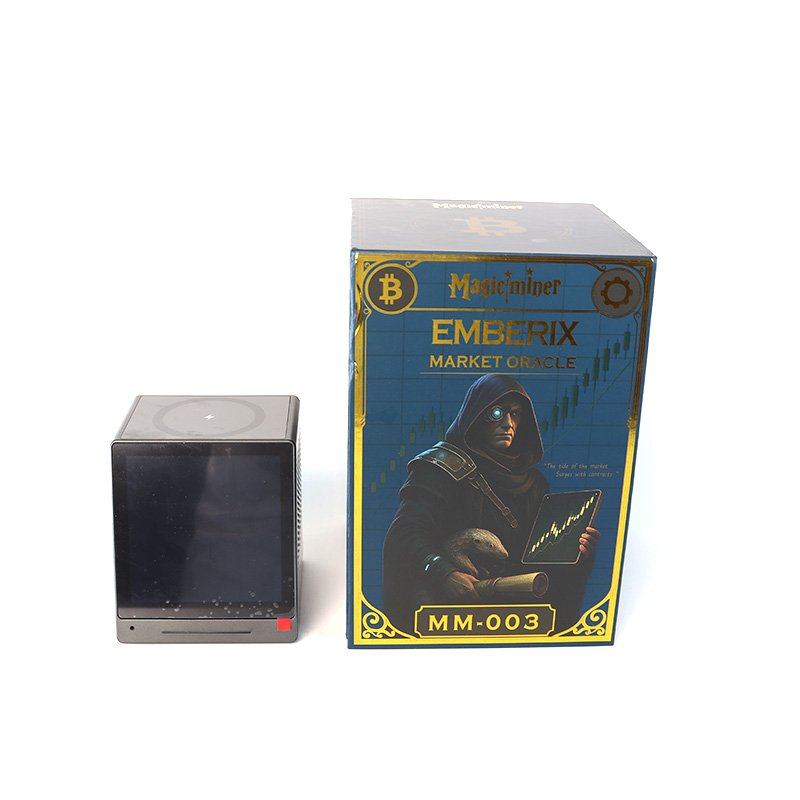
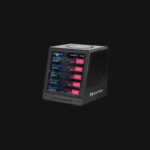
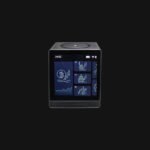
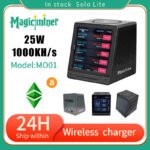
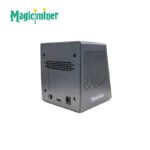
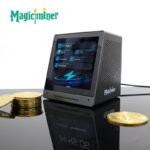
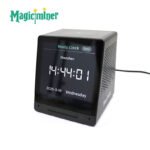
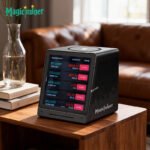


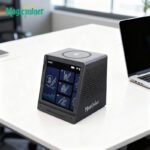



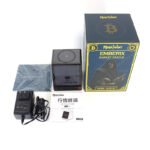


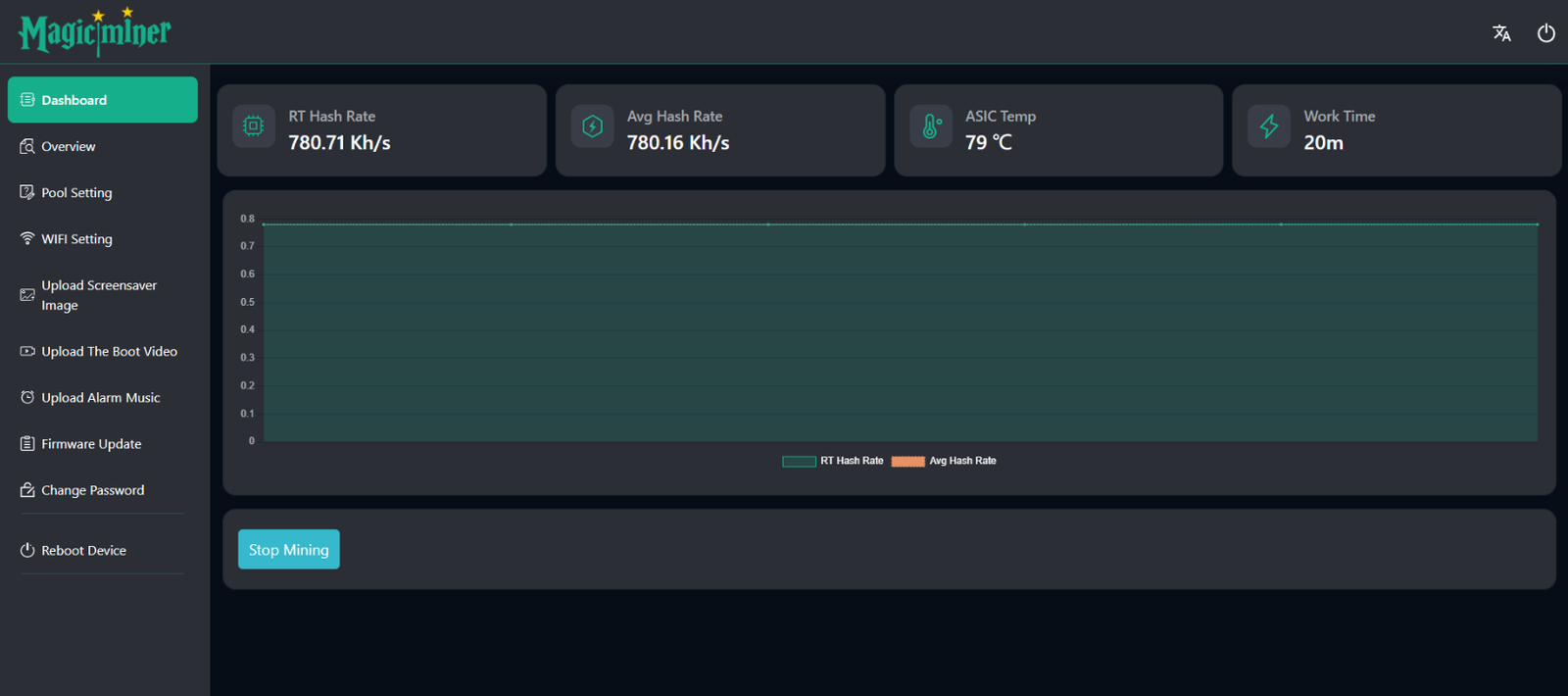
The screenshot of MO01 Web Dashboard:


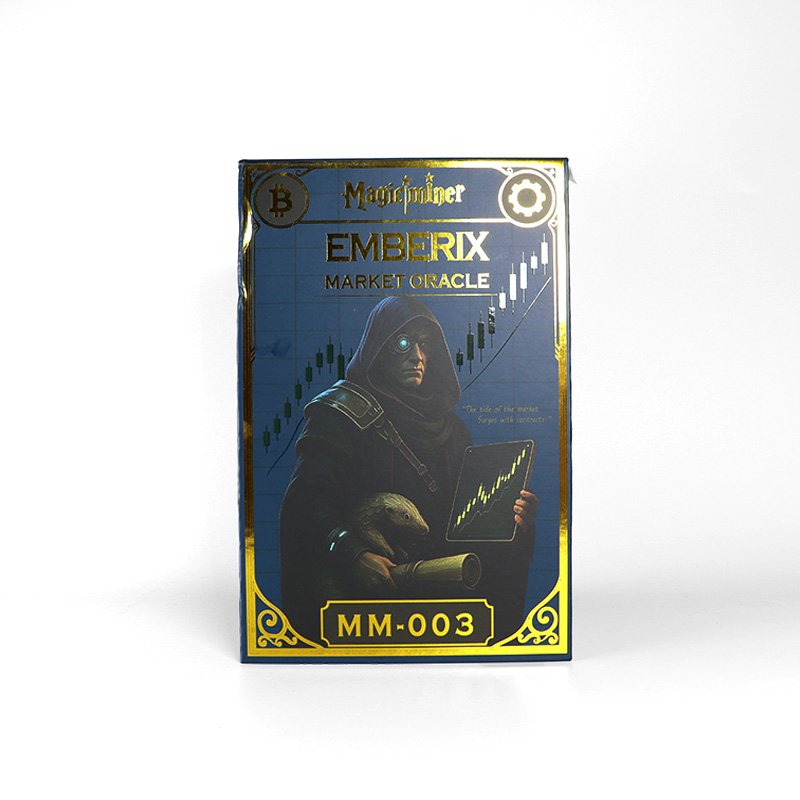
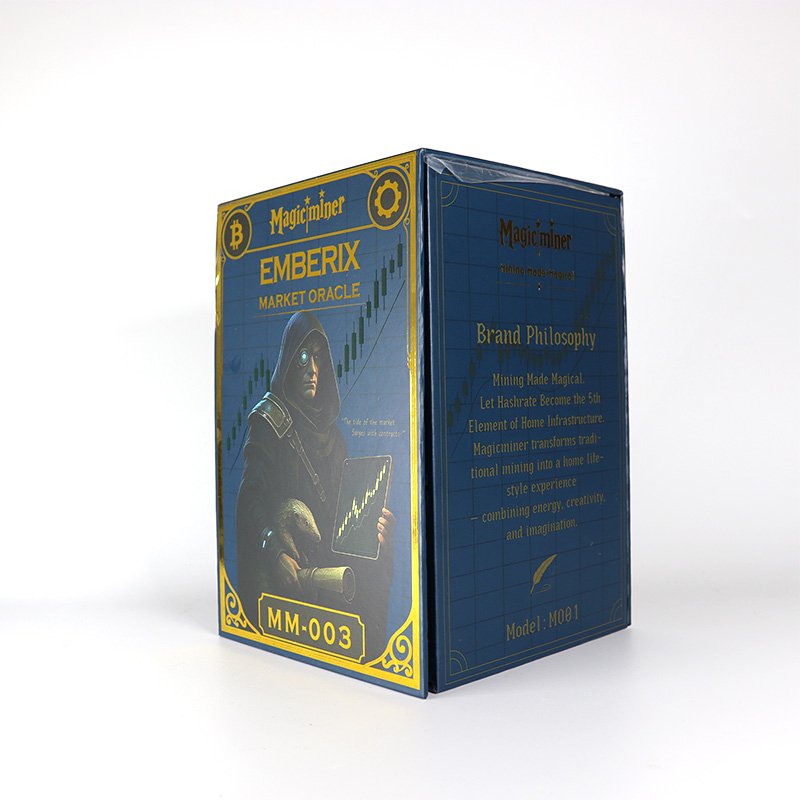
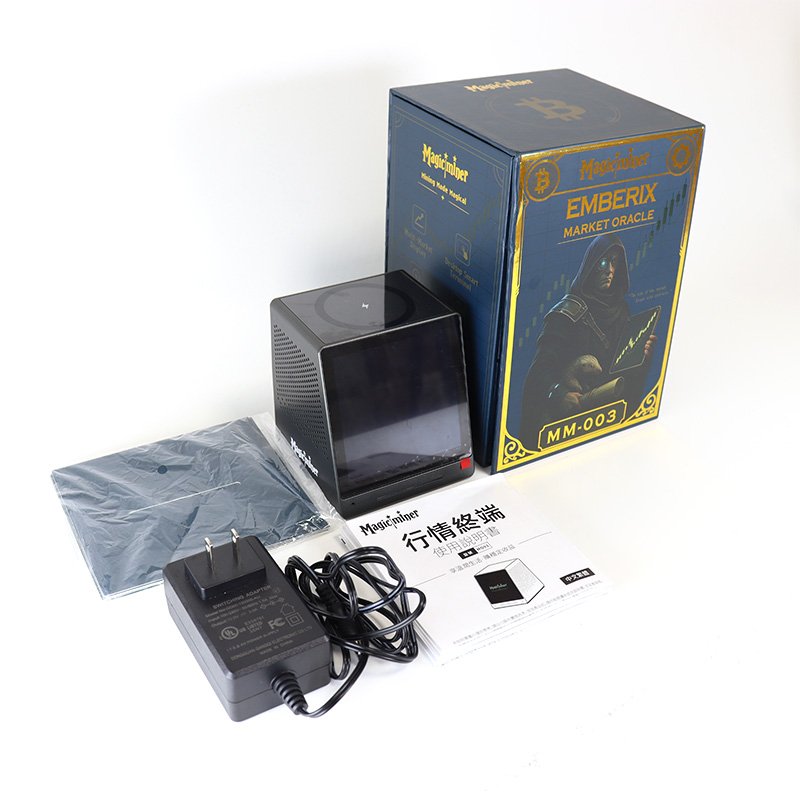
Magicminer MO01 – Smart Market Data Terminal with Wireless Charging & Bluetooth Audio
Mining Made Magical · Designed for Home & Office Productivity
Product Overview
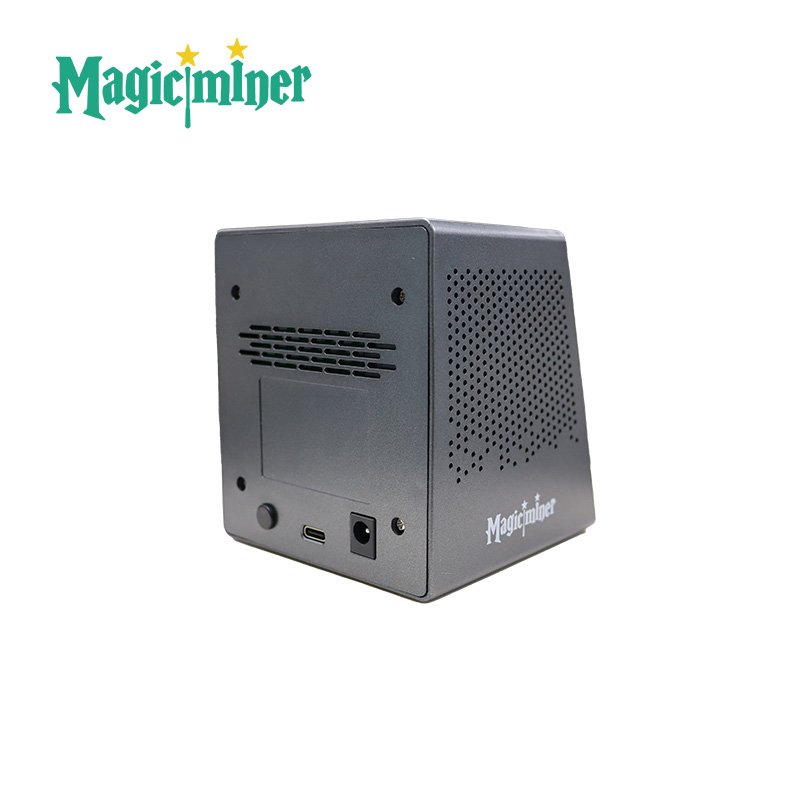
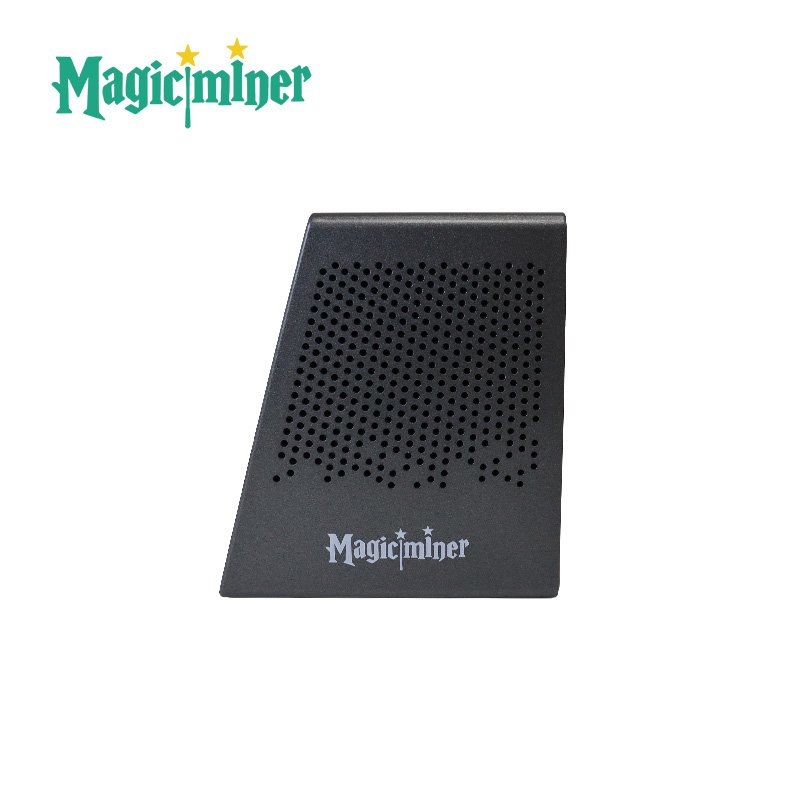
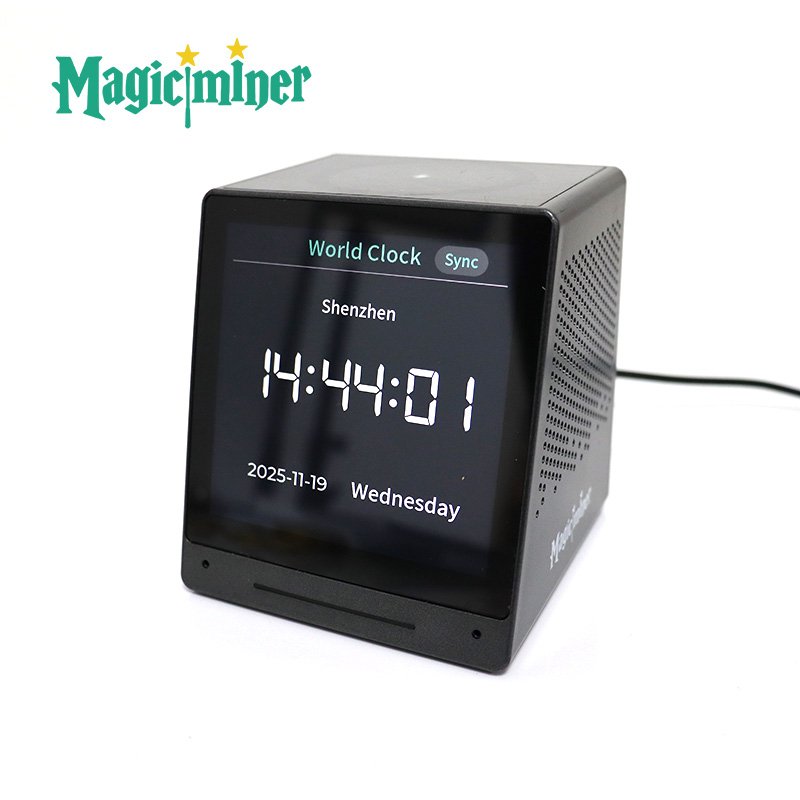
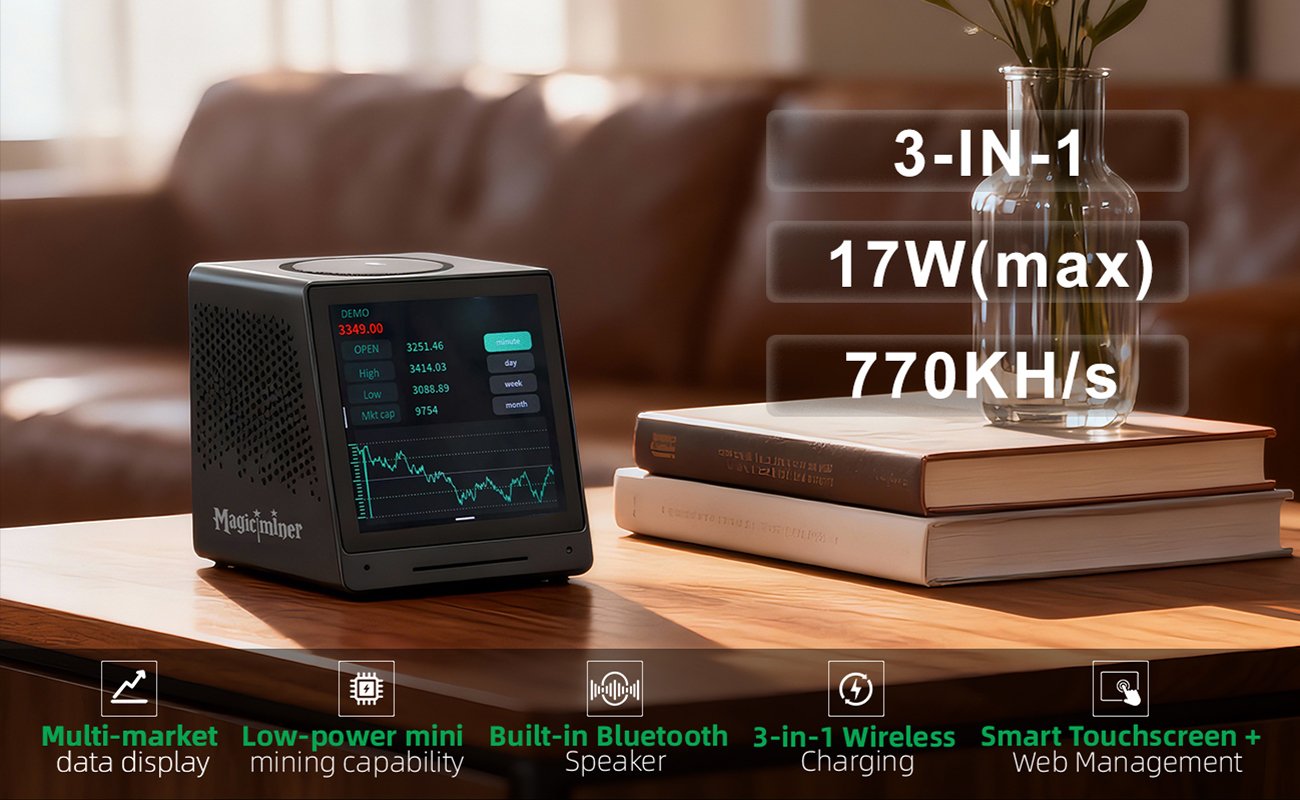
The Magicminer MO01 is an all-in-one smart desktop terminal that seamlessly integrates realtime market data displays, a Bluetooth speaker, a three-in-one wireless charger, alarm clock features, and customizable screen content—all in one compact device.
It is built for users who want instant access to crypto, US stocks, Hong Kong stocks, and A-share market quotes, while also enjoying everyday convenience at home or at work.
Key Features
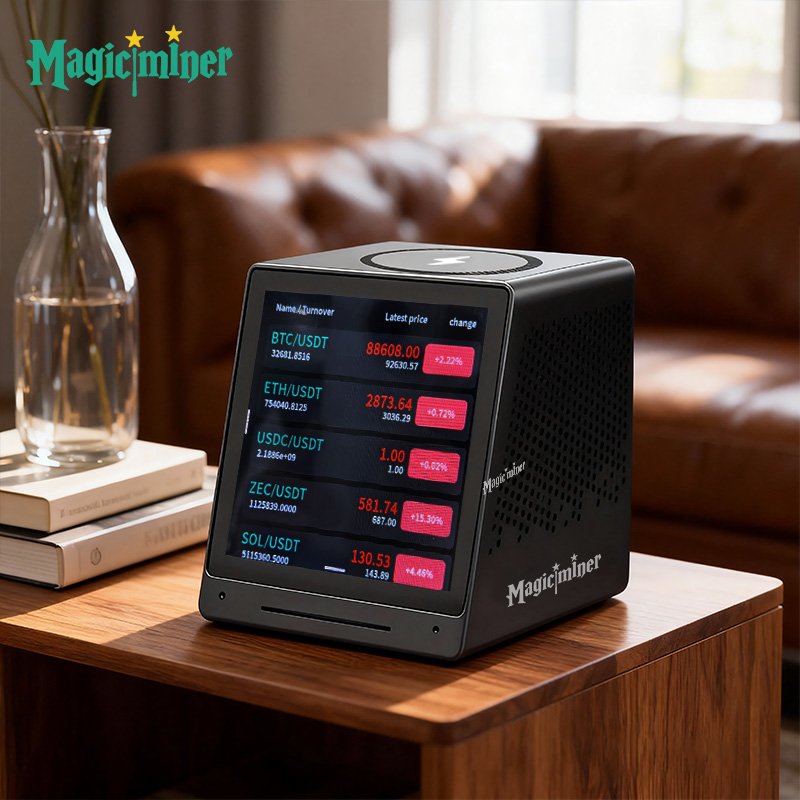
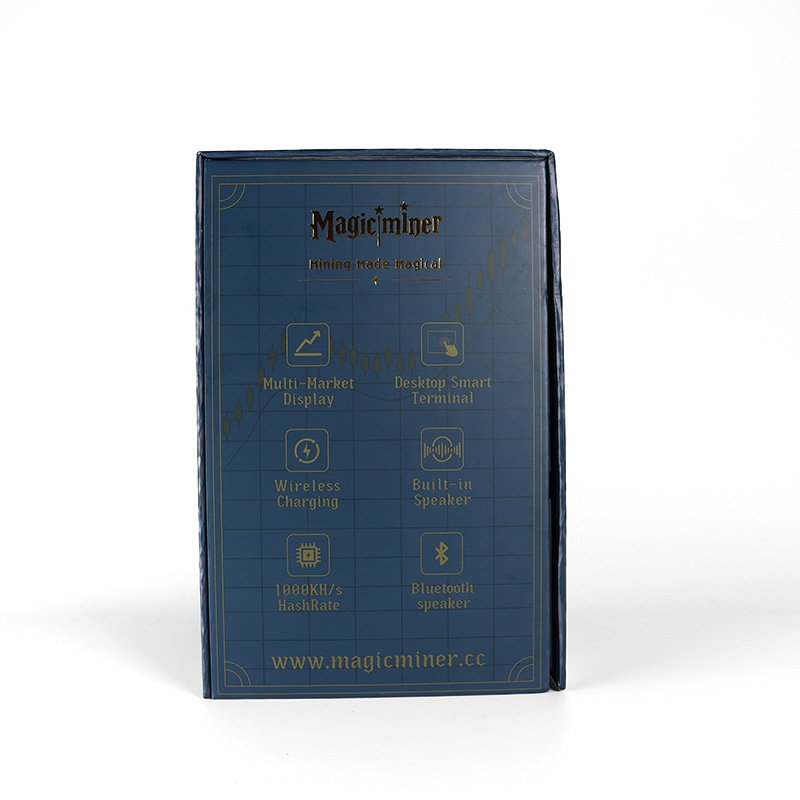
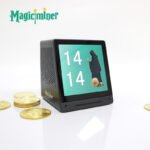
Multi-Market Data Display
Stay updated with global market movements at a glance.
Supports displaying real-time information for:
Cryptocurrency markets
A-share markets
Hong Kong stock markets
US stock markets
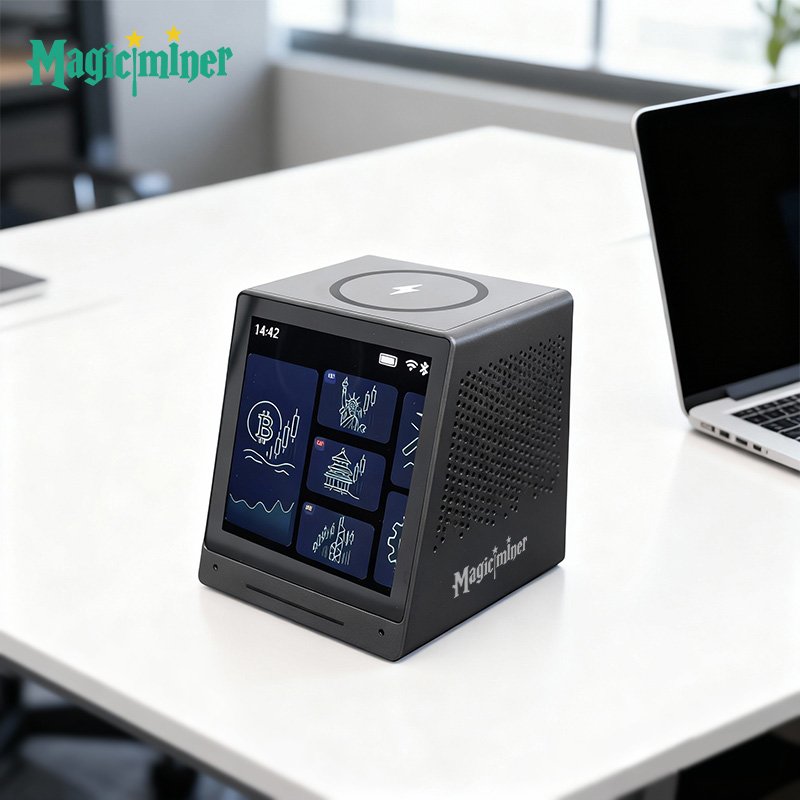
Touch + Web Dual Control
Operate through the responsive touch screen or configure settings via the web management panel:
Display themes & layout
Custom boot animation
Custom screensaver carousel
Network settings
System reboot/restore
Firmware updates
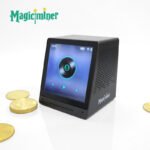
Built-in Bluetooth Speaker
Connect your phone to “MO01-xxxx” and enjoy smooth music playback anytime.
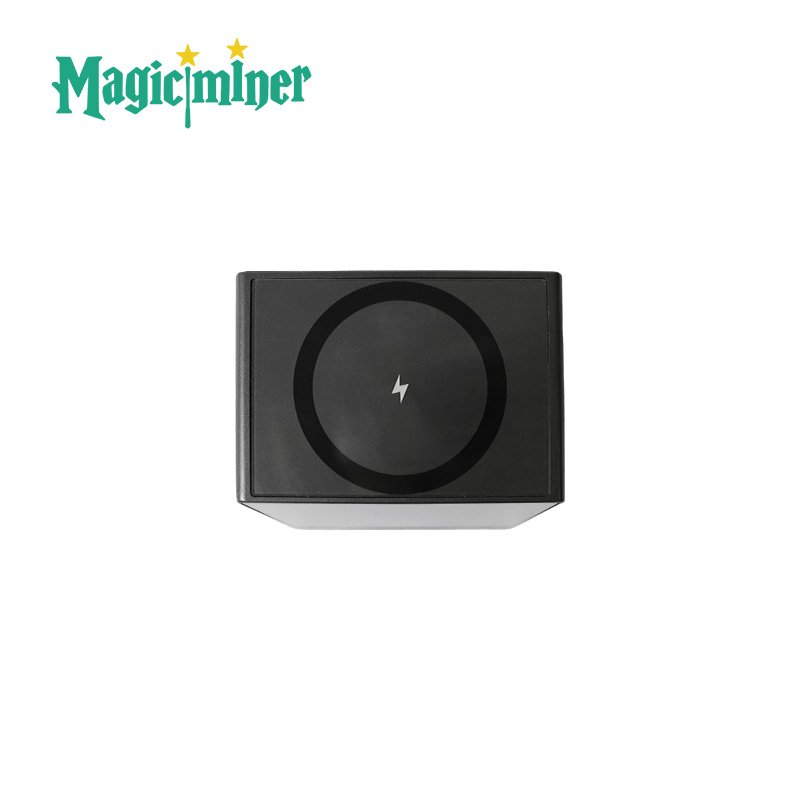
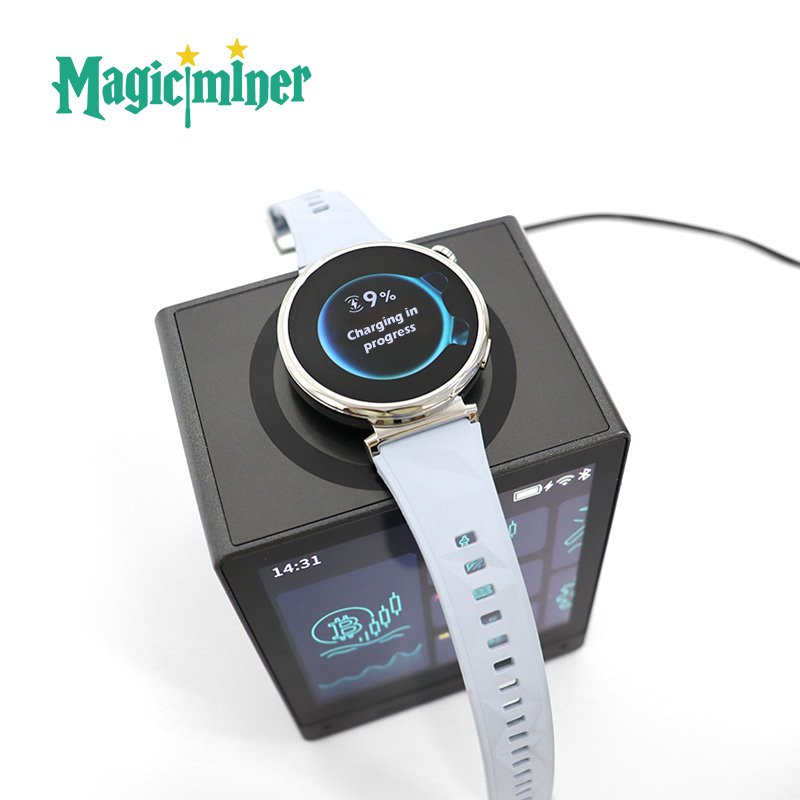
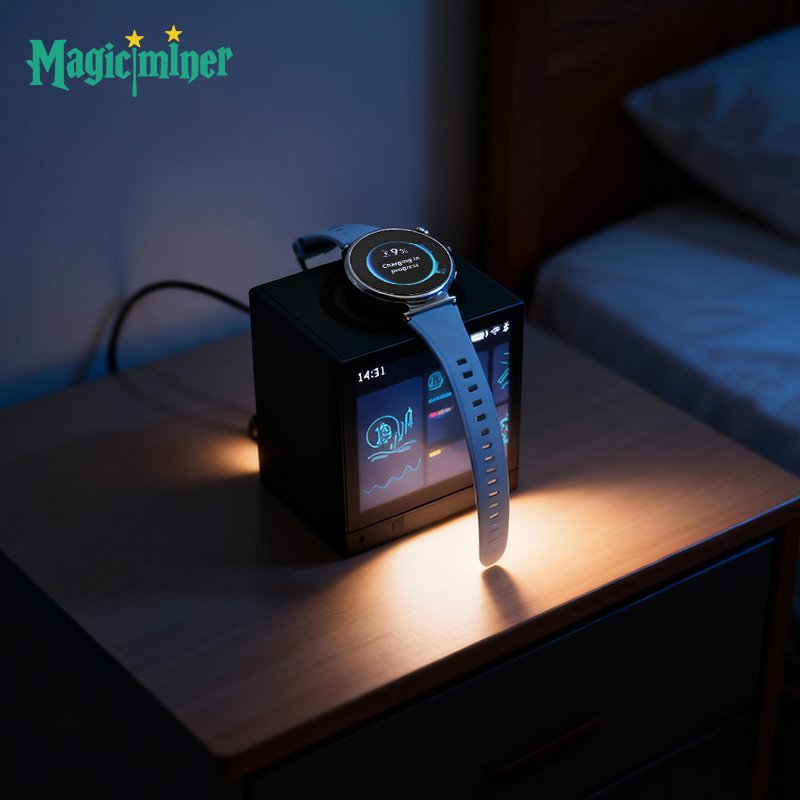
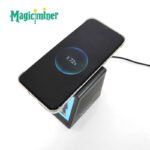
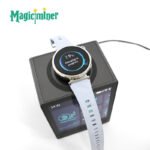
3-in-1 Wireless Charging
Charge your phone, earbuds, or smartwatch on the top center charging area*
(*Charging one device at a time; case thickness requirements apply.)
Dual-Band Wi-Fi + Bluetooth Pairing
Stable and fast connectivity with 2.4G/5G Wi-Fi and Bluetooth.
Automatic Firmware Updates
Always stay up-to-date with the latest system enhancements and new features.
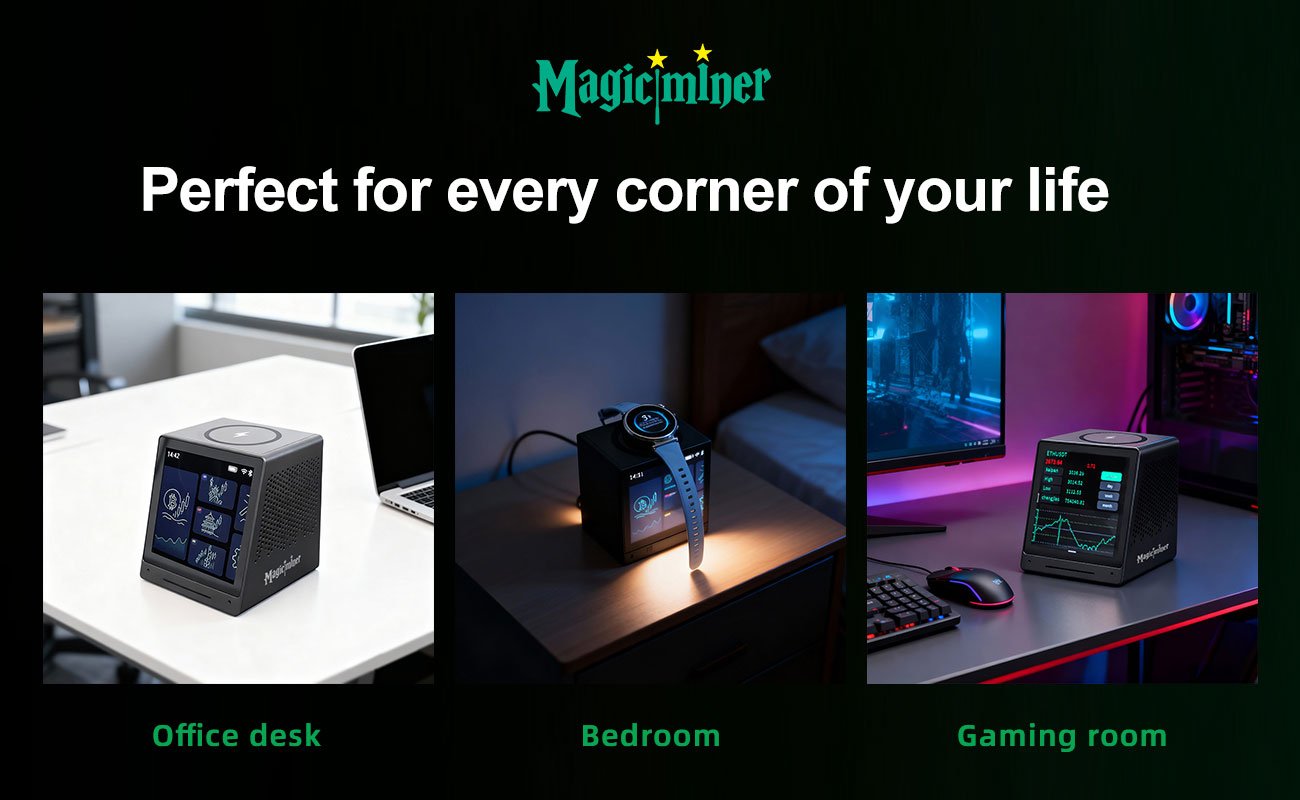
Ideal Use Scenarios
Living Room: Market ticker + family info + wireless charging
Work Desk: Quiet desktop terminal + Bluetooth background music
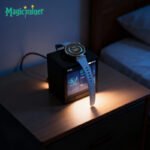
Bedside Table: Low-brightness mode + soft alarm clock
Gaming Setup: Live crypto quotes + ambient screensaver
Reception Area: Custom welcome screens + weather/time board
Kitchen: Music + news podcast station
Study / Kids’ Desk: Clock + study ambience music + fewer distractions
FAQ
Q1: Unable to connect to Wi-Fi?
Check password accuracy and ensure the phone and device share the same network.
Q2: Market data not updating?
Refresh or check the network; if still not working, restart the device.
Q3: Wireless charging not working?
Ensure the device is placed at the charging center and the phone case isn’t too thick.
Q4: Bluetooth has no sound?
Make sure “MO01-xxxx” is connected and your phone volume is turned up.
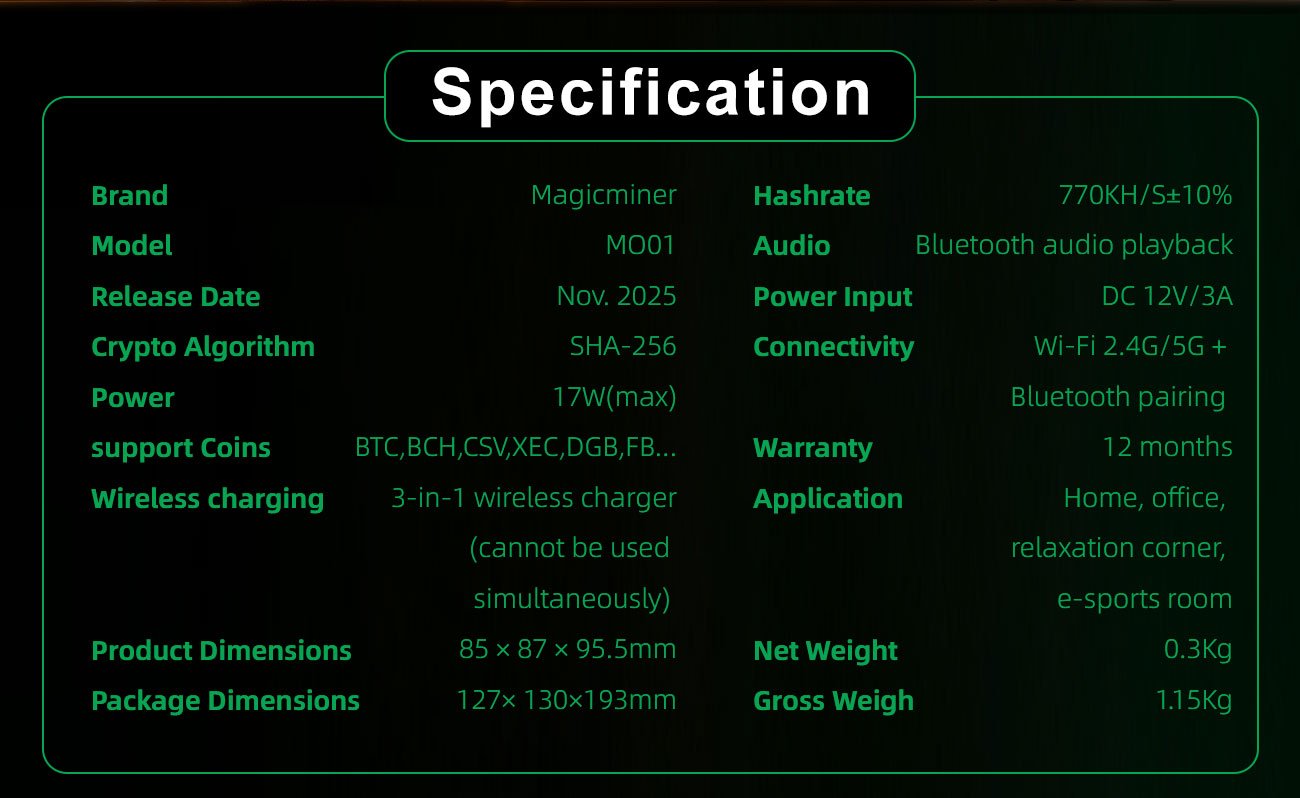
| Brand | Magicminer |
| Model | MO01 |
| Release Date | Nov,2025 |
| Crypto Algorithm | SHA-256 |
| Hashrate | 770KH/s±10% |
| Support Coins | BTC / BCH /CSV / XEC/ DGB / FB … |
| Power | 17W(MAX) |
| Audio | Bluetooth audio playback |
| Wireless charging | 3-in-1 wireless charger (cannot be used simultaneously) |
| Power Input | DC 12V/3A |
| Connectivity | Wi-Fi 2.4G/5G + Bluetooth pairing |
| Noise level | ≤40dB |
| Working Voltage | 12V±5% |
| Networking Connection Mode | RJ45 Ethernet 10/100M &WiFi 2.4G |
| Control Mode | Web-based control |
| Operating Temperature | 0-40°C [or 32-104°F] |
| Fan(s) | 2 |
| Power supply(Optional) | (3+5) GPU Power Ports |
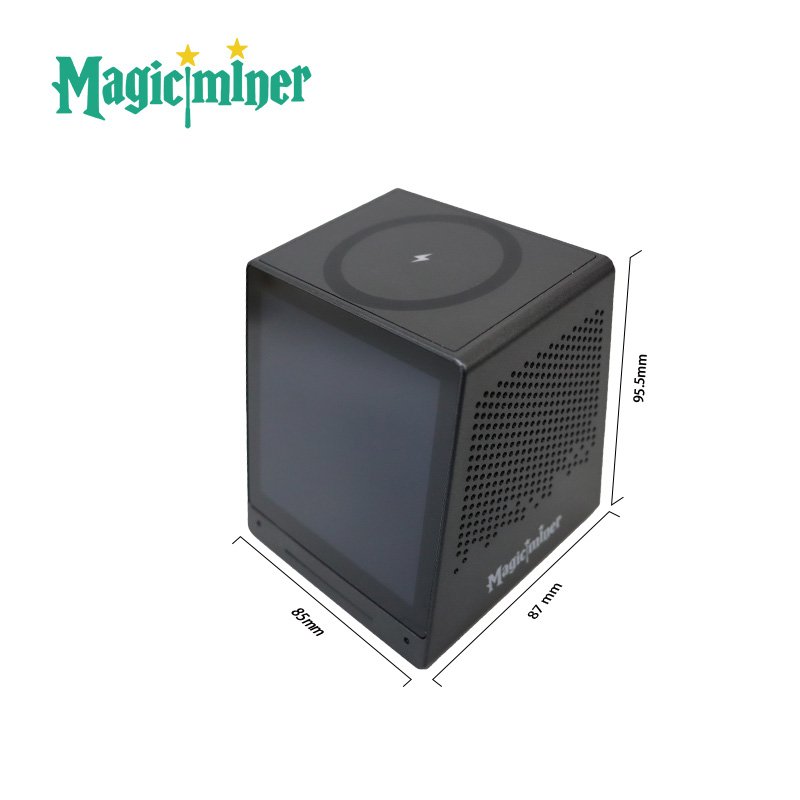
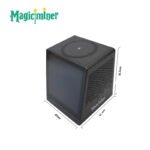
| Product Dimensions | 85 × 87 × 95.5mm |
| Package Dimensions | 127× 130×193mm |
| Net Weight | 0.3Kg |
| Gross Weight | 1.15Kg |
| Warranty | 12 Months |
| Application | Living room, Office desk, Gaming room, |
| Weight | 1.15 kg |
|---|---|
| Dimensions | 12.7 × 13 × 19.3 cm |
| Power Supply Standard | AU Plug, BR Plug, EU Plug, UK Plug, US Plug |
4 reviews for Magicminer MO01
You must be logged in to post a review.
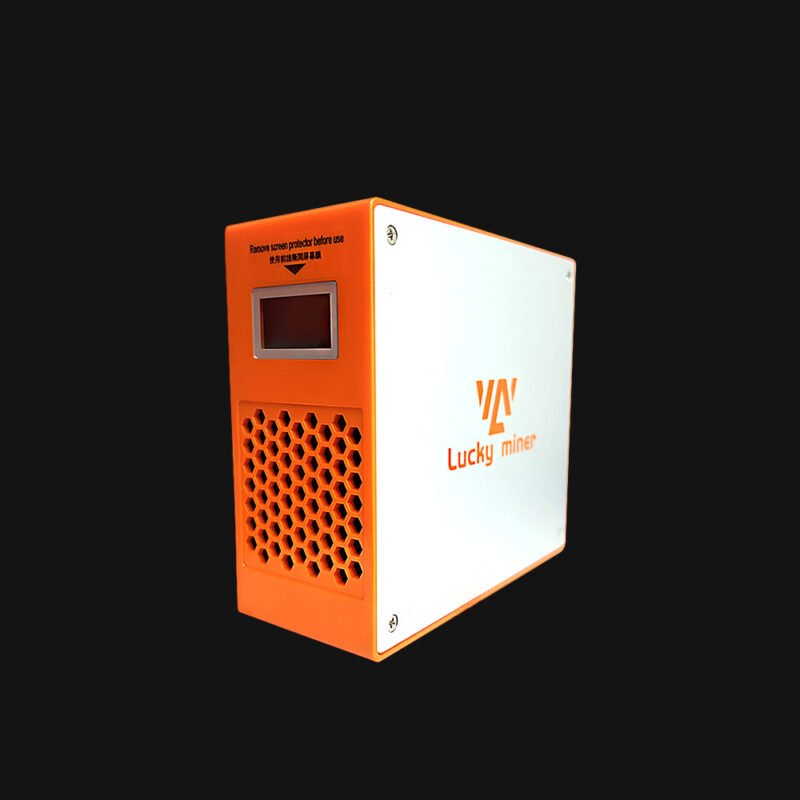
Lucky Miner LG07
Original price was: $78.00.$68.00Current price is: $68.00.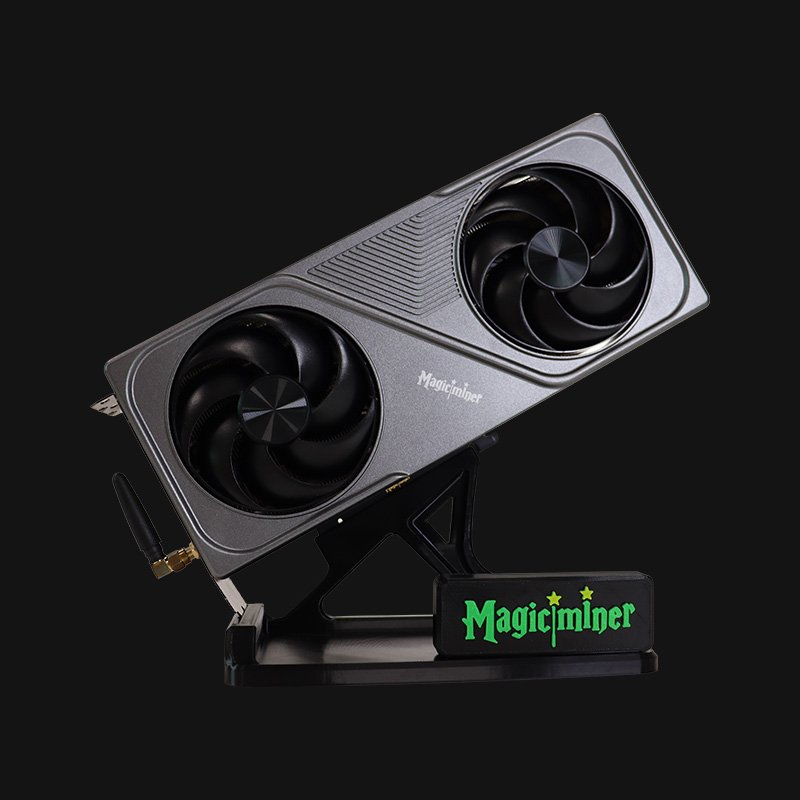
Magicminer BG01
Original price was: $343.00.$298.00Current price is: $298.00.


Bart Hicks –
I have the MO01 sitting next to my main monitor. It adds a nice tech vibe to my desk.
The live crypto quotes are the main thing I use – I like seeing BTC and ETH move while I game. The screensaver carousel is cool too. I set it to rotate between market charts and some ambient art. Bluetooth speaker is fine for casual listening. I don’t use it for gaming audio, but for YouTube or podcasts, it works.
Wireless charging is a plus – keeps my earbuds topped up. Overall, it’s a nice desktop accessory for anyone who follows markets and likes a clean setup.
Magicminer –
Gaming desk + live crypto quotes – that’s a cool combo.
Martha Ferguson –
I was tired of having a separate charger, a separate speaker, and a separate clock on my desk. The MO01 handles all three.
Setup was easy – connected to my 5G WiFi in about 2 minutes. The wireless charging works with my phone (case is thin, so no issue). Bluetooth speaker sounds decent for a desktop unit. I mainly use it for crypto quotes while I work. The touch screen is responsive, and the web control panel is handy when I want to change the screensaver.Not a mining device, but a solid productivity tool.
Magicminer –
Love that it cleaned up your desk.
Malcolm Bernal –
I put the MO01 on my kitchen counter. It’s been great. I use the Bluetooth speaker to listen to news podcasts while I cook. The screen shows stock and crypto quotes – my husband checks it when he walks by. The wireless charging is handy when my phone is low and I don’t want to hunt for a cable. It’s small, doesn’t get in the way, and the screen is easy to read from a few feet away.
One thing: the touch screen works, but I mostly control it from my phone via the web panel. That’s actually easier when my hands are messy from cooking.
Magicminer –
Kitchen use is a new one for us – love it! Web control when your hands are messy is a smart move. Thanks for sharing your setup.
Leona Windsor –
I looked at a few other market data terminals before buying the MO01. Most of them either lack wireless charging or have a clunky interface.
The MO01 has both touch control and a web panel, which is rare at this price point. The 2.4G/5G WiFi is fast, and the Bluetooth speaker is a nice bonus – not high-end audio, but good enough for background music. One thing I appreciate: the low-brightness mode for bedside use. I keep it on my nightstand and it doesn’t disturb my sleep.
Magicminer –
Appreciate you doing the homework. Touch + web dual control and low-brightness mode are two features we really focused on. Glad it stood out for you.