Magicminer WM02Pro
Magicminer WM02Pro Original price was: $699.00.Current price is: $590.00.
Back to products
NerdQX 8T
NerdQX 8T Original price was: $372.00.Current price is: $324.00.

Luckyminer LG07Pro

The Compact 120MH/s Scrypt Home Miner – Ideal for LTC & DOGE Solo Mining

Original price was: $263.00.Current price is: $229.00.

(6 customer reviews)

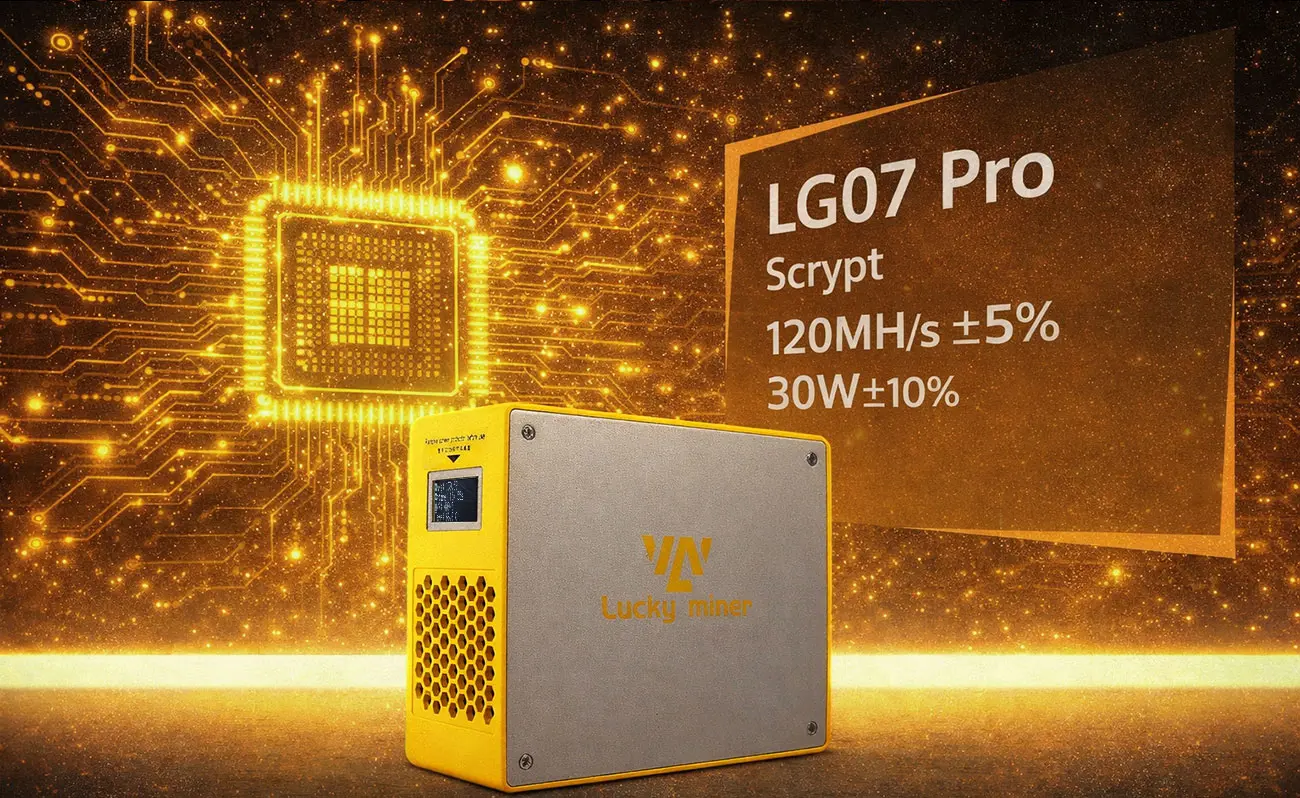
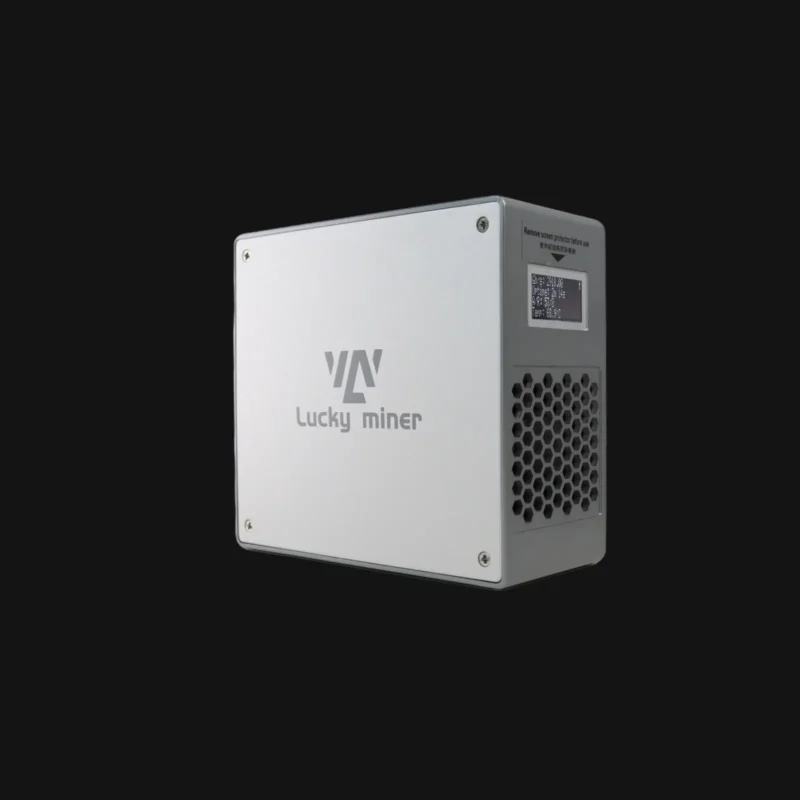
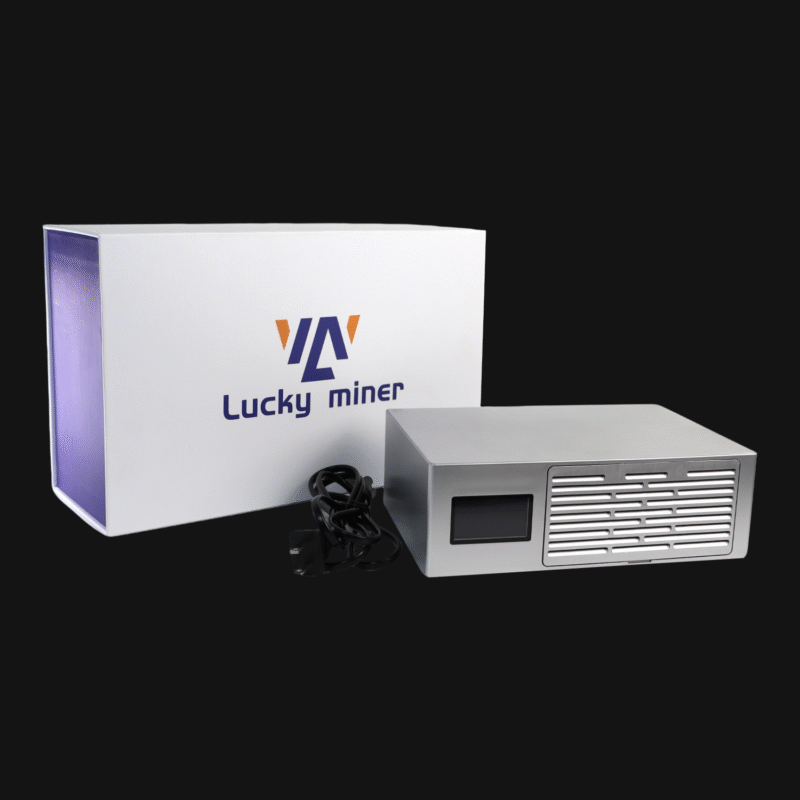
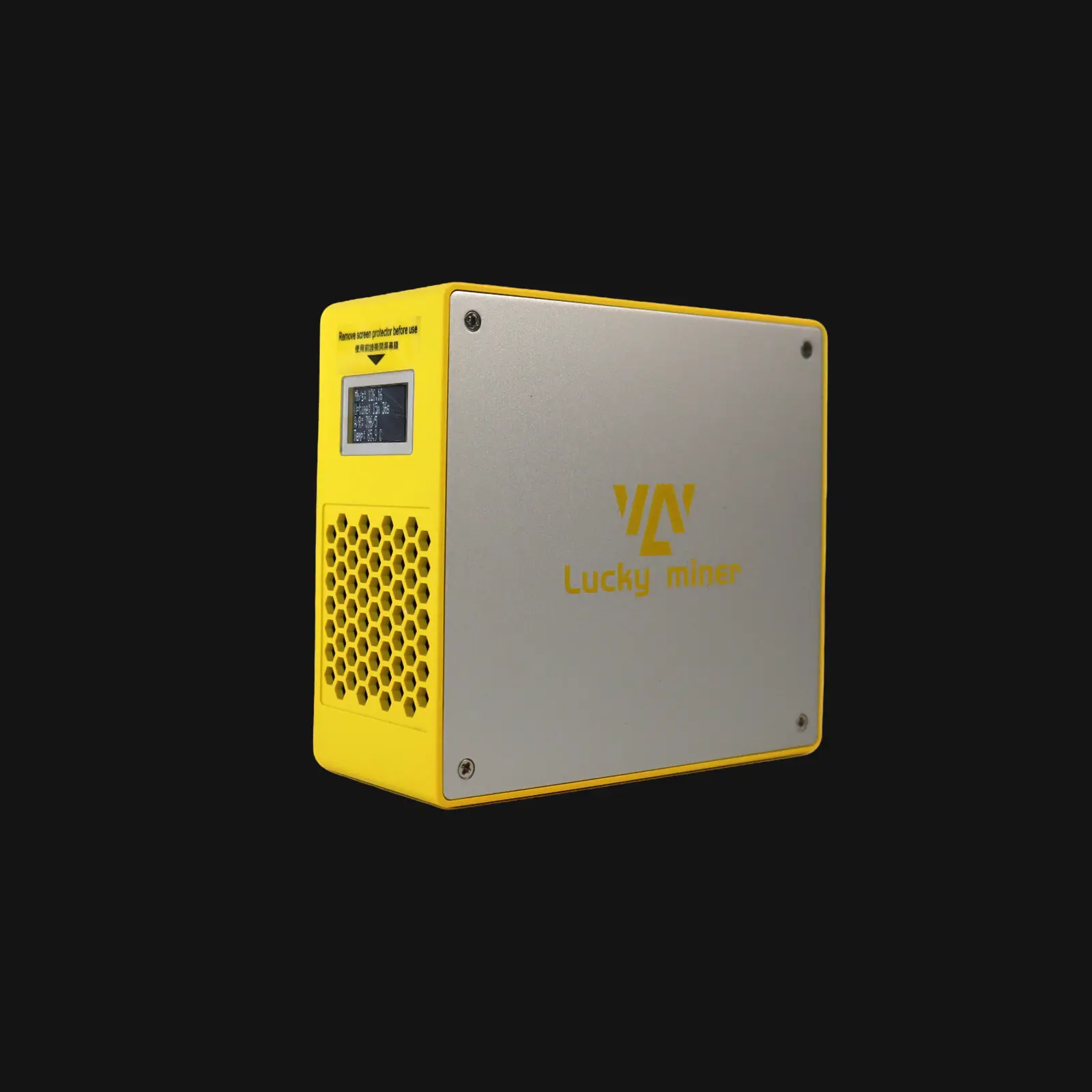
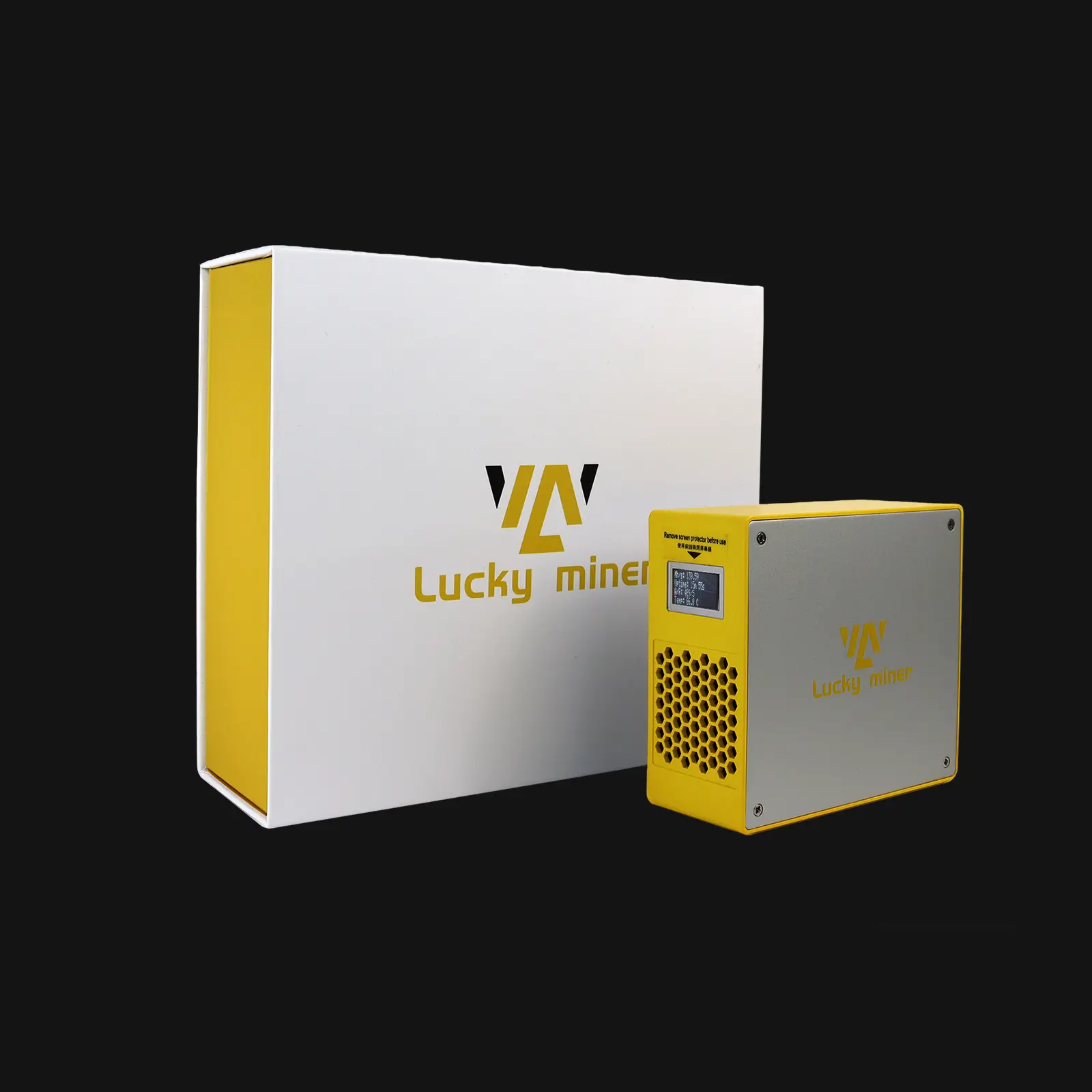
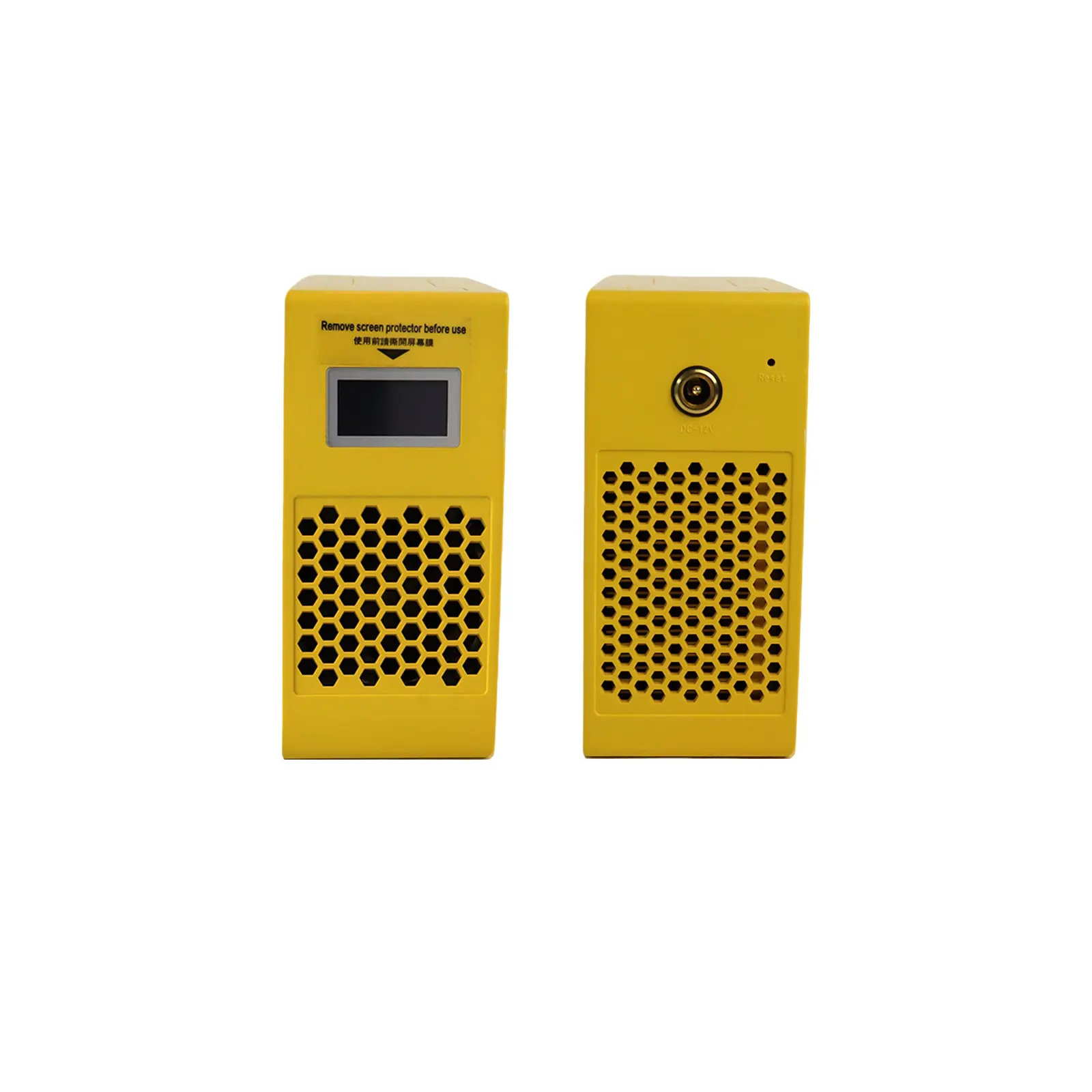
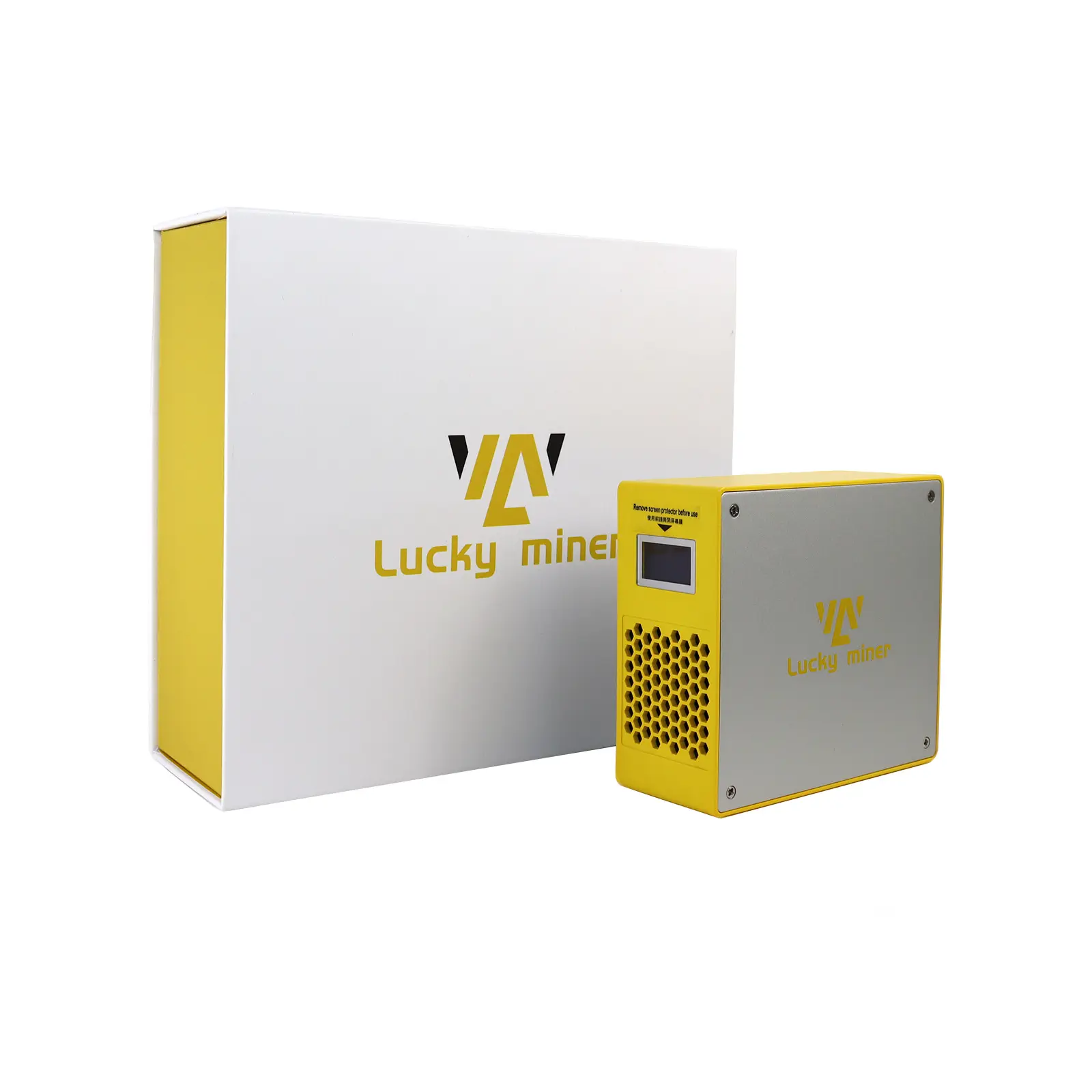
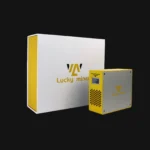
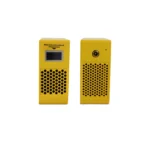
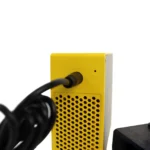
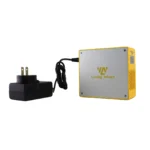
The Luckyminer LG07 Pro (New arrival) is a compact, low-power Scrypt ASIC miner perfect for beginners and home miners. It delivers 120 MH/s (±10%) with only 30W (±10%) power consumption, offering an energy-efficient entry into LTC, DOGE, and all Scrypt-based coins.

Key features include Scrypt algorithm support for 100+ coins, multiple mining modes (SOLO, PPLNS, P2P, PPS), WiFi 2.4G configuration via built-in hotspot, and quiet operation with active cooling.

SKU: LYLG07PR Category: Tags: , , Brand:

Lucky Miner LG07 Pro is a compact, low-power Scrypt ASIC miner designed for beginners and home miners. With a typical hash rate of 120 MH/s (±10%) and power consumption of just 30W (±10%), it offers an energy-efficient entry into Litecoin (LTC), Dogecoin (DOGE), and all Scrypt-based cryptocurrency mining.

Parameter:

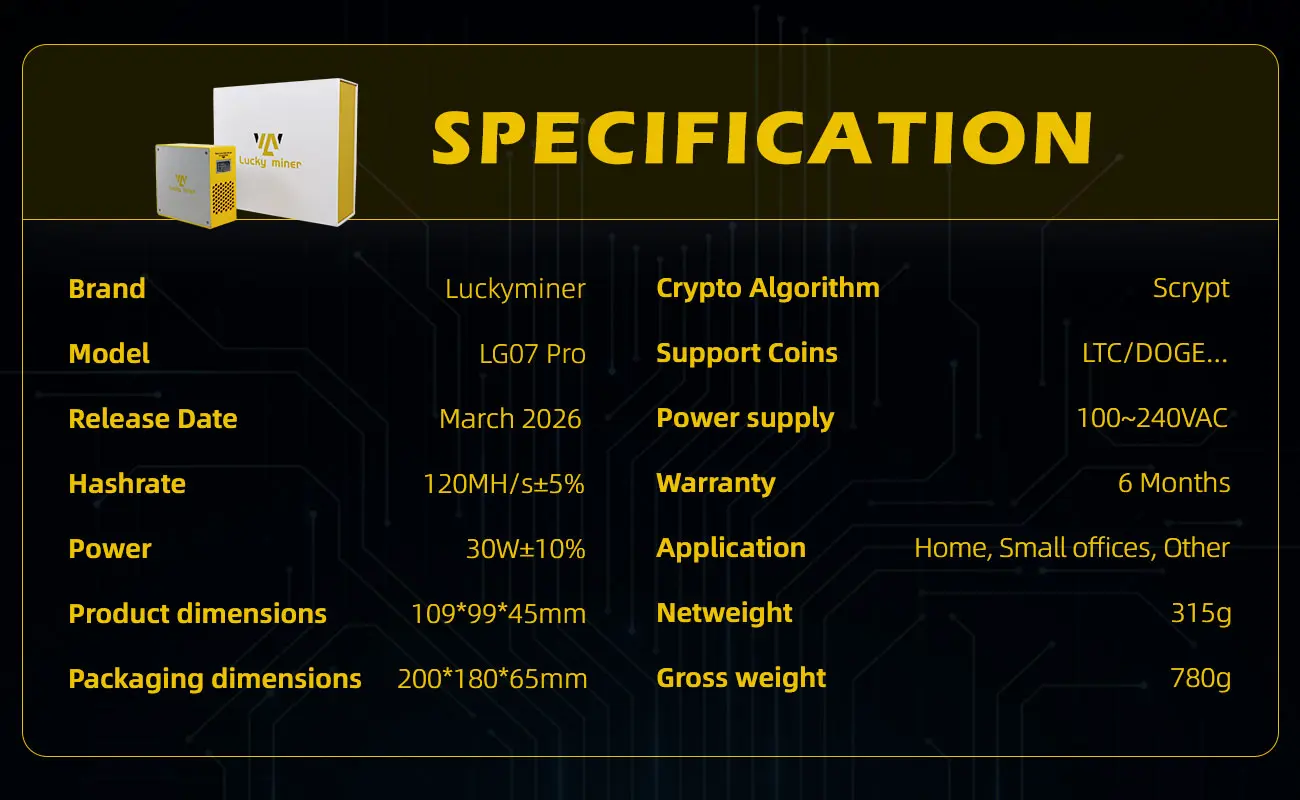
Product GlanceValue
ModelLG07 Pro
VersionV1.0.0
Cryptoalgorithm/coinsScrypt
Typical hashrate, MH/s (1-1)120 ±10%
Power on @25℃ (1-2), Watt (1-1)30 ±10%
Detailed CharacteristicsValue
Power supply
Power supply AC input voltage range, V (2-1)100~240V AC
Power supply AC input frequency range, Hz50/60
Power supply AC input current, A (2-2)0.6
Adapted AC output power requirement, W (2-3)60
Hardware configuration
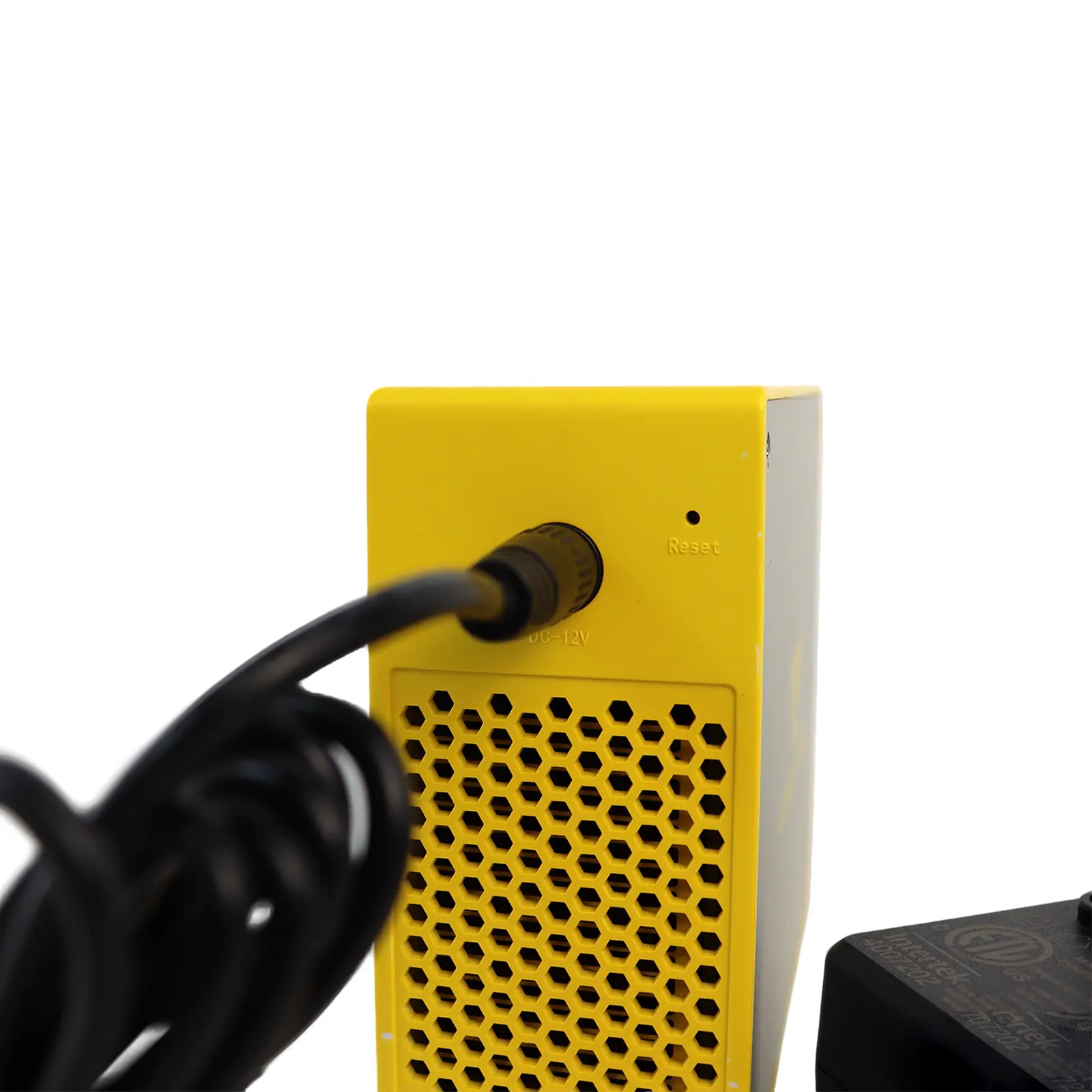
Networking connectionmodeWiFi 2.4G/Hotspot
Serversize (Length*Width*Height,w/opackage),mm109*99*45
Serversize (Length*Width*Height,with package),mm200*180*65
Netweight,g315
Grossweight,g780
Noise,dBA @25℃ (2-4)45
Environment requirements
Operationtemperature,℃0~30
Storagetemperature,℃-20~70
Operationhumidity,RH10%~90%
Operationaltitude,m (2-5)≤2000

Key Features:

  • Scrypt Algorithm – Supports all Scrypt coins including LTC, DOGE, BEL, PEPE, DGB, XVG, and 100+ others.

  • Multiple Mining Modes – SOLO, PPLNS, P2P, PPS for flexible pool or solo mining strategies.

  • Low Power Consumption – Only 30W at 25°C, ideal for home use without high electricity costs.

  • WiFi Configuration – Built-in hotspot (Lucky_*) + web interface for easy setup via phone or PC.

  • Compact & Quiet – Desktop-friendly design with active cooling fan and low noise operation.

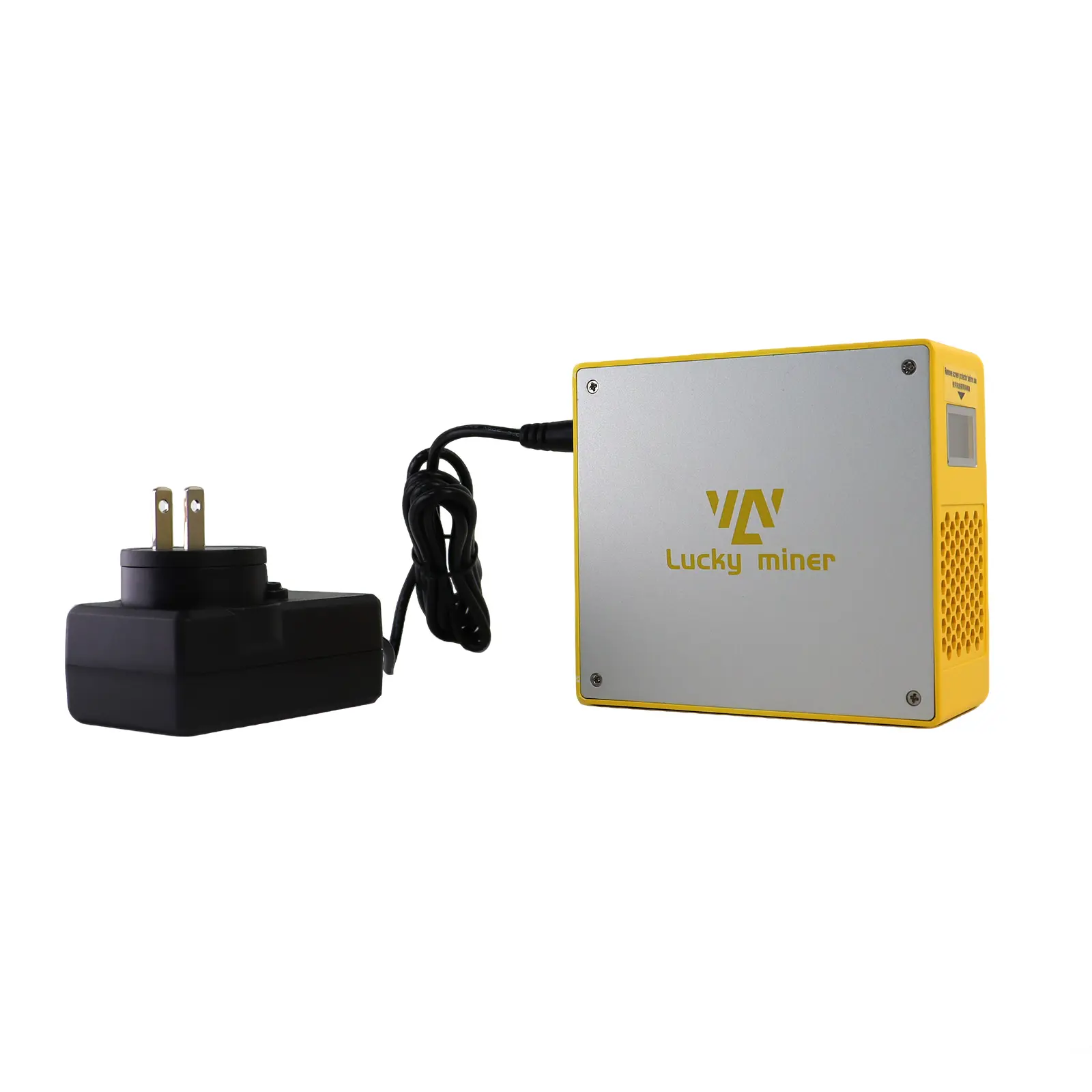
  • Included Accessories – 12V/5A power adapter (100–240V AC) and user manual.

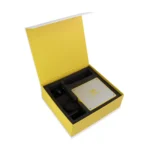
Package Contents:

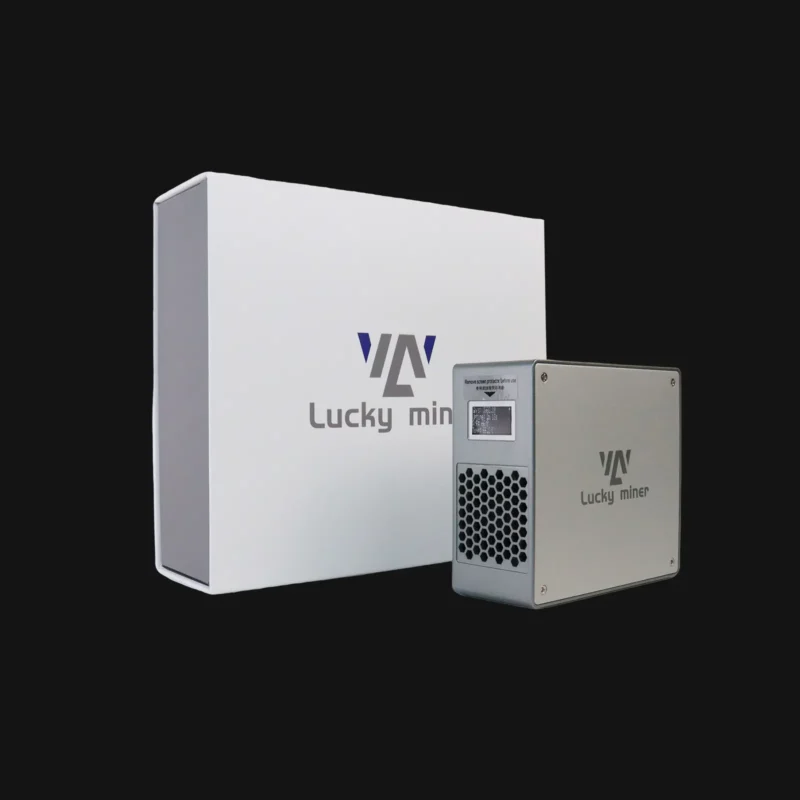
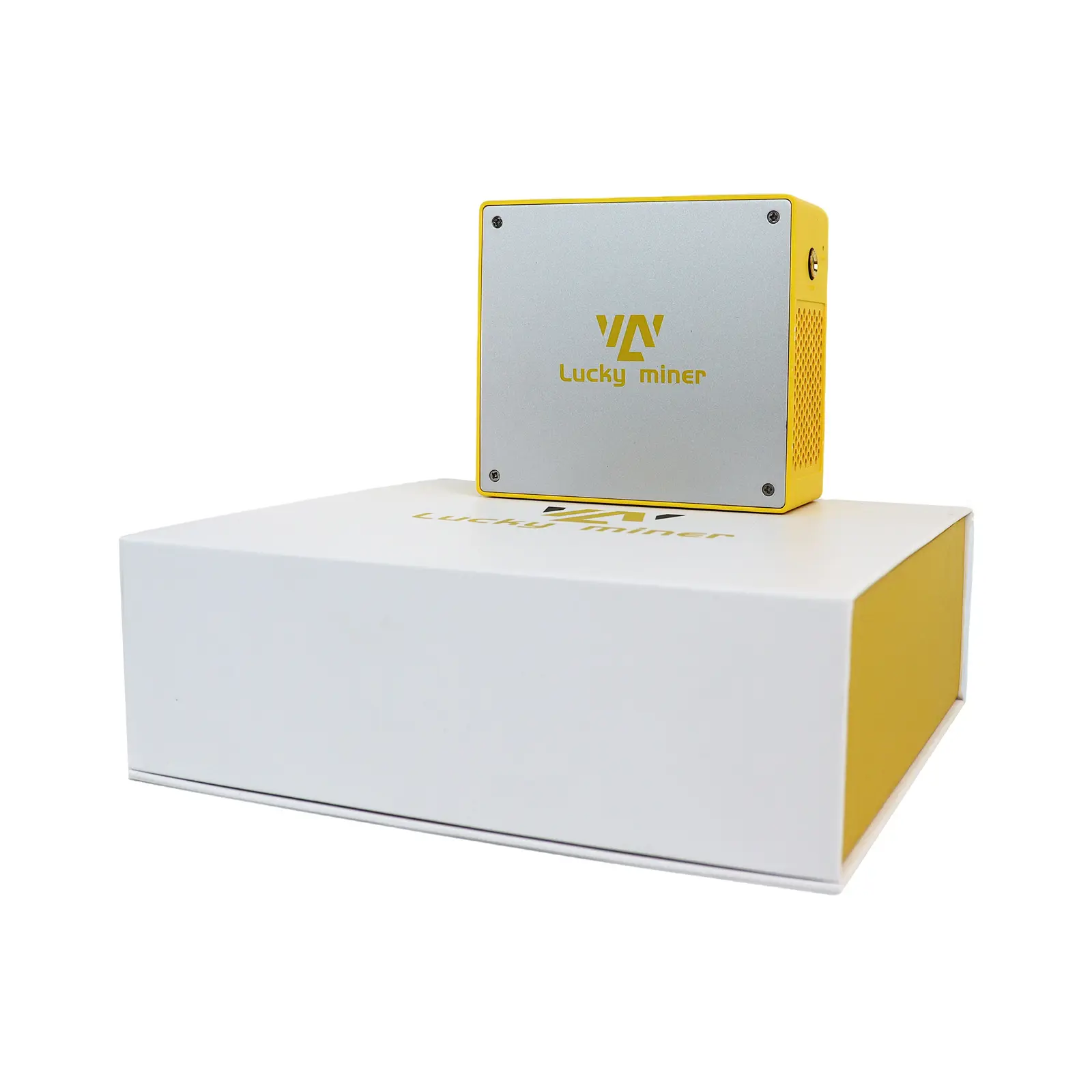
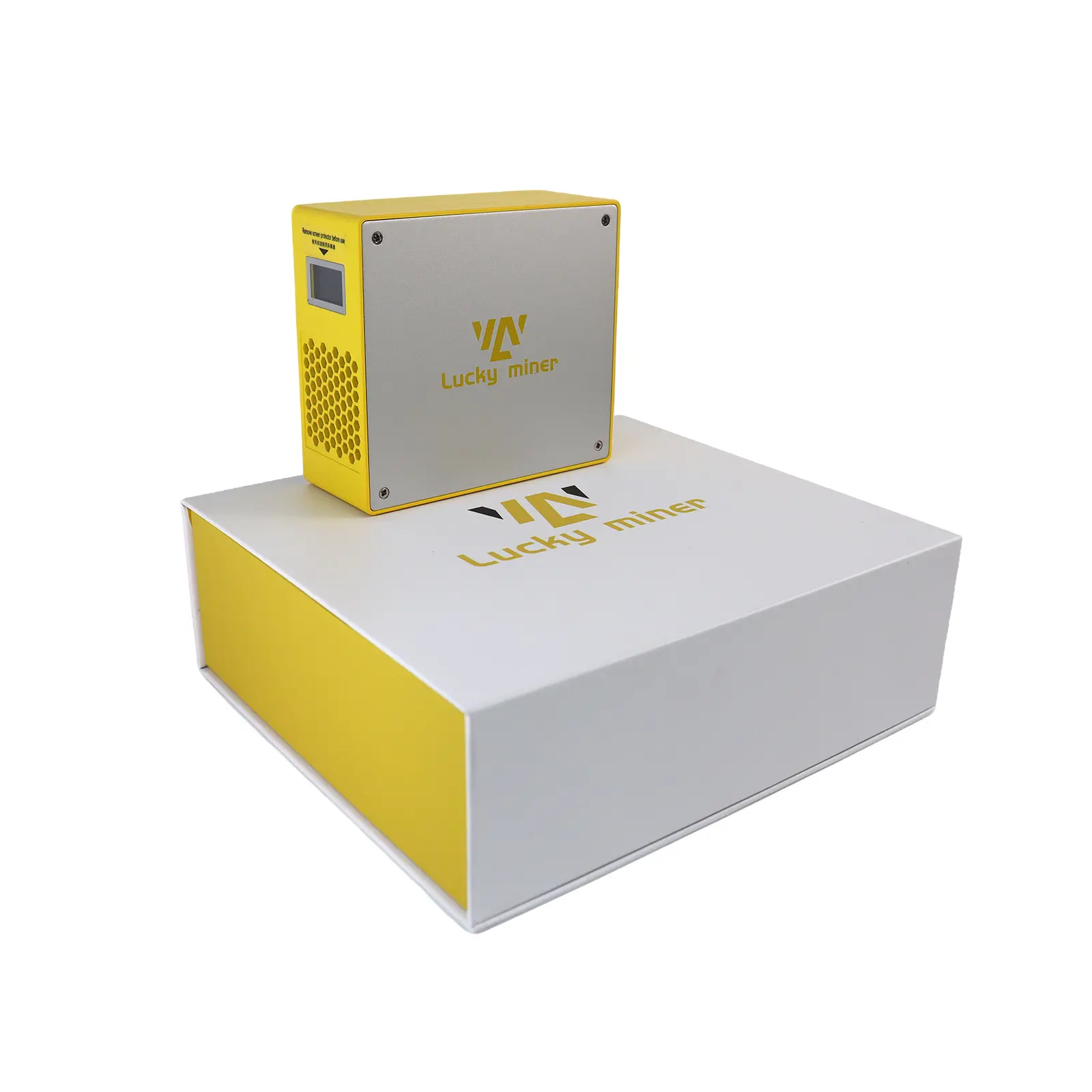
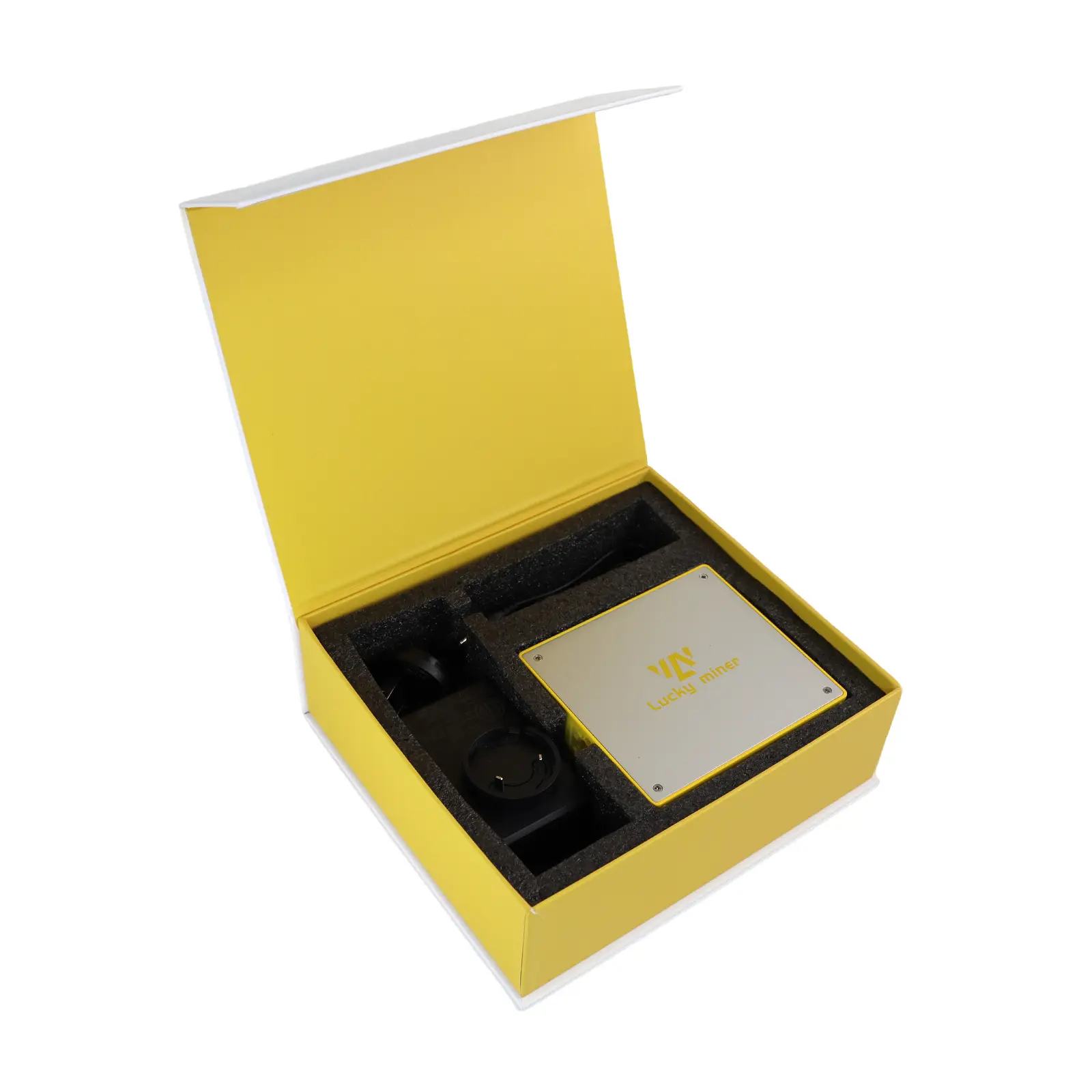
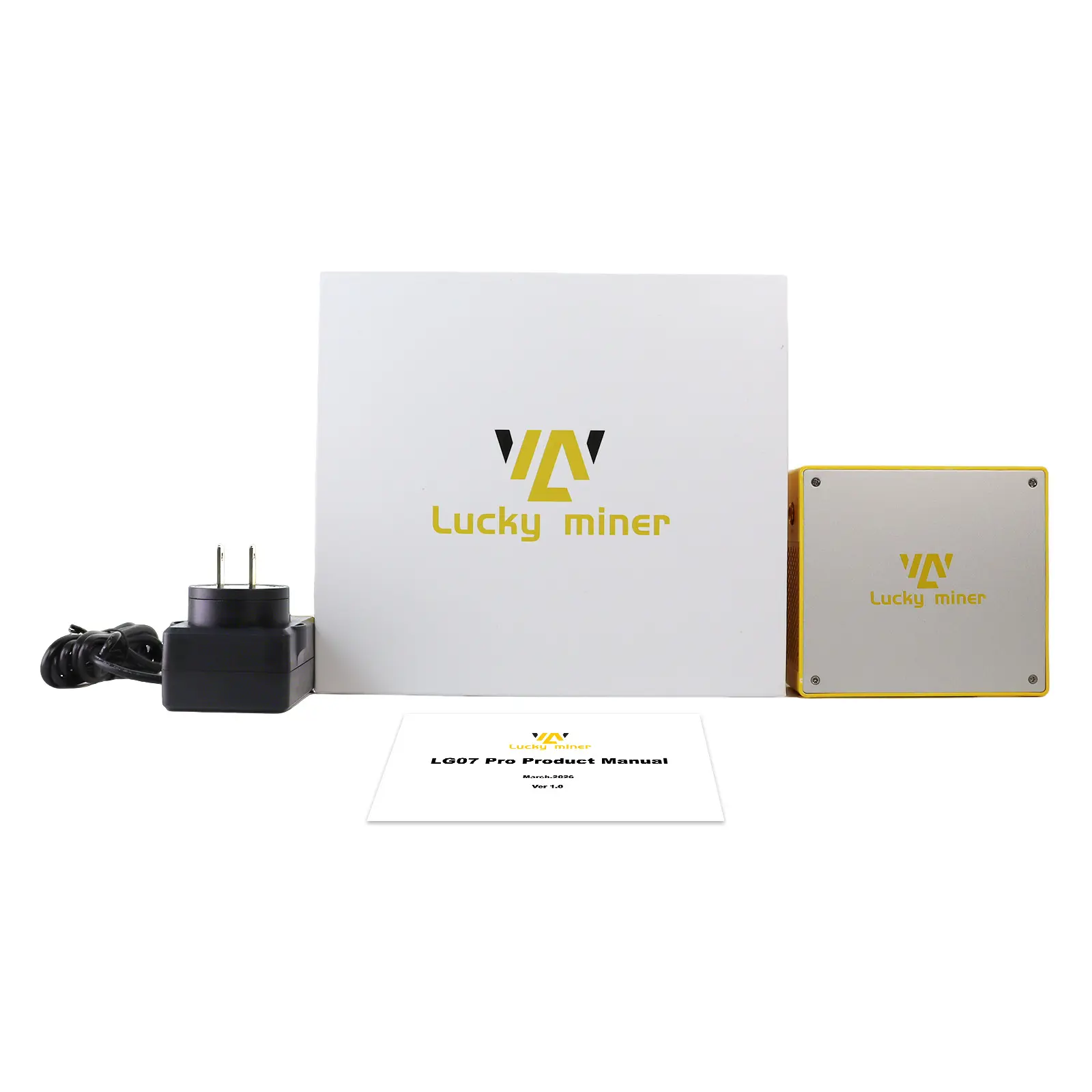
  • Lucky Miner LG07 Pro ×1

  • 12V/5A Power Adapter ×1

  • User Manual ×1

Safety & Usage Notice:

  • Use only the included 12V/5A power adapter.

  • Maintain at least 10cm clearance around the miner for airflow.

  • Do not disassemble or modify the device.

  • Do not use unofficial firmware (voids warranty).

Warranty: 6-month warranty (void if disassembled, modified, or damaged by improper use).
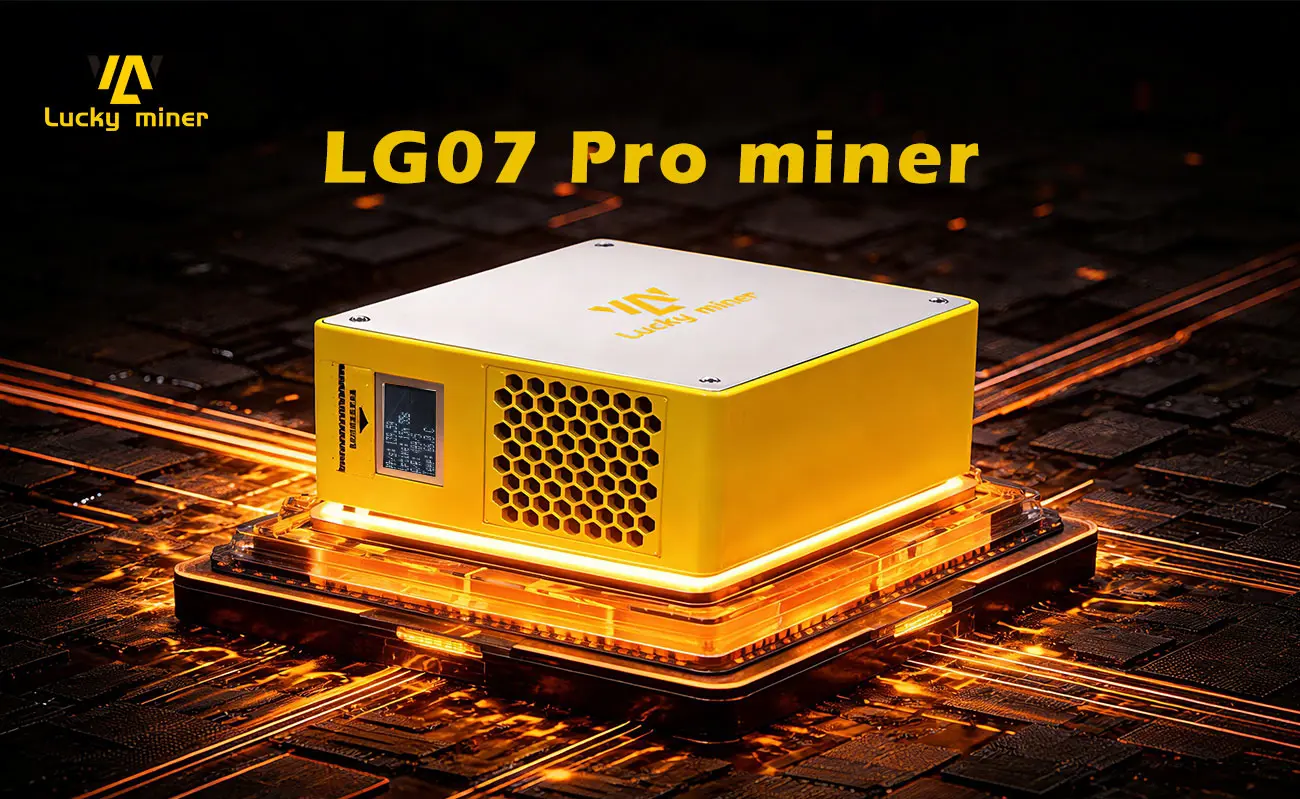
 

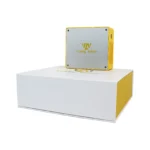
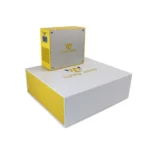
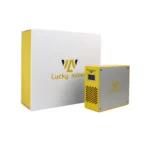
Luckyminer LG07Pro (New arrival)Luckyminer LG07ProLuckyminer LG07Pro 2Luckyminer LG07Pro

Core Specifications

ParameterValue
ModelLG07 Pro
VersionV1.0.0
AlgorithmScrypt
Hashrate120 MH/s ±10%
Power Consumption30W ±10% (at 25°C)
Power Input100–240V AC, 50/60 Hz, 0.6A
Adapter Requirement12V/5A (included)

Key Features

  • Scrypt algorithm support – compatible with LTC, DOGE, BELLS, and all Scrypt-based coins

  • Low power consumption – 30W typical, ideal for home and personal use

  • Plug-and-play setup – built-in web interface, no additional software required

  • Multiple mining modes – SOLO, PPLNS, P2P, PPS

  • WiFi connectivity – hotspot-based configuration via mobile or PC

Safety & Usage (Quick Reference)

  • Use only the included 12V/5A power adapter

  • Keep 10cm clearance around the miner for airflow

  • Do not disassemble, modify, or use unofficial firmware

  • Operate in dry, well-ventilated environment

Recommended Operating Parameters

  • Frequency: ≤ 2400 MHz (reduce if power > 40W)

  • Core Voltage: ≤ 1300 mV (reduce if power > 40W)

Setup Steps (Brief)

  1. Connect AC cable to adapter → adapter to miner DC port

  2. Power on → connect to WiFi hotspot “Lucky_******”

  3. Configure via web interface: WiFi, pool URL/port, user, frequency, voltage

  4. Save → restart → mining starts automatically

Supported Coins (Examples)

LTC, DOGE, BELLS, XVG, EMC2, FLO, GLCM, MOON, and all Scrypt-based projects

Pool Resources

Full list: https://miningpoolstats.stream/litecoin#

Warranty

  • 6 months warranty

  • Void if disassembled, modified, or unofficial firmware used

Package Contents

  • LG07 Pro Miner × 1

  • 12V/5A Power Cord × 1

  • User Manual × 1


If you want to know more, please refer to our detailed product operation manual.

LG07 Pro Product Manual

LG07 Pro – Product Specifications & Power LG07 Pro · V1.0.0 · Scrypt
+
Core Technical Specifications
What is the hashrate and power consumption of LG07 Pro?
Typical hashrate: 120 MH/s (±10%). Power consumption: 30W (±10%) at 25°C. It uses the Scrypt algorithm and requires a 12V/5A power adapter.
What are the AC input specifications?
AC input voltage: 100–240V, frequency: 50/60Hz, input current: 0.6A. The adapted AC output power requirement is 60W.
Power Safety & Usage Precautions Power · Environment
+
Power Adapter & Electrical Safety
Can I use a third-party power adapter?
No. Use only the included 12V/5A power adapter. Third-party adapters may cause device damage or fire hazards.
What electrical precautions should I take?
Ensure a stable power supply with no voltage fluctuations. Use a surge protector in areas with unstable power. Do not daisy-chain adapters or use extension cords that do not meet the current requirement (≥0.6A). Disconnect power before cleaning, moving, or performing maintenance.
Environmental & Placement Rules
Where should I place the miner?
Operate in a dry, well-ventilated environment. Avoid direct sunlight, heat sources (e.g., radiators, ovens), and humid areas (e.g., bathrooms, basements with condensation). Maintain at least 10cm clearance around the miner for unobstructed airflow.
Can I stack multiple miners or use it in a closed cabinet?
No. Do not stack miners or place them close to other electronic equipment. Do not use in confined spaces (e.g., closed cabinets, drawers) – blocked ventilation will cause overheating and permanent device damage.
How should I store the miner when not in use?
Store in a dry, temperature-controlled environment. For long-term storage, ensure the device is unplugged and kept away from moisture and extreme temperatures.
Prohibited Actions (void warranty)
What actions void the warranty?
Disassembling, modifying, or repairing the miner by yourself. Installing unofficial firmware. Spilling liquids or inserting foreign objects into ports/ventilation holes. Using third-party adapters or causing damage from overheating / water exposure.
Network Connection & Mining Configuration WiFi · Setup · Status
+
First-Time Setup & WiFi Connection
How do I power on and connect to the miner?
Connect the AC cable to the adapter input, then connect the adapter output to the miner's DC port. After power on, the adapter indicator light turns green, the fan runs, and the miner screen displays: "connect to ssid: Lucky_*****".
How do I connect to the miner's WiFi?
Search for the miner hotspot "Lucky_*****" via WiFi on your phone or computer. Select the hotspot and wait 5–10 seconds; the browser will automatically redirect to the mining configuration interface.
Configuration Settings
What settings do I need to configure?
Enter the settings interface via the redirect or by typing the IP address in your browser. Configure: WiFi SSID, WiFi Password (no special characters), Stratum URL (mining pool address), Stratum Port, Stratum User (username or wallet address), Frequency, and Core Voltage.
How do I save and apply the settings?
After completing the settings, click the "Save" button, then click the "Restart" button. Wait 30–60 seconds for the Home page to display real-time running status (Overview, Power, Pool info, Results, etc.).
How do I check the miner's status?
The Home page shows real-time status. The miner screen will synchronously scroll to display the same information. You can also check the pool status by logging into the mining pool website or app using your username or wallet address.
Mining Pools & Mineable Projects Scrypt · LTC · DOGE · XVG
+
Supported Mining Pools (Examples)
Which mining pools are recommended for LG07 Pro?
Example pools for LTC: ltc.viabtc.io:3333, ltc.zsolo.bid:4057, ltc.luckymonster.pro:4112, ltc.millpools.cc:3567, stratum.aikapool.com:7900, sg.pmpmining.com:5057, pool4ever.com:7700. For XVG: mining.xvg-pool.com:8156.
Where can I find the latest list of Scrypt mining pools?
Visit https://miningpoolstats.stream/litecoin for the latest and full list. Note: Some pools may be inaccessible due to regional restrictions – the manufacturer does not guarantee access to all listed pools.
Mineable Projects
Which cryptocurrencies can LG07 Pro mine?
LG07 Pro is applicable to all Scrypt algorithm projects, including but not limited to: LTC, DOGE, BELLS, PEP, LKY, DGB, XVG, EMC2, FLO, GLCM, MOON, NVCN, TBC, AUR, FXT, CSP, BABY, WDCA, USB, TBE, FLNA, HLT, BEMD, CCB, ADS, MLY, VLST, ROLL, BTCS, IRL, ZETX, ZNEN, GGC, NCH, ALYN, SORA, IBH, ROG, ERC, CHEESE, BTG, QACE, ACM, ARS, TIP, SBUT, XDG, CMT, BC, SCHON, TM42, VCN, CESC, ANTS, RPC, QAN, ONK, OTTL, TDS, VEZ, CSM, CNT, UBO, COY, ERE, ETRIL, SON, FEC, DOGMC, YPH, LOXP, OTRIF, CLAM, BYF, IURY, MCS, ATON, ECN, SOS, HEVE, ACA, IBC, FLAP, XLR, MMN, TPP, PWC, ATF, ROG, EBT, REM, OIJ, KCC, RCD, ING, OFB, XSH, ICB, QCB, ONB, CBON, KCBR, CFLOP, DEV, FLIN.
Can LG07 Pro access all mining pools?
Due to regional and mining pool access difficulties, LG07 Pro cannot access all mining pools. The manufacturer is not responsible for pool access issues caused by regional restrictions, pool server outages, or network problems.
Frequency & Core Voltage Recommendations Tuning · Power Limit
+
Recommended Parameters
What are the recommended frequency and core voltage for LG07 Pro?
Frequency ≤ 2400 MHz. Core voltage ≤ 1300 mV. When power consumption exceeds 40W, please gradually reduce frequency and voltage.
What happens if I exceed the recommended power?
Exceeding 40W may cause overheating or instability. Reduce frequency or voltage gradually to bring power consumption back within safe limits.
Maintenance, Warranty & Disclaimer Cleaning · Support · Legal
+
Regular Maintenance
How often should I clean the miner?
Use a soft, dry brush or low-pressure compressed air to clean the ventilation holes and cooling fan every 2–4 weeks (more frequently in dusty environments). Turn off and unplug the miner before cleaning.
What should I do if the fan makes abnormal noise or stops?
Stop using the miner immediately and contact customer support. Do not attempt to repair the fan yourself.
How to handle unstable WiFi or frequent disconnections?
Reconnect or reset the WiFi settings. Ensure the network is stable and the miner is within range of a reliable 2.4GHz WiFi signal.
Warranty Information
What is the warranty period for LG07 Pro?
Lucky Miner LG07 Pro comes with a 6-month warranty.
What voids the warranty?
Disassembly, modification, use of unofficial firmware, or damage due to non-compliance with the manual (e.g., overheating, water damage, third-party adapter). No after-sales service is provided for devices with unofficial firmware or modifications.
Disclaimer & Legal Compliance
Is cryptocurrency mining legal in my region?
The buyer/user is solely responsible for ensuring compliance with all applicable local laws and regulations. The manufacturer is not liable for any legal consequences arising from non-compliance.
Does the manufacturer guarantee mining profits?
No. Mining rewards are subject to cryptocurrency market fluctuations, mining difficulty, and pool performance. The manufacturer does not guarantee any specific mining yield or profit.
Are technical specifications subject to change?
Yes. Technical specifications and compatible mining projects are subject to change without prior notice. The latest updates are posted on official community channels.
Weight0.78 kg
Dimensions20 × 18 × 6.5 cm
Power Supply StandardAU Plug, BR Plug, EU Plug, UK Plug, US Plug

6 reviews for Luckyminer LG07Pro

  1. Justin Swift

    I have a full-time job, so I can’t run a big noisy miner. The LG07 Pro fits right into my evening routine. 120 MH/s is decent for a home setup. At 30W, I don’t even notice it on my electricity bill. I leave it running overnight and check my DOGE balance in the morning.
    Setup was easy – connected via the built-in hotspot from my phone in about 5 minutes. It’s quiet enough to run in my bedroom while I sleep.

    • Magicminer

      Magicminer

      30W and quiet enough for a bedroom is exactly what we had in mind for part-time miners. Glad it fits your routine.

  2. Jessie Blume

    I’m transitioning into the crypto industry and wanted to understand mining without spending thousands on big equipment. The LG07 Pro was a perfect starting point. It’s affordable, low power (30W), and small enough to sit on my desk. I’m learning how pools work, what SOLO vs PPLNS means, and how to switch between coins. The built-in hotspot and web interface make it easy for a beginner like me. I’ve been running it 24/7 for two weeks – no issues.
    It’s not going to make me rich, but it’s giving me hands-on experience. That’s what I need right now.

    • Magicminer

      Magicminer

      Love this use case. The LG07 Pro is designed exactly for people who want to learn without a big commitment. Hands-on experience is the best teacher. Good luck with your career transition!

  3. Yehudi Evelina

    As a programmer, I like devices that are easy to tweak. The LG07 Pro has a clean web interface, and the built-in hotspot makes setup simple. I’m running it on my desk next to my work laptop. 120 MH/s is not huge, but at 30W it’s efficient. I’ve been testing different Scrypt coins – switched from LTC to DOGE to XVG, all worked fine. The active cooling fan keeps it cool enough. Noise is fine for a home office.
    One tip for other tech people: the web panel has a simple but functional interface. Not fancy, but gets the job done.

    • Magicminer

      Magicminer

      The web interface is intentionally kept simple – stable and functional.

  4. Harlan Julian

    mining for a while, mostly BTC. Wanted to try Scrypt coins. the LG07 Pro handles LTC, DOGE, and some smaller coins, 120 MH/s is not impressive, but at 30W it’s very efficient. If want to experiment with different Scrypt coins, this is a good tool. not for serious mining, but for learning and testing.

    • Magicminer

      Magicminer

      Thanks for experimenting with Scrypt.

  5. Truman Carroll

    I don’t have strong feelings about this one. It does what it says. 120 MH/s at 30W is a solid entry-level Scrypt miner.

    • Magicminer

      Magicminer

      Fair enough. Honest feedback is always welcome. We will consider further upgrading in the future. You also know that maintaining this balance is something we must take into account. If want to try Scrypt mining without spending a lot.

  6. Murray.totae

    I’m mining DOGE. not making money, but I’m learning how pools and wallets work, it is a cheap way to learn.

Add a review

RELATED PRODUCTS