
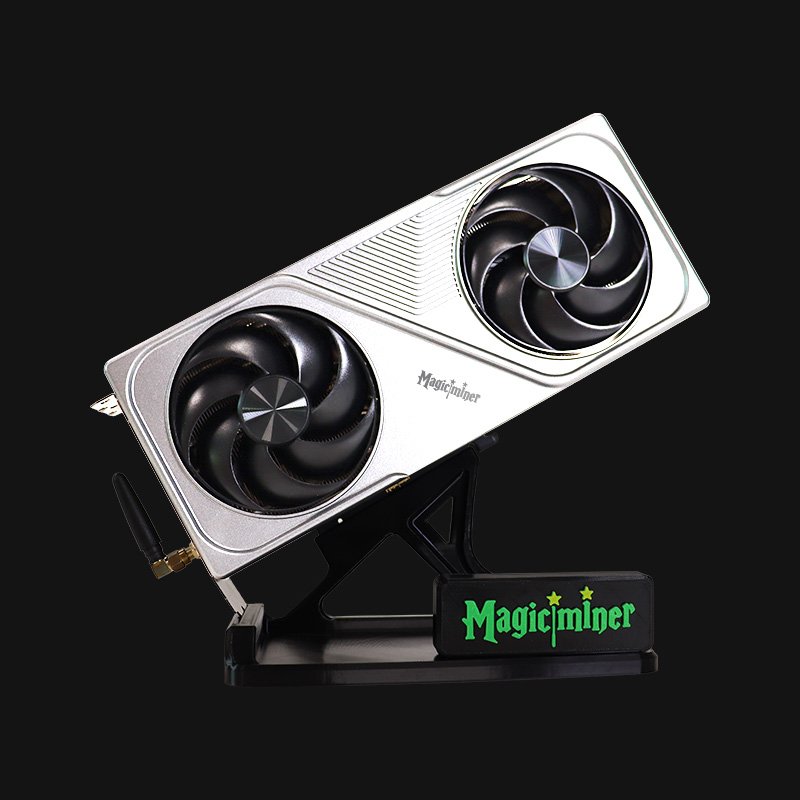
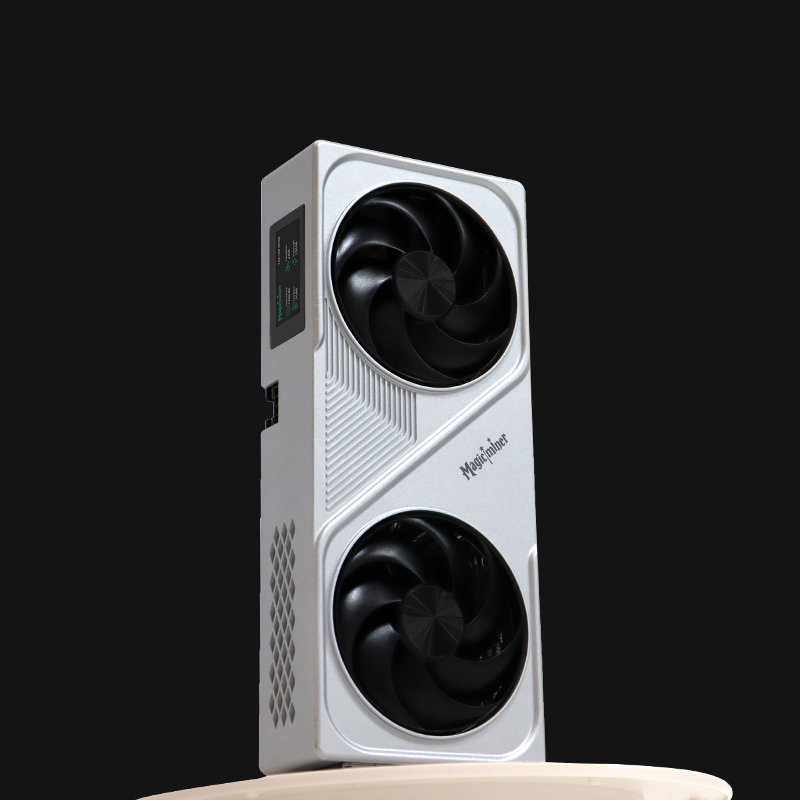
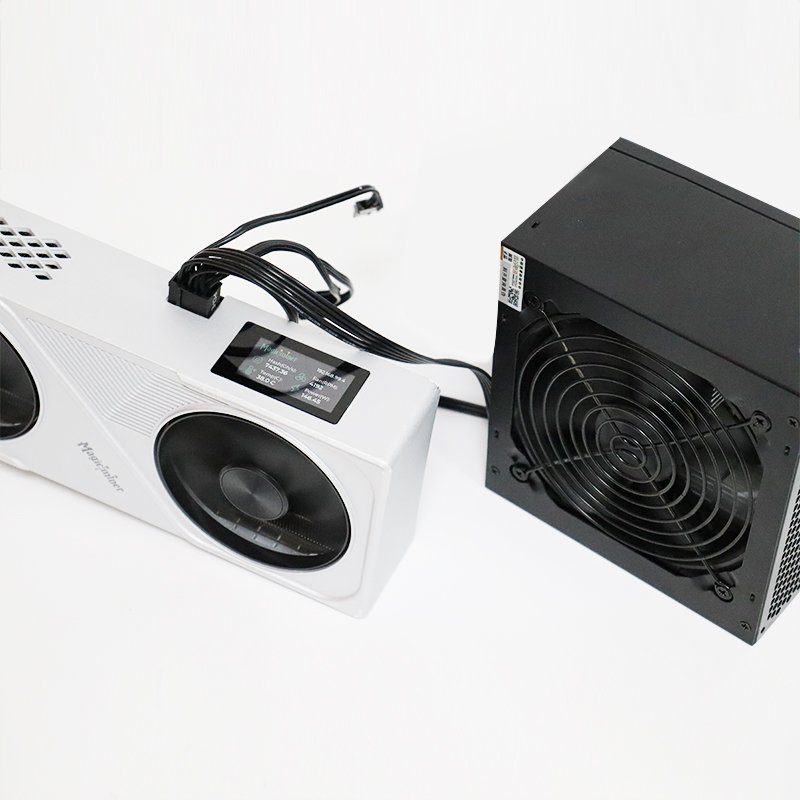
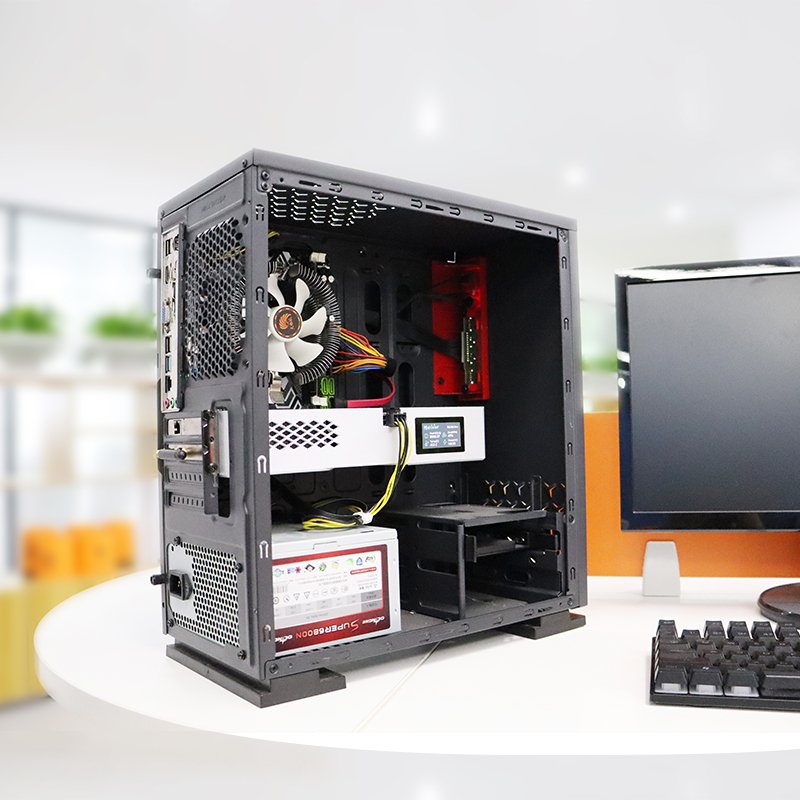
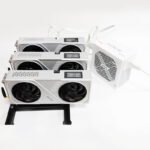

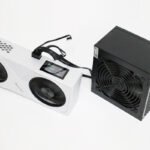
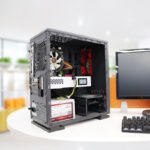
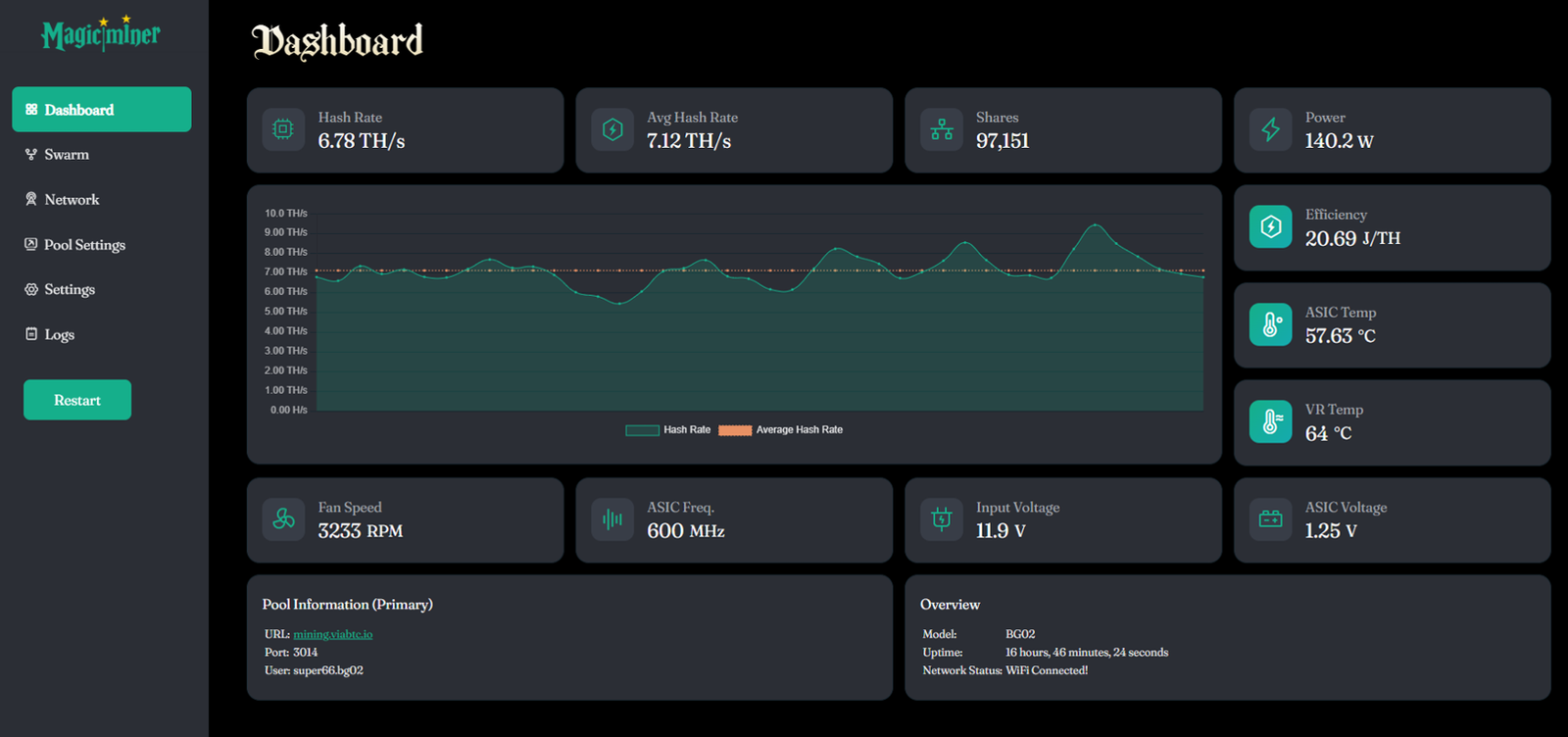
The screenshot of Magicminer BG02 Web Dashboard:
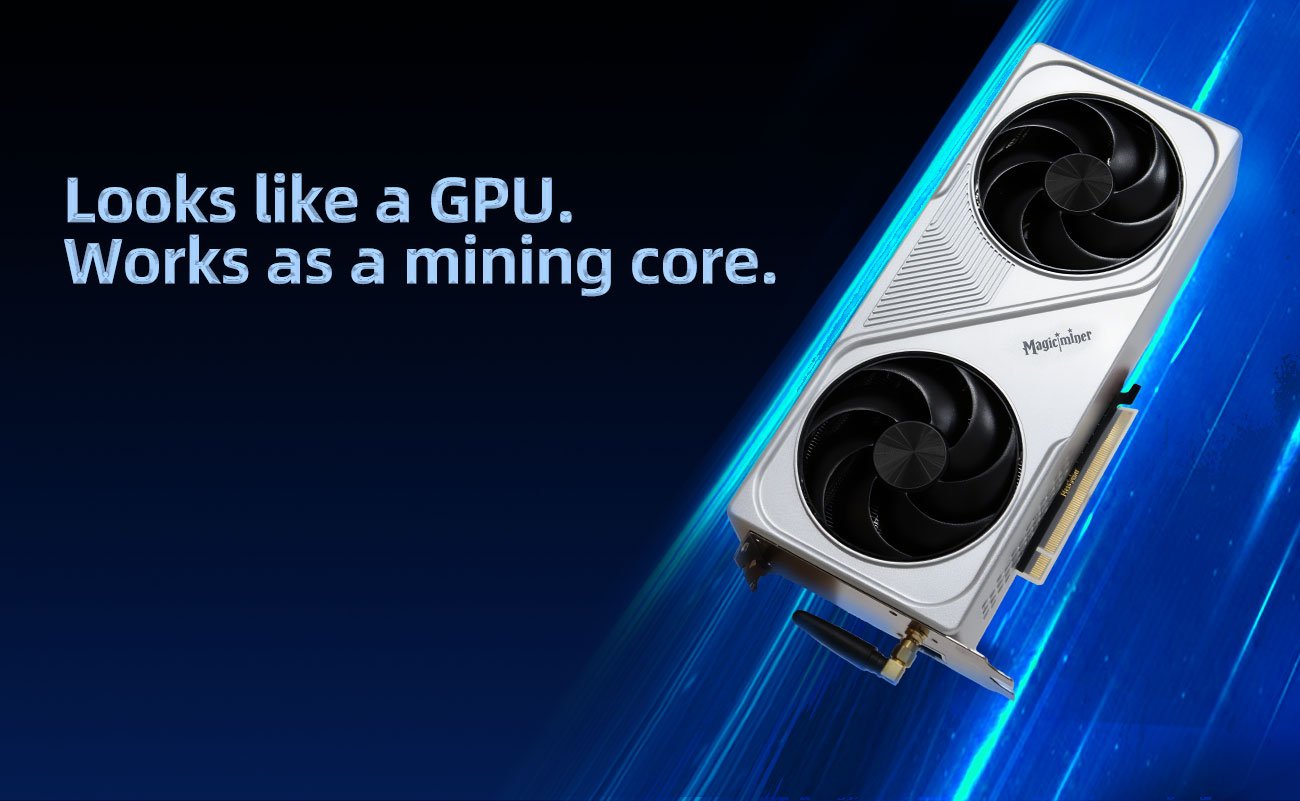
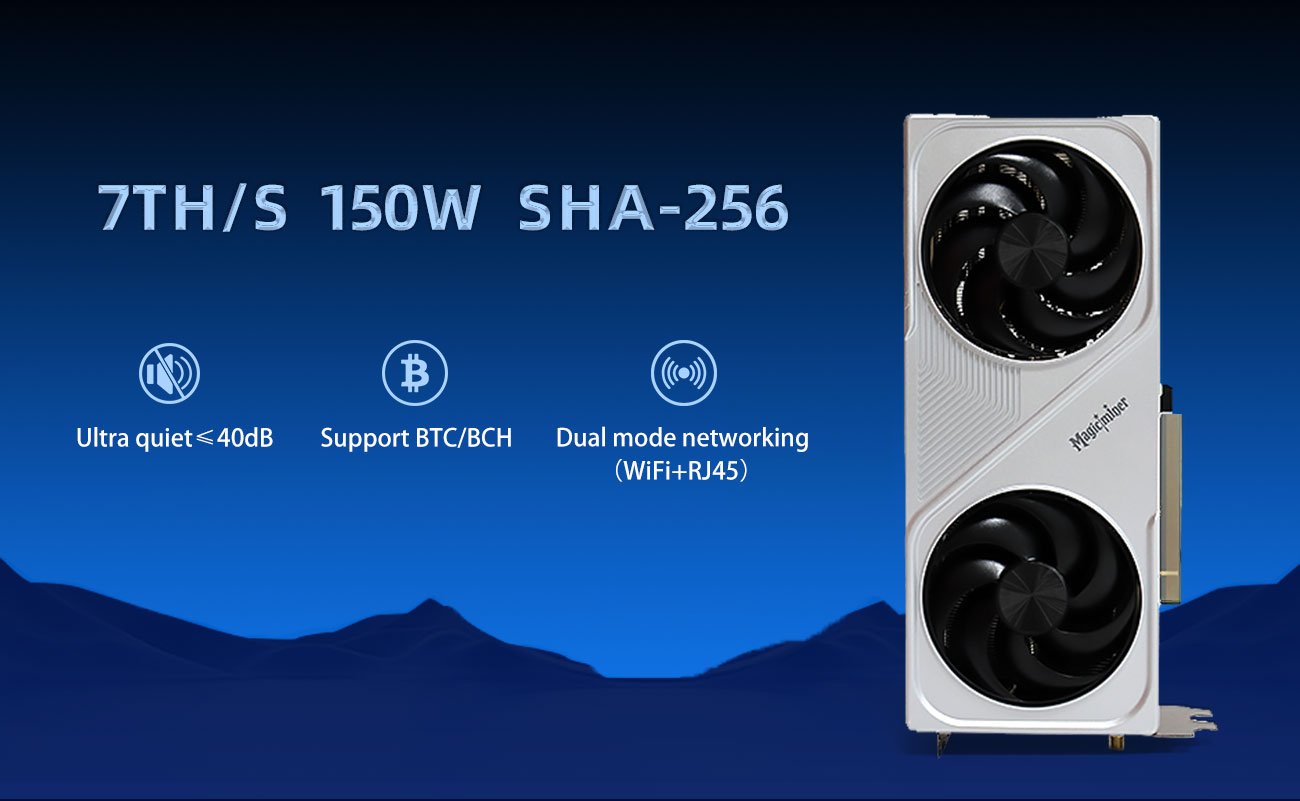

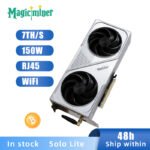
Magicminer BG02 – 7TH/s Ultra-Efficient SHA-256 Bitcoin Miner for Home & Desktop Use
Meta Title: MagicMiner BG02 – 7TH/s Low-Power Bitcoin Miner | Quiet, Efficient, Desktop-Friendly
Meta Description: Discover the MagicMiner BG02, a 7TH/s, 150W low-power SHA-256 Bitcoin miner. Quiet, compact, WiFi-enabled and ideal for home, office, or cluster mining setups. Perfect for BTC hobbyists and small-scale miners.
Product Overview
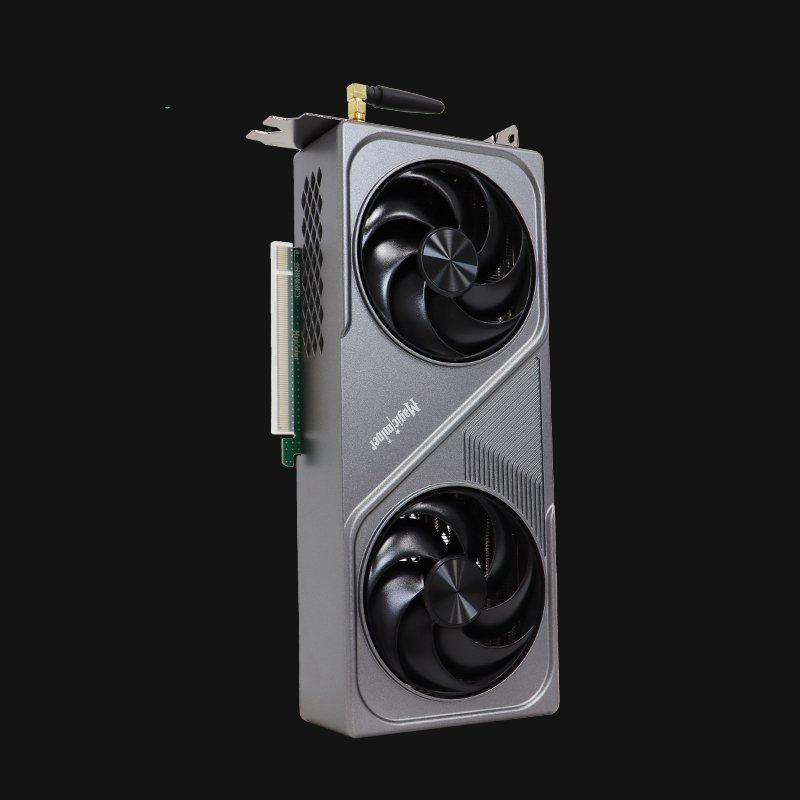
The MagicMiner BG02 is a next-generation low-power SHA-256 Bitcoin miner designed for home users, beginners, and desktop mining enthusiasts.
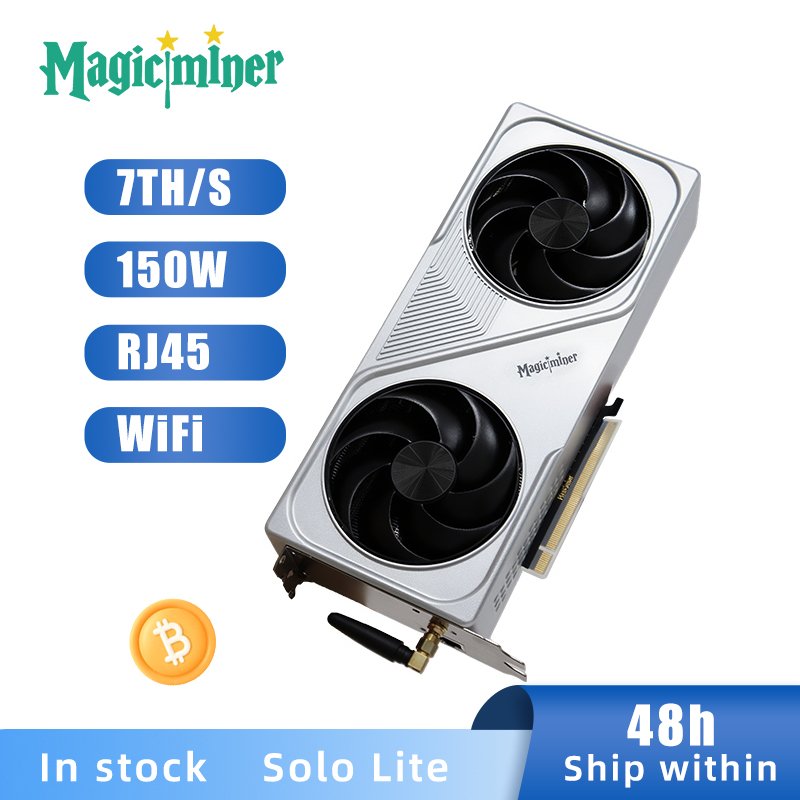
Delivering 7.0TH/s ±5% at only 150W, BG02 combines the best of ASIC mining performance with a compact, silent, and user-friendly design—making Bitcoin mining accessible to everyone.
Whether you’re exploring mining for the first time or building scalable GPU/ASIC clusters, BG02 is the perfect balance of power, efficiency, and versatility.
Key Features of Magicminer BG02
Ultra-Efficient 150W Power Consumption
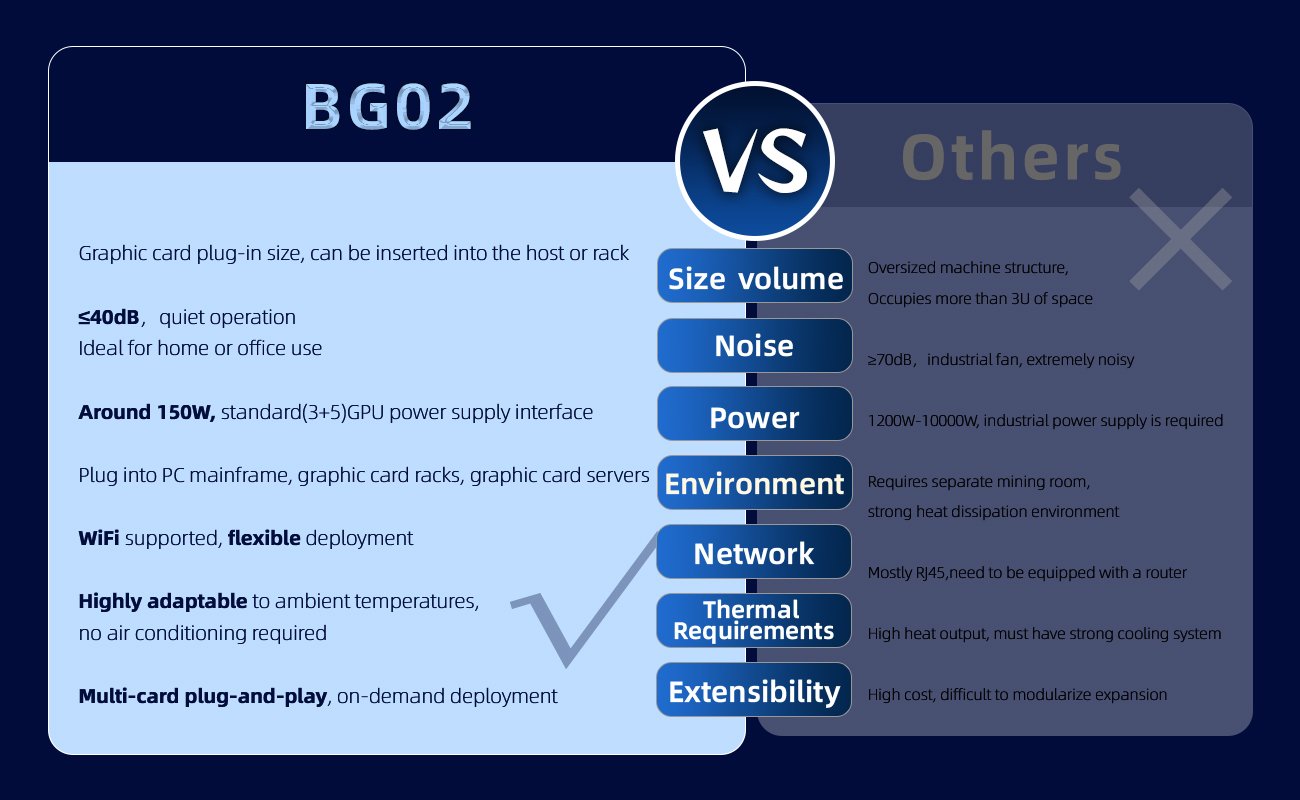
At only 150W ±10%, BG02 delivers one of the best energy efficiencies in its class: 21.4 J/TH.
Perfect for 24/7 home or office mining without high electricity cost.
Quiet Operation – ≤ 40 dB
Engineered for silent environments: bedrooms, desktops, workplaces, and small clusters.
Dual Network Support: RJ45 + WiFi
Flexible connectivity:
10/100M RJ45 Ethernet
2.4G WiFi with easy web setup
Ideal for standalone desktop use or multi-device rack installations.
Easy Web Management
Control everything through a simple web interface:
Pool settings
Hashrate monitoring
Temperature
Power control
WiFi setup
Self-test & diagnostics
No software installation required.
Flexible Deployment Scenarios
The BG02 can be placed in:
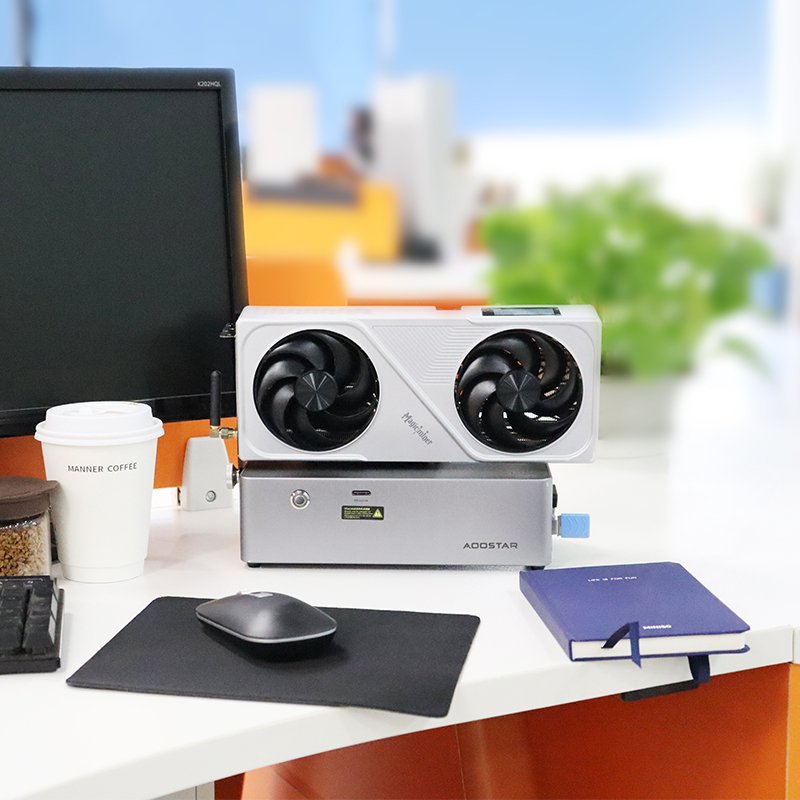
Desktop table setup
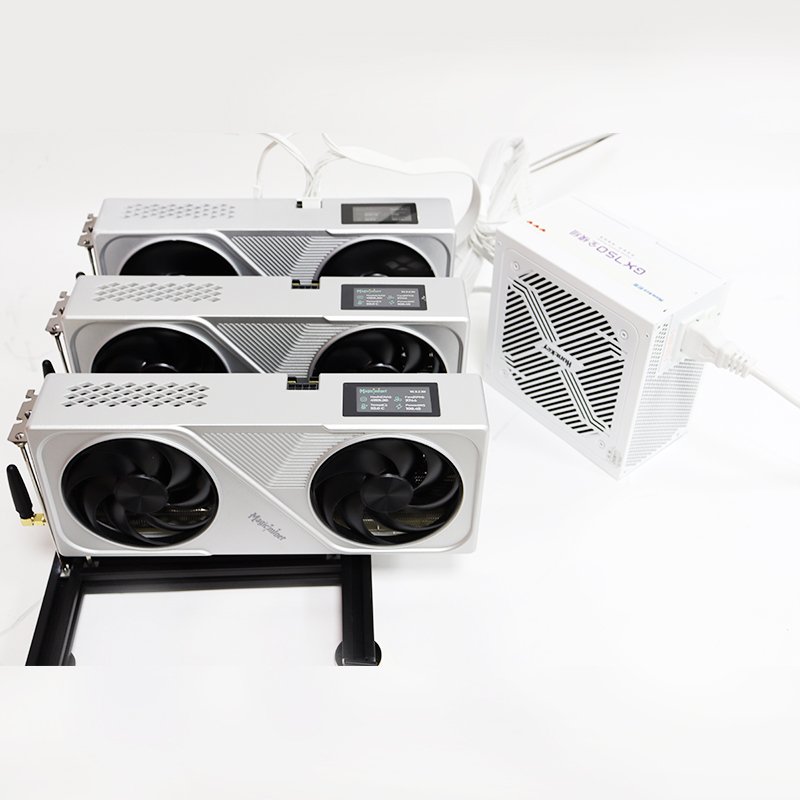
PCIe GPU dock
Standard PC case
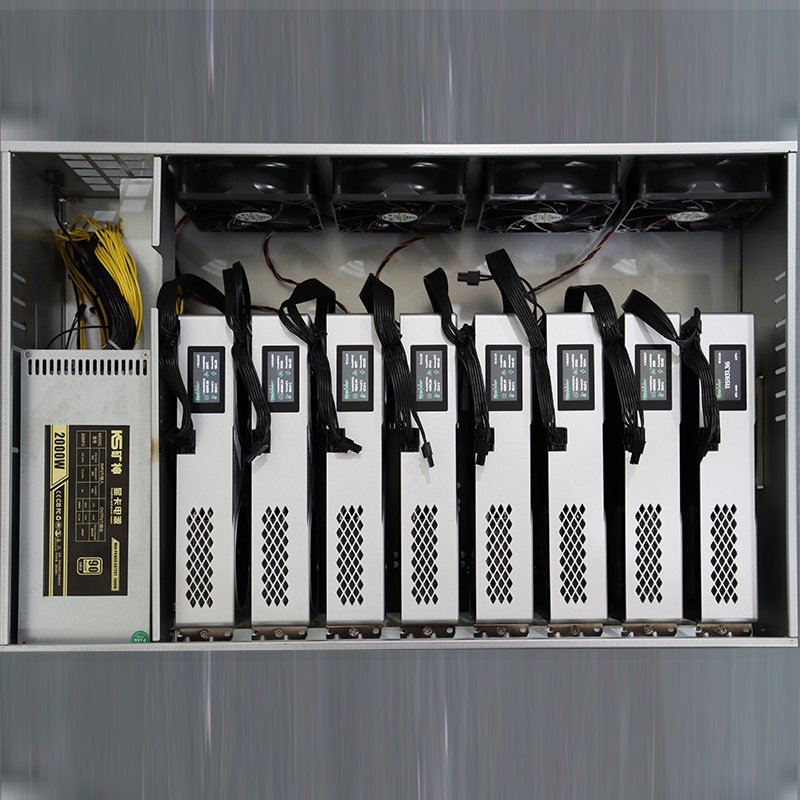
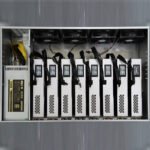
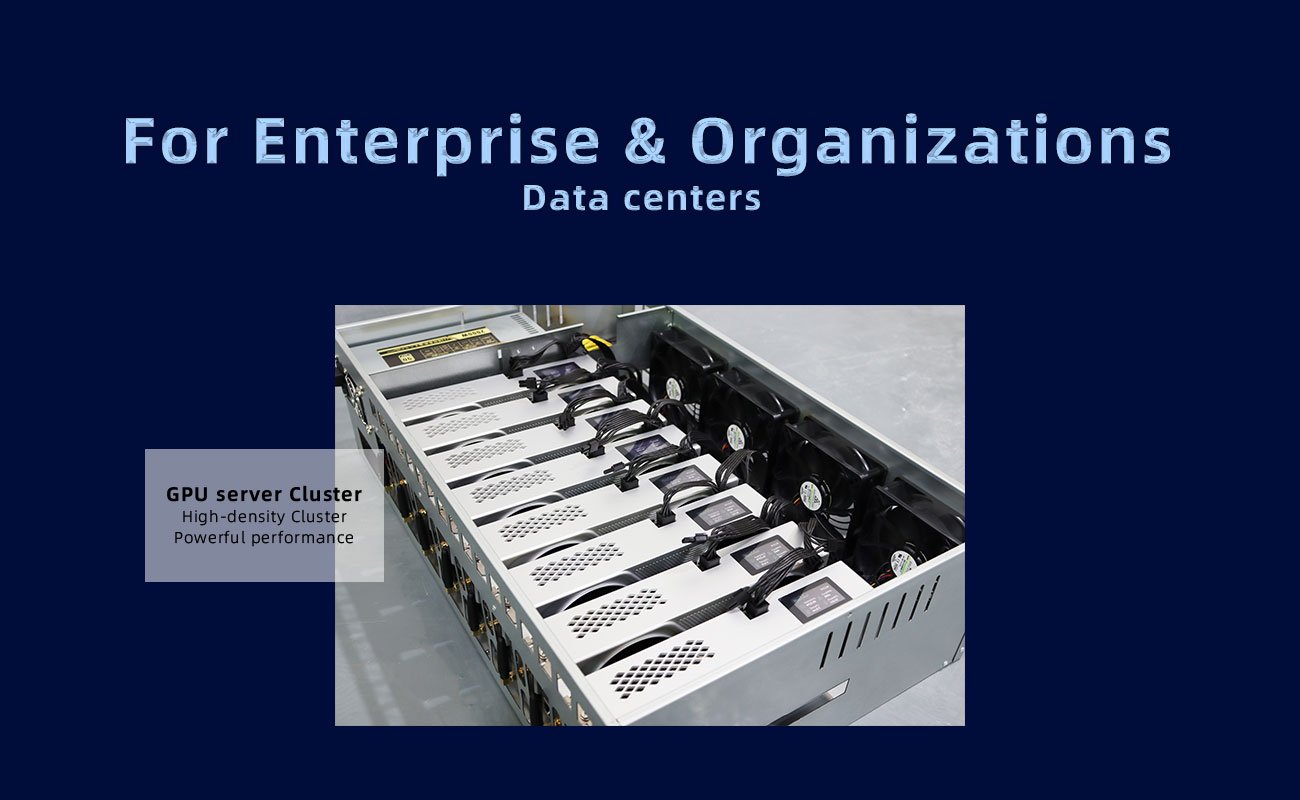
ASIC/GPU rack cluster
GPU server cluster
Just connect to a PC or server PSU and start mining instantly.
Technical Specifications
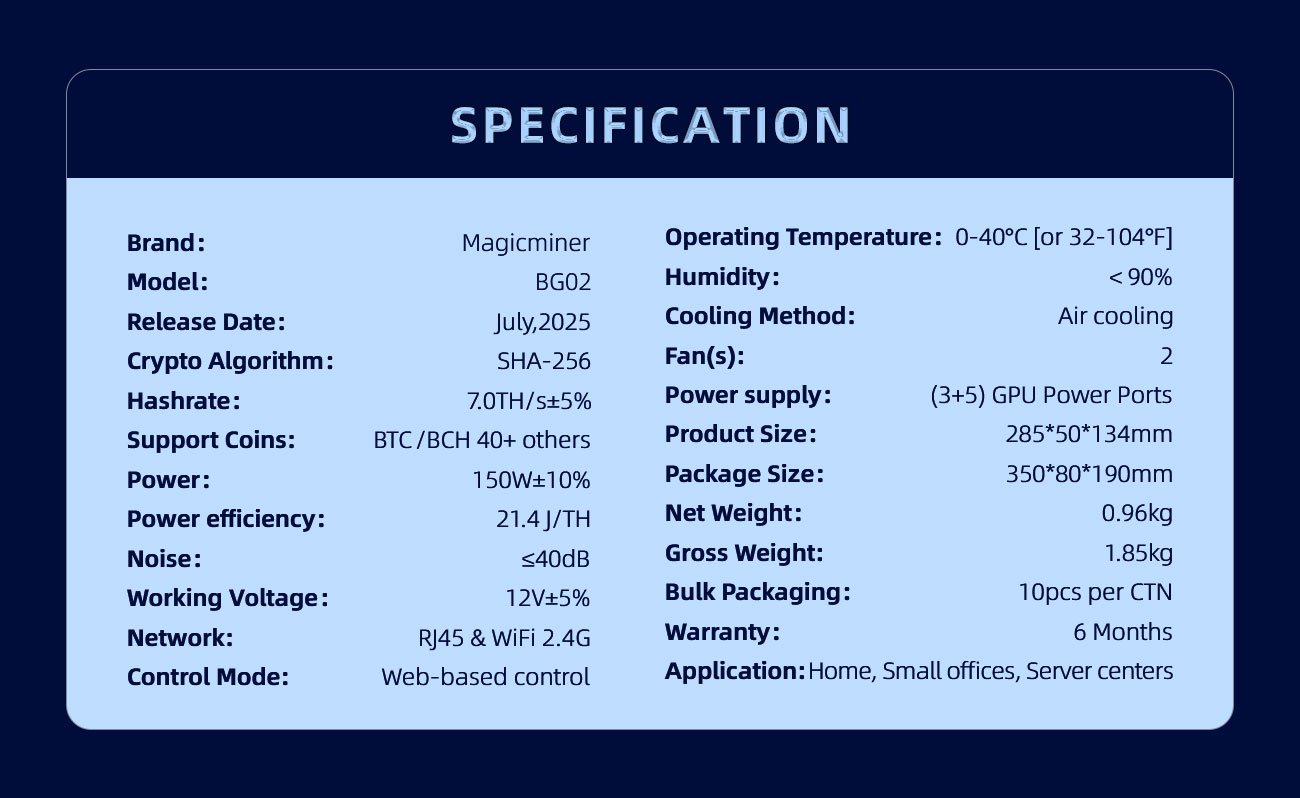
| Item | Description |
|---|---|
| Brand | Magicminer |
| Model | BG02 |
| Algorithm | SHA-256 |
| Supported Coins | BTC, BCH, DGB, FB… |
| Rated Hashrate | 7.0 TH/s ±5% |
| Power Consumption | 150 W ±10% |
| Efficiency | 21.4 J/TH |
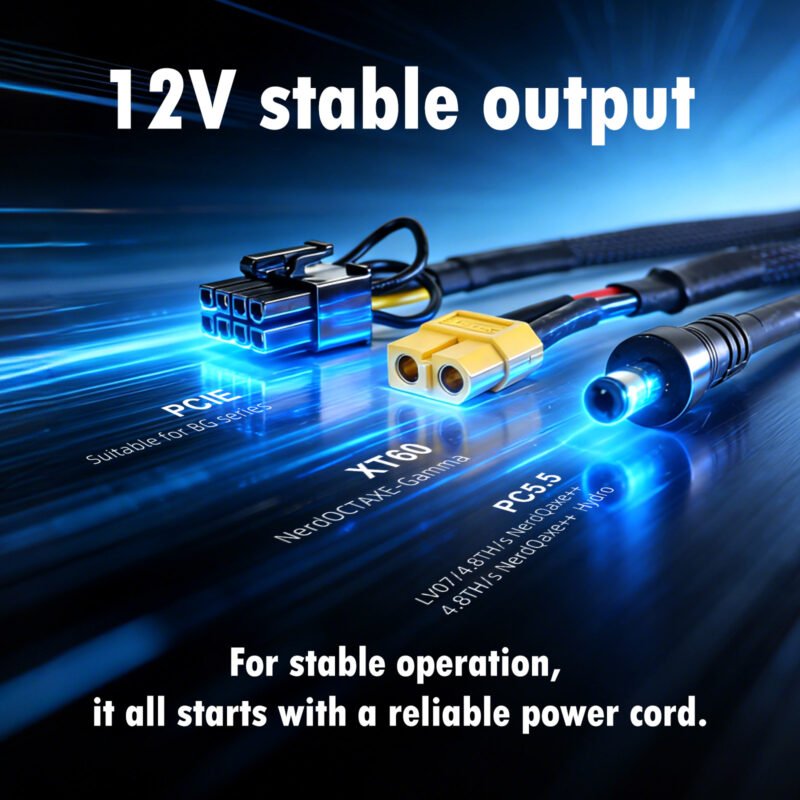
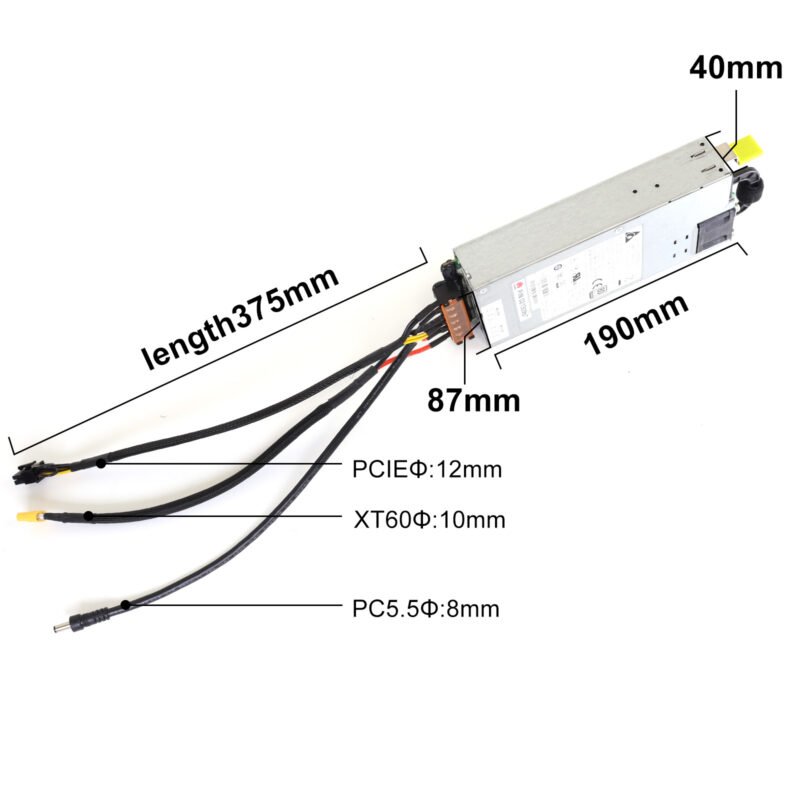
| Voltage | 12V ±5% (PCIE 5+3, 16AWG+) |
| Network | RJ45 10/100M, WiFi 2.4G |
| Cooling | Air cooling |
| Noise | ≤ 40 dB |
| OS | Web UI |
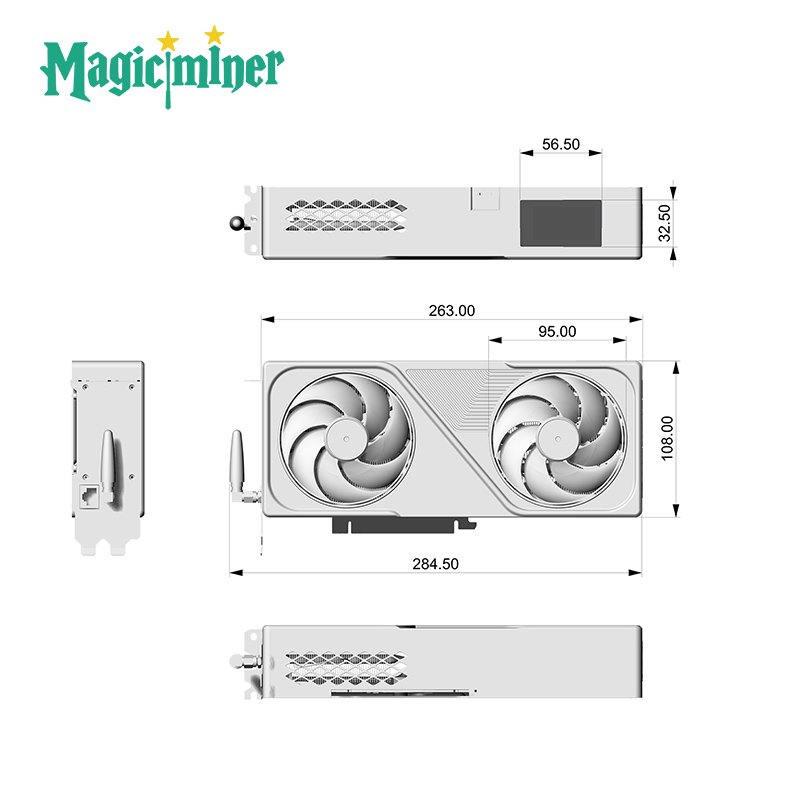
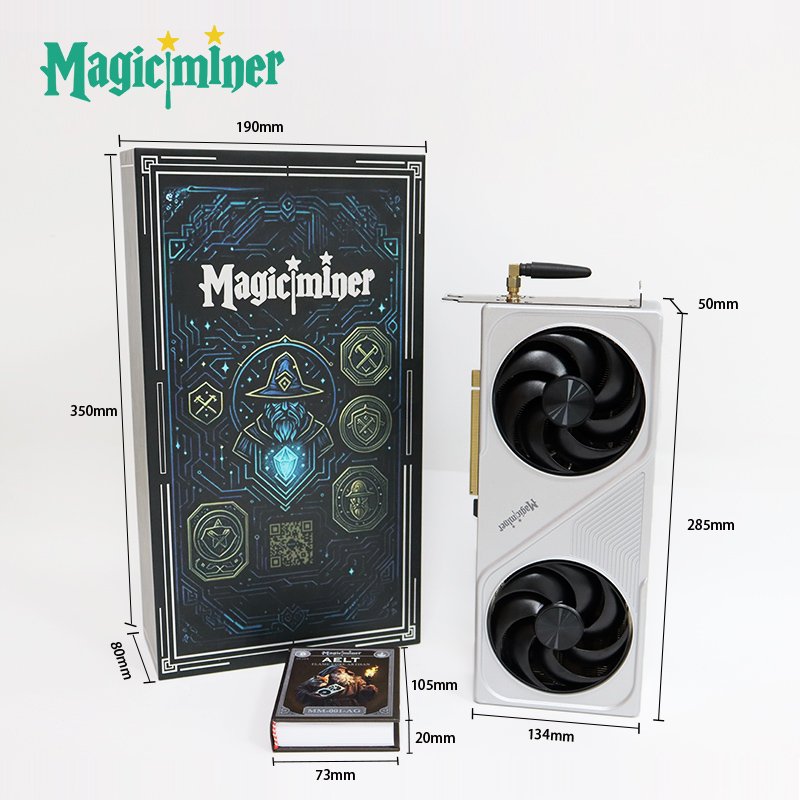
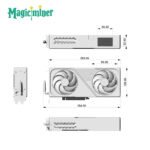
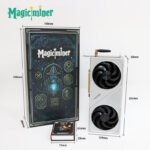
| Dimensions | 285×50×134 mm |
| Weight | 1.0 kg (net) |
| Recommended PSU | Gold-certified PC/Server PSU |
| Environment | 0–40°C, <90% humidity |
| Warranty | 6 months |
Recommended Usage Environment
To ensure best performance:
Power
Use a Gold-certified PC or server PSU

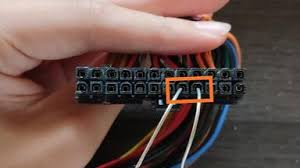
- (NOTED: With a fully modular PC power supply, the unit will only start after the two connectors are shorted.)
PCIE cable: 6+2 configuration, 16AWG or thicker
Power stability ≥200W required
Temperature & Ventilation
Operating: 0~40°C
Provide airflow; avoid blocking the fan
Clean dust regularly
Quick Installation Guide
Step 1 – Hardware Setup
Prepare a Gold-rated PSU (PC or server).
Connect PCIE 5+3 power cable to BG02.
Place BG02 with adequate ventilation.
Power on the PSU and wait for the miner to boot.
Step 2 – Network Configuration
RJ45 Wired
Connect Ethernet cable → Router
Screen shows the assigned IP
Open browser → enter IP → access dashboard
WiFi Wireless
Power on → BG02 broadcasts Magic-** WiFi**
Connect via PC/phone
Auto-redirect or open 192.168.4.1
Enter your router SSID + password
Device reconnects automatically
Step 3 – Start Mining
Enter your mining pool settings
Enter BTC wallet address
Save → Reboot → Begin mining
Monitor hashrate & temperature on dashboard
Recommended Mining Pools
For SHA-256 coins such as BTC/BCH:
ViaBTC – PPS+, PPLNS, SOLO
CKPool – Popular SOLO pool
Jackpool – SOLO mining
Public-Pool – SOLO & regional pools
Lucky Pool – SOLO mining
Fractal Pool – FB coin mining
You may check pool performance at:
miningpoolstats.stream
FAQ – Frequently Asked Questions
Q1: What PSU should I use?
A Gold-certified PC PSU with 5+3 PCIE cable (16AWG+).
Q2: BG02 won’t turn on?
Check power switch & cable
Ensure PSU delivers ≥200W
Check PCIE cable rating
Q3: Do I need Ethernet?
WiFi is fully supported; Ethernet is optional.
Q4: Hashrate lower than 7TH/s?
Check:
Temperature
Airflow / dust
PSU cable quality
Router stability
Q5: What is the warranty?
6 months. Damage from water, PSU failure, modification, lightning, drops, or disasters is not covered.
Q6:What is the recommended operating frequency for BG02?
The recommended operating specifications for BG02 are:
Frequency: 600
Voltage: 1250
These settings help ensure stable performance and optimal efficiency.
Q7:What are the ideal ASIC and VR temperature ranges?
ASIC Temperature:
Recommended: Below 70°C
Optimal: Around 60°C
VR Temperature:
Recommended: Below 80°C
Optimal: Around 60°C
Maintaining the miner within these temperature ranges helps ensure stable operation and prolongs hardware lifespan.
Support & Contact
Support Email: support@magicminer.com
Website: www.magicminer.cc
WhatsApp/Telegram: +852-56140308
For reseller or bulk inquiries, contact the sales team on the official website.
Why Choose Magicminer BG02?
High hashrate for its size (7TH/s)
Ultra-low 150W power consumption
Quiet enough for desktop use
WiFi compatible
Perfect for home or office mining
Upgrade-friendly firmware
Versatile deployment options
If you’re looking for a compact, efficient, and user-friendly SHA-256 miner, MagicMiner BG02 is one of the best low-power Bitcoin miners available today.
Brand | Magicminer |
Model | BG02 |
Release Date | July,2025 |
Crypto Algorithm | SHA-256 |
Hashrate | 7.0TH/s±5% |
Support Coins | BTC / BCH 40+ others |
Power | 150W±10% |
Power efficiency | 21.4 J/TH |
Noise level | ≤40dB |
Working Voltage | 12V±5% |
Networking Connection Mode | RJ45 Ethernet 10/100M &WiFi 2.4G |
Control Mode | Web-based control |
Operating Temperature | 0-40°C [or 32-104°F] |
Humidity | <90% |
Cooling Method | Air cooling |
Fan(s) | 2 |
Power supply(Optional) | (3+5) GPU Power Ports |
Dimension | 285*50*134 |
Dimension(with packaging) | 350*80*190 |
Net Weight | 0.96kg |
Gross Weight | 1.85kg |
Bulk Packaging | 10pcs per CTN |
Warranty | 6 Months |
Application | Home Users, Small offices, Server centers |
| Weight | 1.85 kg |
|---|---|
| Dimensions | 35 × 19 × 8 cm |
| Power Supply Standard | AU Plug, BR Plug, EU Plug, UK Plug, US Plug |

5 reviews for Magicminer BG02
You must be logged in to post a review.
Lucky miner LV04
Original price was: $28.00.$22.00Current price is: $22.00.
Magicminer BG01
Original price was: $219.00.$199.00Current price is: $199.00.



0tg0 (verified owner) –
Had this BG02 for 2 months. It took a month to get it up and Hashing. I bought two units … One from Ebay (returned) and one from Magic Miner directly. I am no Asic hardware pro and novice in the electronics field. Keke Yo (Magic Miner rep) sent me some information on how to get my rig up. I had to make a couple of modifications to my PSU. I have a MSI Mag 650 fully modular unit. Once I figured out what “tricking” the PSU meant I have a fully operational and stable mining rig. My BG02 hashes above average @ 7.4 TH/s. We see peaks at over 10 TH/s once in a while and over 9 TH/s regularly. My highest difficulty at the time of of writing is on CK pool solo Ipv4 @ 1.83G. A long way from network difficulty but overall a solid unit and arrived to the USA in original packaging free from damage. We need that Version update bro!
Magicminer –
We will arrange personnel responsible for the product to assist you in handling it.
Cheryl Garcia –
I run a small retail shop and have a bit of desk space. I got the BG02 just to see if it could bring in some passive income. Honestly? I don’t check it much. I set it up, forgot about it, and check once a week. It’s been running 24/7 for two months without issues. 7 TH/s at 150W – the profit isn’t big, but it’s something. I’m mining BTC. The noise is fine – 40 dB is okay in a shop
Afra Dorothea –
It’s small – 285×50×134 mm – fits under my desk. Setup took maybe 15 minutes. The WiFi setup was a bit slow, but once it connected, it’s been running fine. 7 TH/s at 150W is decent for a home setup. I’m not making much, but I’m learning how pools and wallets work.
Magicminer –
Solid first choice for learning. 7 TH/s at 150W is a good balance
Laura Malory –
I work remotely and move around a lot. The BG02 is small enough to pack in my carry-on. But the WiFi setup process – connecting to its hotspot first – felt a bit old-school. Once configured though, it’s stable. If you’re a nomad who wants to mine on the go, it works. Just be patient with the WiFi step.
Magicminer –
Fair point on the WiFi. The hotspot-first method is a bit old-school, but it works reliably
Abner Lancelot –
My son bought me a BG02 because he knew I was curious about Bitcoin. The manual could be clearer for older people. I had to ask my son for help on the WiFi part.