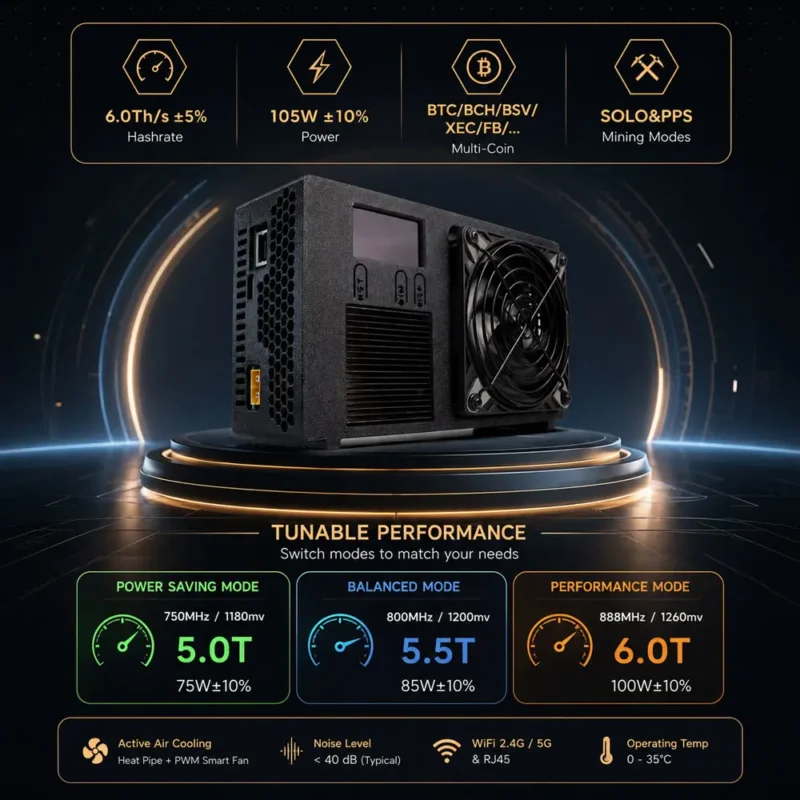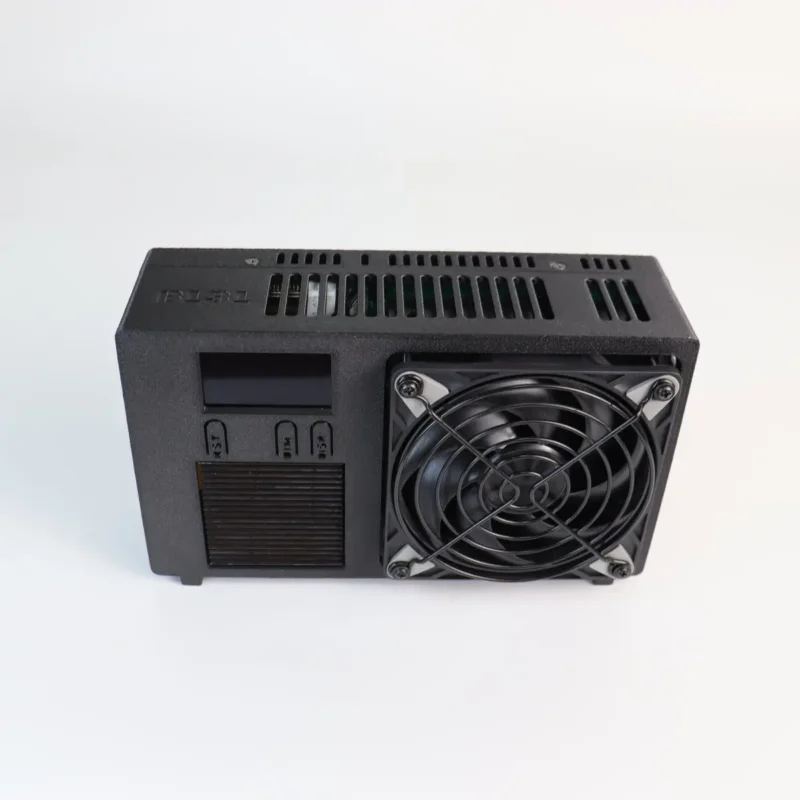




B131
Luckyaxe B131 Original price was: $329.00.Current price is: $299.00.
Back to products

Luckyaxe HW01

Secure Open-Source Cold Storage for Bitcoin & Multi-Chain Crypto Assets

Original price was: $119.00.Current price is: $79.00.

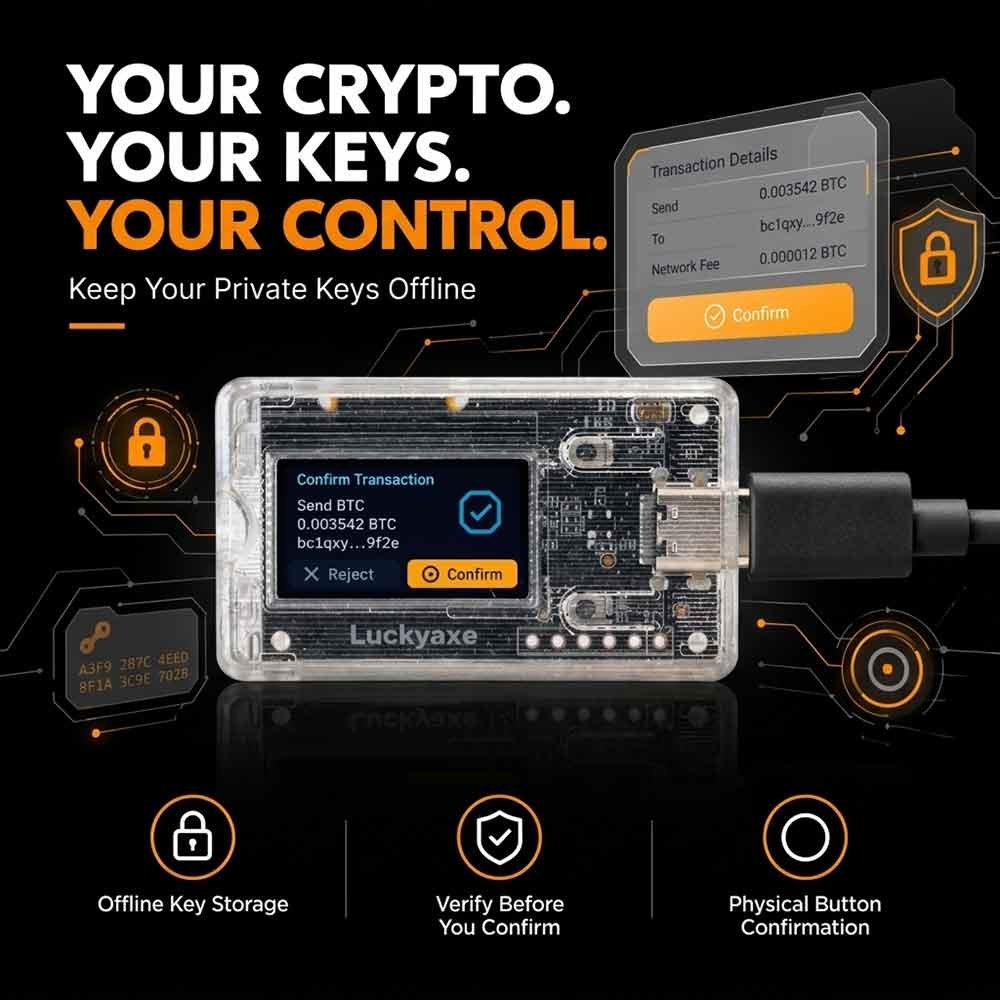
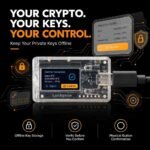
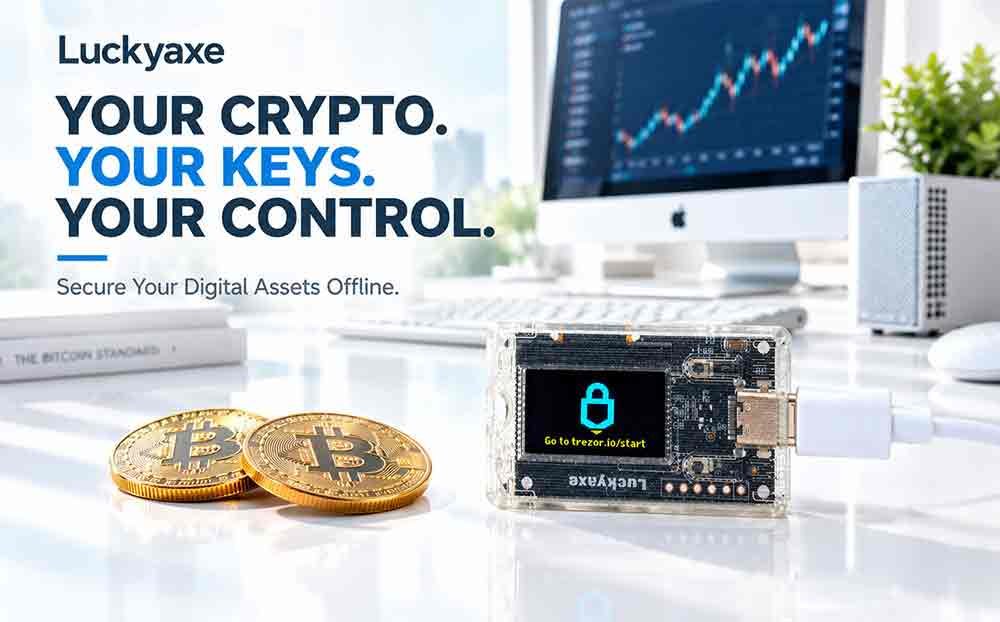
The Luckyaxe HW01 is a high-security cryptocurrency hardware wallet designed to keep your private keys completely isolated from online threats. Built on the trusted Trezor One open-source architecture (GPLv3 license), the HW01 acts as your personal digital vault—ensuring that your private keys never leave the offline physical device.

Description


1. Product Overview

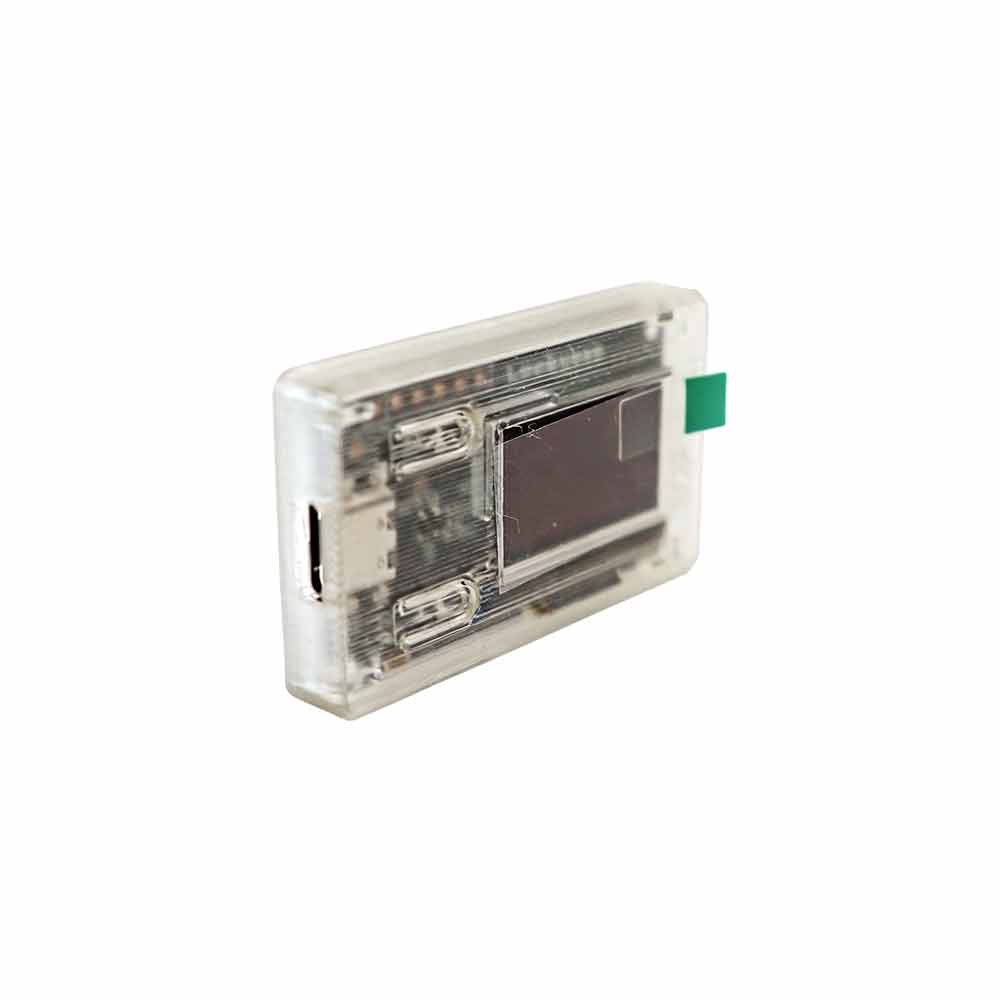
The Luckyaxe HW01 Hardware Wallet is an offline security device built to safeguard your digital asset private keys. Designed as a digital vault, it guarantees complete isolation from online security threats:

  • Computer / Phone: Serves as the operation interface (like a bank counter).

  • Hardware Device: Acts as the offline key manager (holds your private keys offline).

  • Key Advantage: Private keys never leave the device. All transactions require physical button confirmation on the device screen. Even if the host computer is compromised, your assets remain fully protected.

2. Unboxing Verification & Security Check

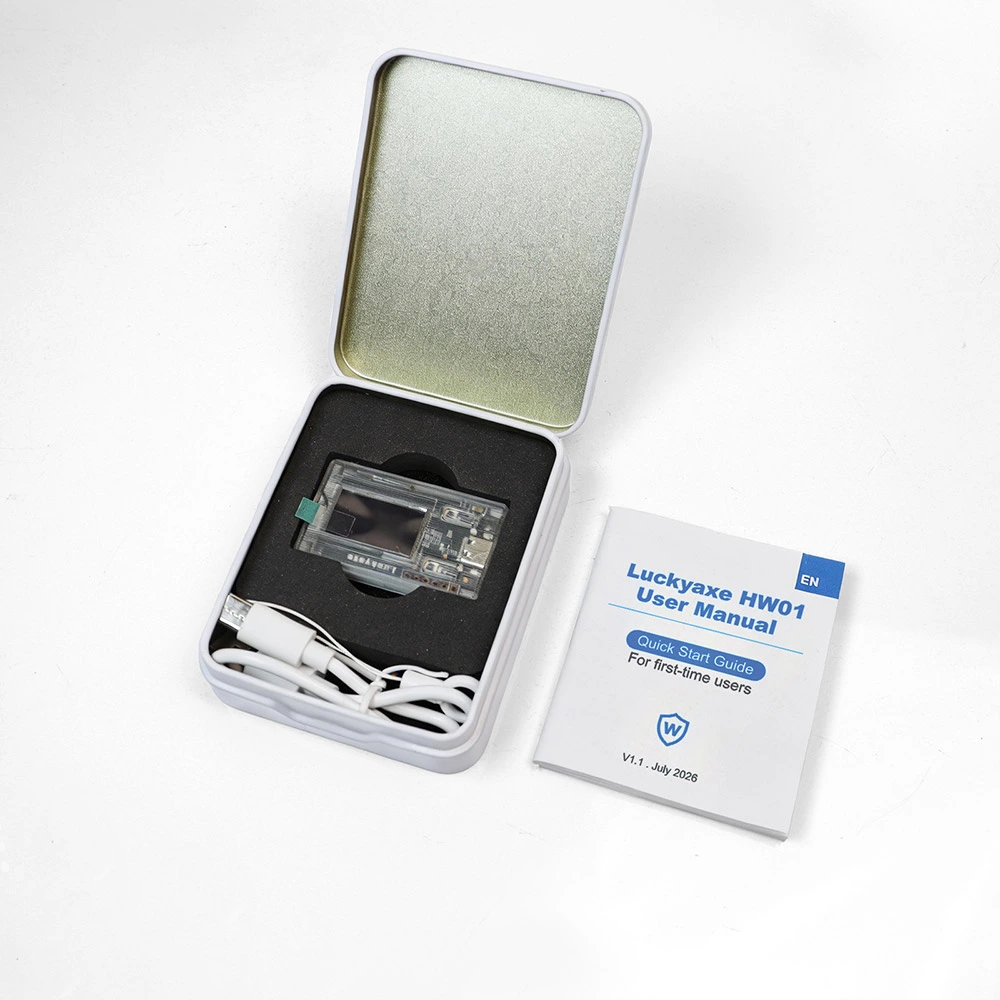
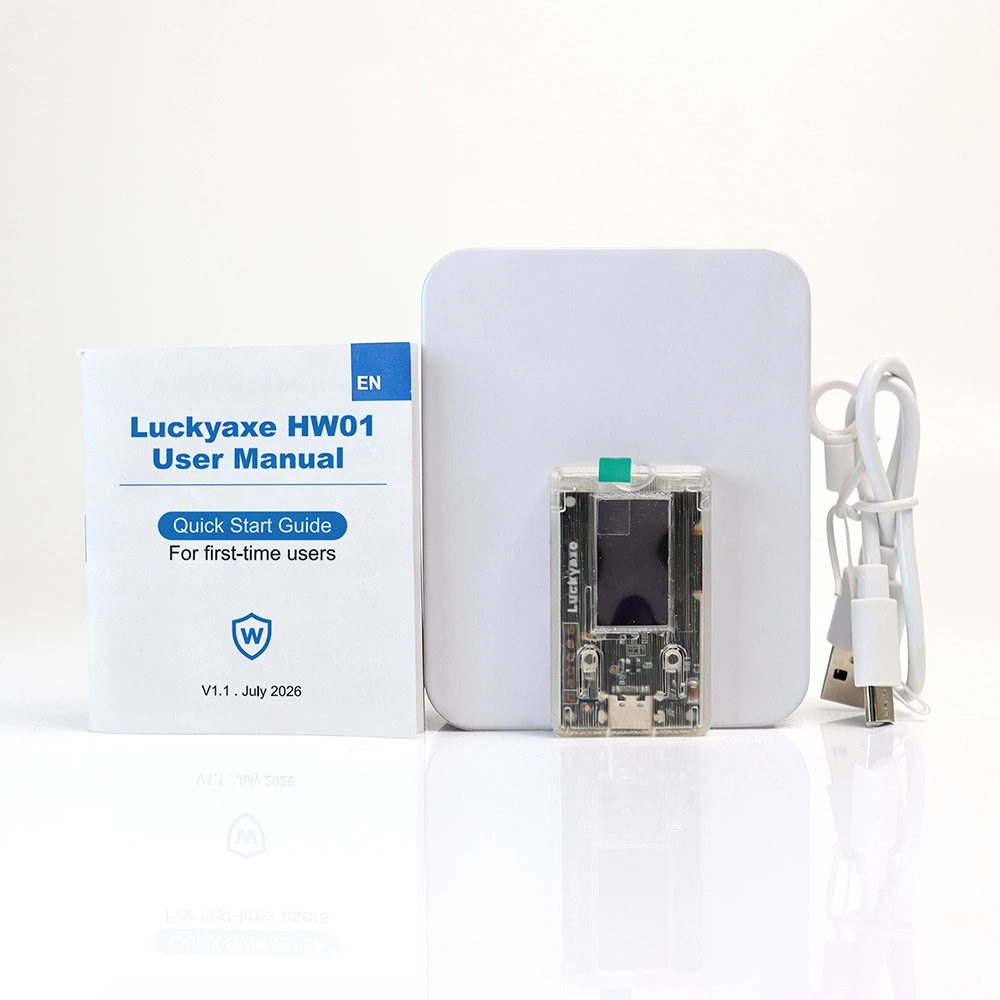
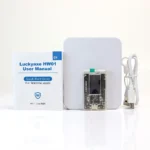
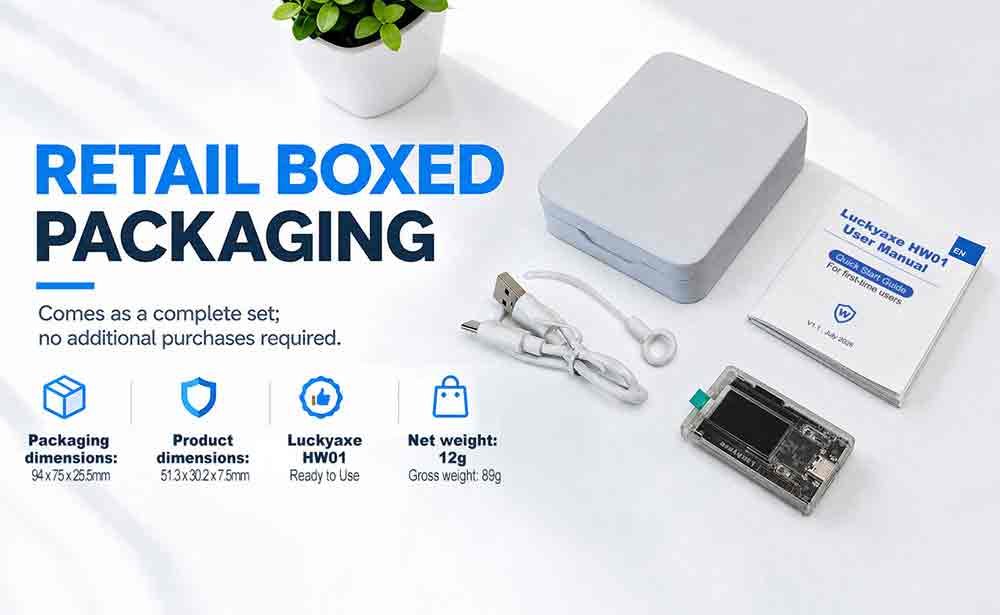
Package Contents:

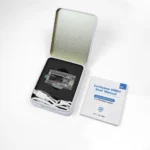
  1. Luckyaxe HW01 Hardware Wallet Main Unit × 1

  2. USB Data Cable × 1

  3. Seed Phrase Backup Cards × 2

  4. User Manual × 1

  5. Lanyard × 1

Initial Security Check:

The device must be brand new and uninitialized upon delivery. If the screen displays balance amounts or prompts for a PIN when first connected, do not use it. Stop immediately and contact official support.

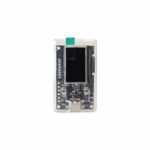
3. Device Buttons & Display Specs

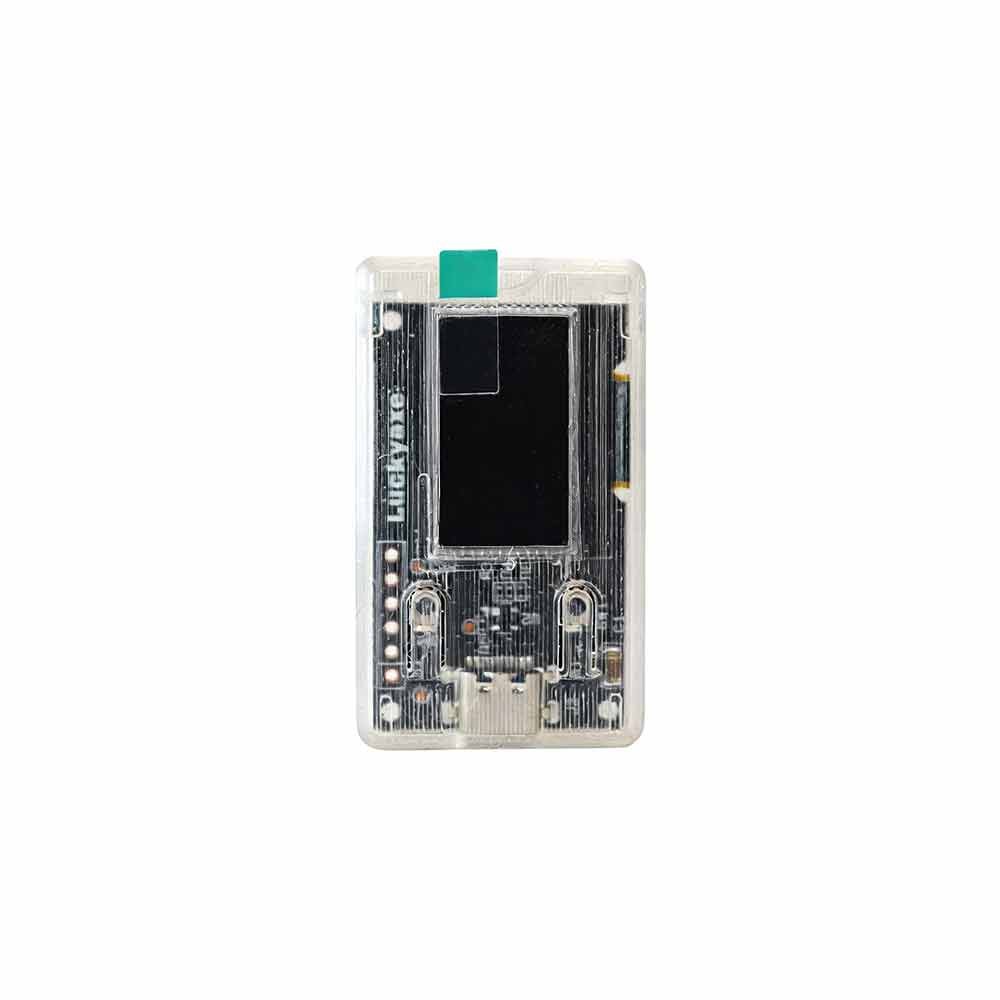
  • Display Screen: Displays transaction details (addresses, amounts, confirmation prompts). Always verify credentials on the device screen, not the computer.

  • Upper Button: Cancel / Previous

  • Lower Button: Confirm / Next

  • USB Port: Connects directly to desktop computers

4. Compatible Wallet Software

Luckyaxe HW01 supports open-source software integration with zero vendor lock-in. Electrum is recommended for initial setup:

Wallet NameSupported CoinsOfficial Website
ElectrumBitcoin Only (BTC)electrum.org
ExodusBTC, ETH & 100+ Chainsexodus.com
Sparrow WalletBitcoin Only (BTC)sparrowwallet.com
MyEtherWalletEthereum & ERC-20 Tokensmyetherwallet.com
MetaMaskETH, BNB, Polygon & EVM Chainsmetamask.io
Blockstream GreenBitcoin & Liquid Networkblockstream.com/green
Rabby WalletEVM Multi-chainrabby.io

5. Initial Setup & Wallet Creation

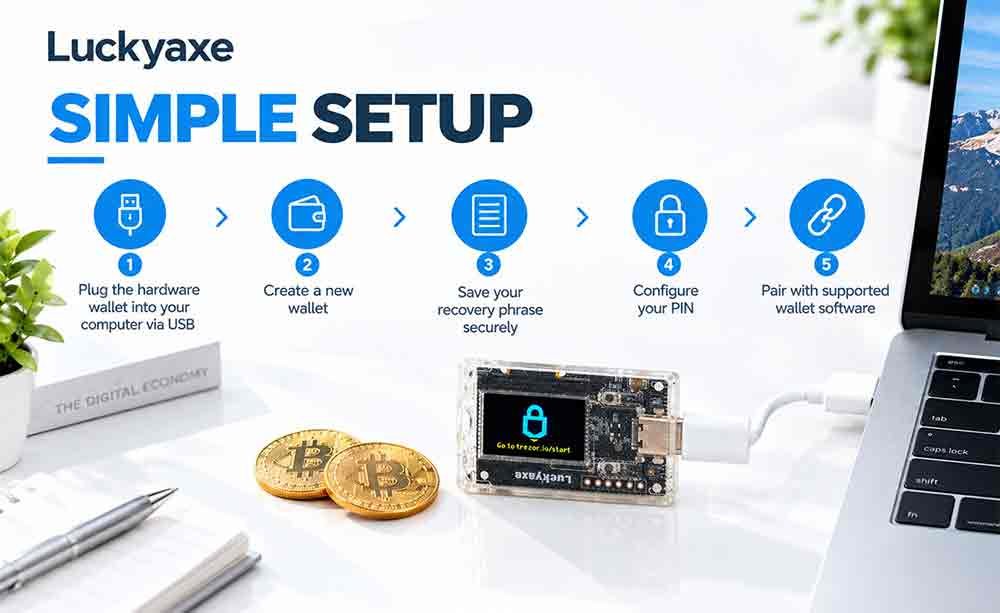
  1. Connect Device: Plug into your PC via USB cable. The screen lights up with a welcome message.

  2. Generate Seed Phrase: The device generates 12, 18, or 24 English seed words.

    • CRITICAL SECURITY RULE: Write every word down clearly on the physical backup card. NO photos, NO screenshots, NO digital/cloud storage. This is your ONLY asset recovery method.

  3. Verify Seed Phrase: Re-enter words on the device in exact numerical order.

  4. Set PIN Code: Configure a 4+ digit PIN (6+ recommended) via on-screen keypad.

  5. Pair with Electrum: Open Electrum → Select “Standard Wallet” → “Use a hardware device” → Choose Luckyaxe HW01 → Select “native segwit” address format.

6. Receiving & Sending Assets

  • Receiving Assets: Click “Receive” in Electrum to display your receiving address/QR code. Always verify that the address on the computer matches the hardware screen.

  • Sending Assets: Fill in payment details on Electrum and send. Review transaction details on the HW01 display. Press the Lower Button to Confirm or Upper Button to Cancel.

Additional information
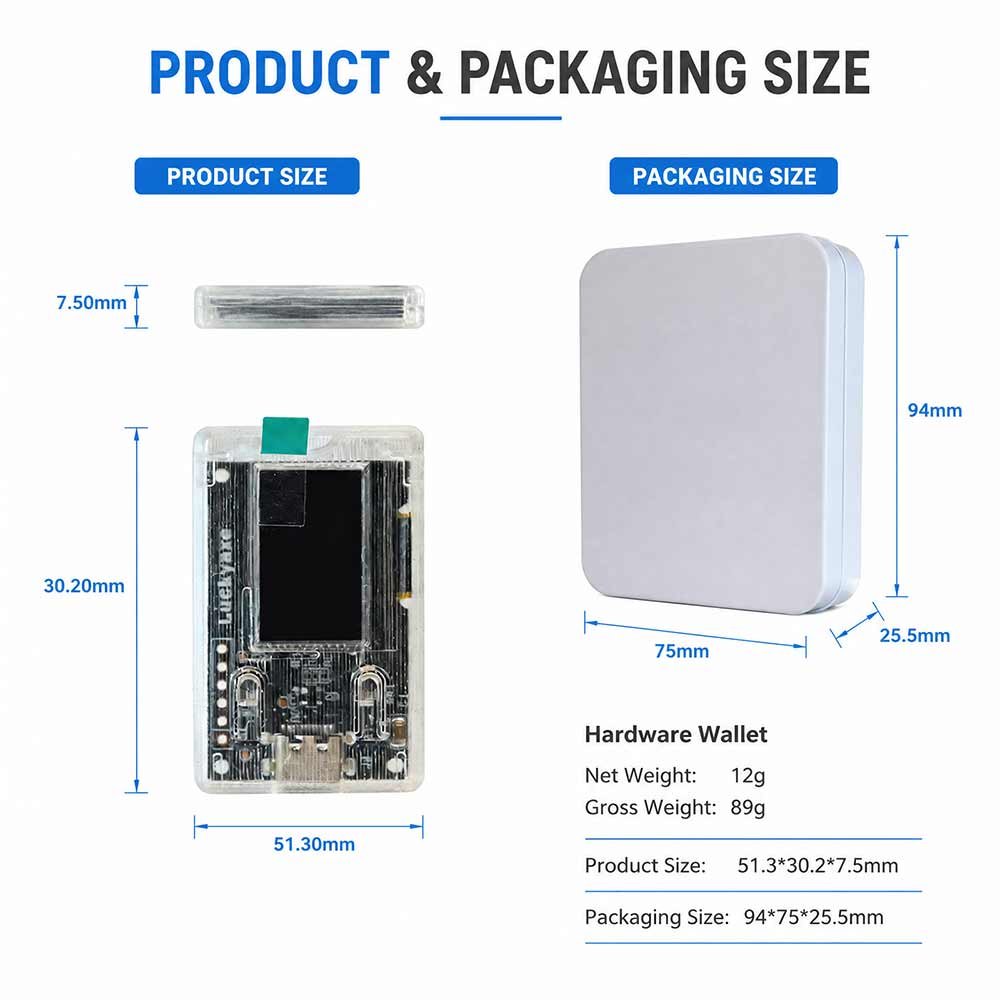
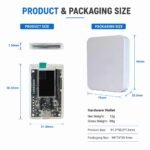
Weight0.15 kg
Dimensions6.3 × 4.5 × 2 cm
FAQ
Product Overview & Initial Setup Luckyaxe HW01 · Security
+

1.1 General Information & First Use

What is the main security advantage of the Luckyaxe HW01?
The HW01 keeps your private keys completely offline in an isolated hardware environment. Your keys never leave the device, ensuring your assets remain safe even if connected to a malware-infected PC or smartphone. All transaction approvals require physical button presses.
What should I check when unboxing the device for the first time?
The device must be in a completely uninitialized state. If the screen shows a pre-set balance or prompts for a PIN when first connected via USB, do not use it. Contact official support immediately, as it may have been tampered with.
How do I perform the initial configuration?
Connect the device to a PC via USB. Follow the on-screen prompts to generate your 12, 18, or 24-word seed phrase, write it down carefully on the backup card, verify the words on the device screen, and set a custom 4+ digit PIN code.
Software Compatibility & Daily Use Electrum · Multi-Chain
+

2.1 Pairing & Transaction Execution

Which desktop wallets are compatible with Luckyaxe HW01?
Based on the open-source Trezor One architecture (GPLv3), the HW01 works seamlessly with top-tier open-source clients:
  • Electrum: Bitcoin (BTC) Native SegWit default
  • Exodus / Sparrow: BTC & Multi-chain wallet management
  • MetaMask / Rabby: EVM multi-chain ecosystem (ETH, BNB, Polygon)
  • MyEtherWallet: Ethereum & ERC-20 tokens
How do I verify transaction details safely?
Always trust the HW01 hardware screen as your single source of truth. Before authorizing transfers or receiving funds, verify that the destination address and amount match the hardware display, then press the Lower Button to confirm.
What should I do if Electrum fails to detect the HW01?
Ensure the USB cable is securely connected, test different USB ports, confirm the device is powered on, and verify that the PIN code has been correctly entered to unlock the unit.
Security & Asset Recovery Seed Backup · PIN Code
+

3.1 Seed Backup & Troubleshooting

What happens if I forget my device PIN code?
If you forget your PIN code, you must restore your wallet using your written seed phrase. Multiple incorrect PIN entries will increase lockout delay times and eventually reset the device memory for physical protection.
How should I store my seed phrase backup?
Write your seed phrase on physical paper cards only and store them in a secure location. Never take digital photos, screenshots, or upload seed phrases to computers, phones, or cloud storage.
Will official support ever ask for my seed phrase or PIN?
No. Official customer service will NEVER ask for your PIN code or recovery seed phrase. Anyone requesting these credentials is an unauthorized scammer.
Technical Specifications & Compliance GPLv3 · Open-Source
+

4.1 Package Contents & Hardware Specs

What items are included in the HW01 standard package?
The package contains: Luckyaxe HW01 Main Unit ×1, USB Data Cable ×1, Seed Phrase Backup Cards ×2, User Manual ×1, and Lanyard ×1.
Is the HW01 built on open-source standards?
Yes. The Luckyaxe HW01 is built on the verified Trezor One open-source architecture under the GPLv3 license, eliminating vendor lock-in and allowing transparent software integration.

RELATED PRODUCTS