Lucky Miner LV Series Troubleshooting Guide & Tips
This Lucky Miner LV series troubleshooting guide covers common issues such as WiFi connection failure, zero hash rate, and low power consumption. The content is based on our after-sales team’s experience handling real user feedback and official information from the product manual.
Lucky Miner LV Series Common Issues & Solutions
1. Miner powered on but cannot connect to WiFi
Cause: Using non-2.4G WiFi; WiFi name or password contains special characters; main control chip not started.
Solution:
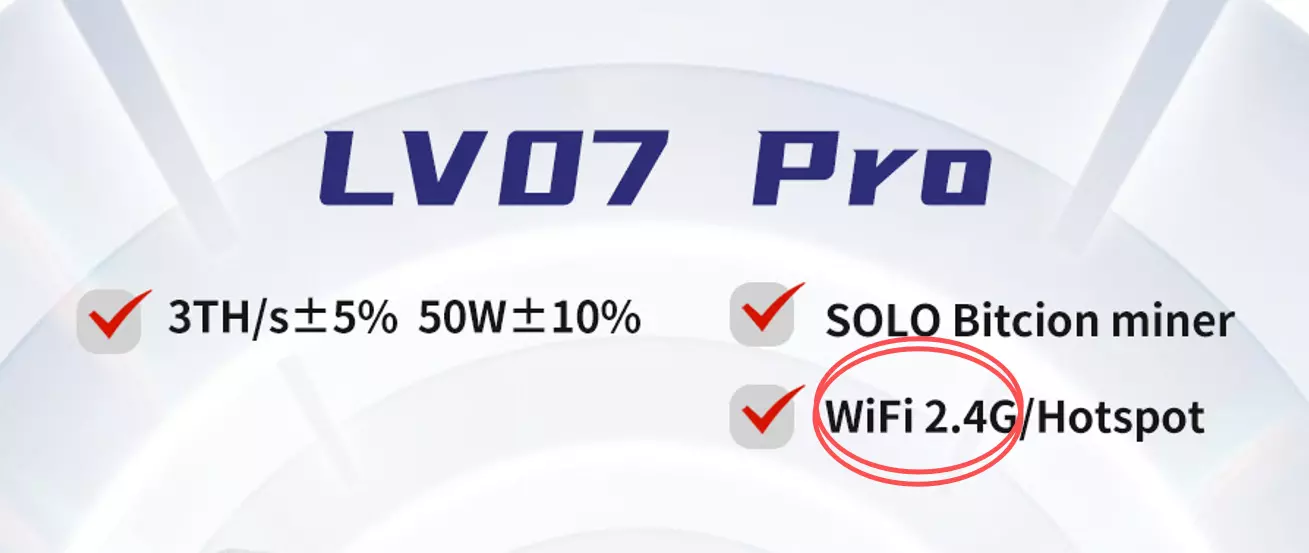
Ensure you are using 2.4G WiFi (5G is not supported)
Use only English letters or numbers for WiFi name and password. Avoid special characters
Press the reset button 1-3 times after powering on to reset the main control chip
2. Miner powered on, screen and fan do not work
Cause: Power adapter output does not match; power cord loose.
Solution:
Measure the adapter output voltage. It should be 12V±3%. Replace if not
Check the power cord connection. Try re-plugging or replace the power cord
3. Miner powered on, screen off but fan works
Cause: Main control chip not started.
Solution: Press the reset button 1-3 times after powering on to reset the main control chip.
4. Adapter light off or flashing
Cause: No output or unstable output from adapter.
Solution: Replace the power adapter.
5. WiFi and power normal, but hash rate is 0
Cause: Wrong pool address or port; pool difficulty higher than device hashrate; wrong wallet address.
Solution:
Check pool address and port carefully. Refer to miningpoolstats.stream for correct ports
Ensure hashrate is above the pool’s minimum difficulty. Based on our experience, 500G hashrate can connect to pools with difficulty below 1000
Use a mainnet wallet address (e.g., BTC address starts with 1/3/bc1)
6. Low power consumption (<20W)
Cause: Main control chip not started.
Solution: Press the reset button 1-3 times after powering on to reset the main control chip.
7. Miner keeps restarting, hash rate unstable
Cause: WiFi congestion or instability; mining pool blocked; high temperature triggering protection.
Solution:
Switch to a stable WiFi or mobile hotspot
Change to a locally allowed mining pool or a well-known pool (e.g., ViaBTC, F2Pool)
Keep ambient temperature below 30°C and place the device in a well-ventilated area
Lucky Miner LV Series Usage Precautions
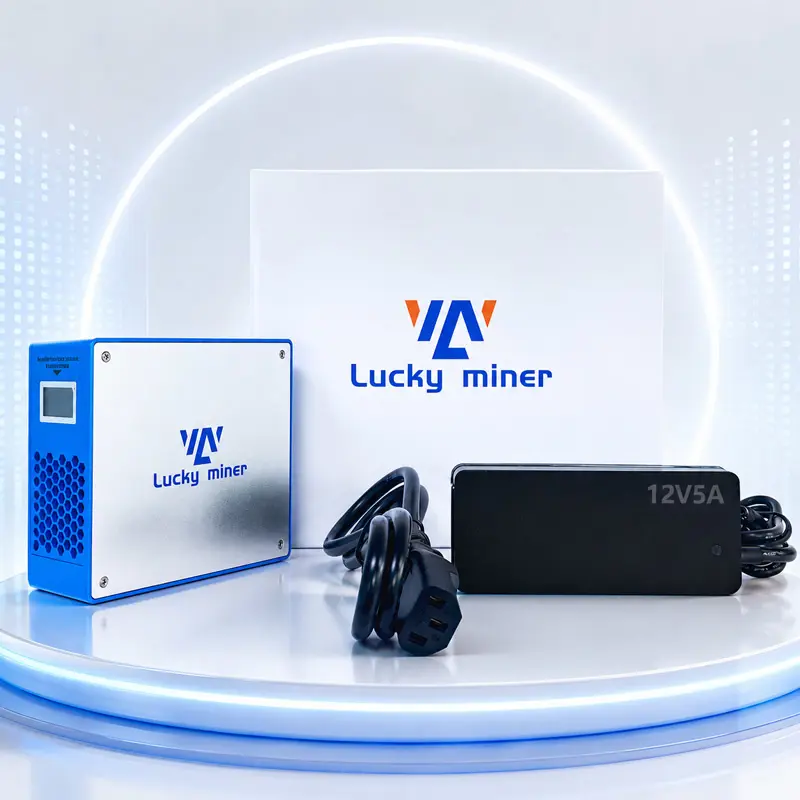
Power requirement: Use a stable power supply, 100-240V AC. LV07 adapter output is 12V/5A; LV08 adapter output is 12V/12.5A.
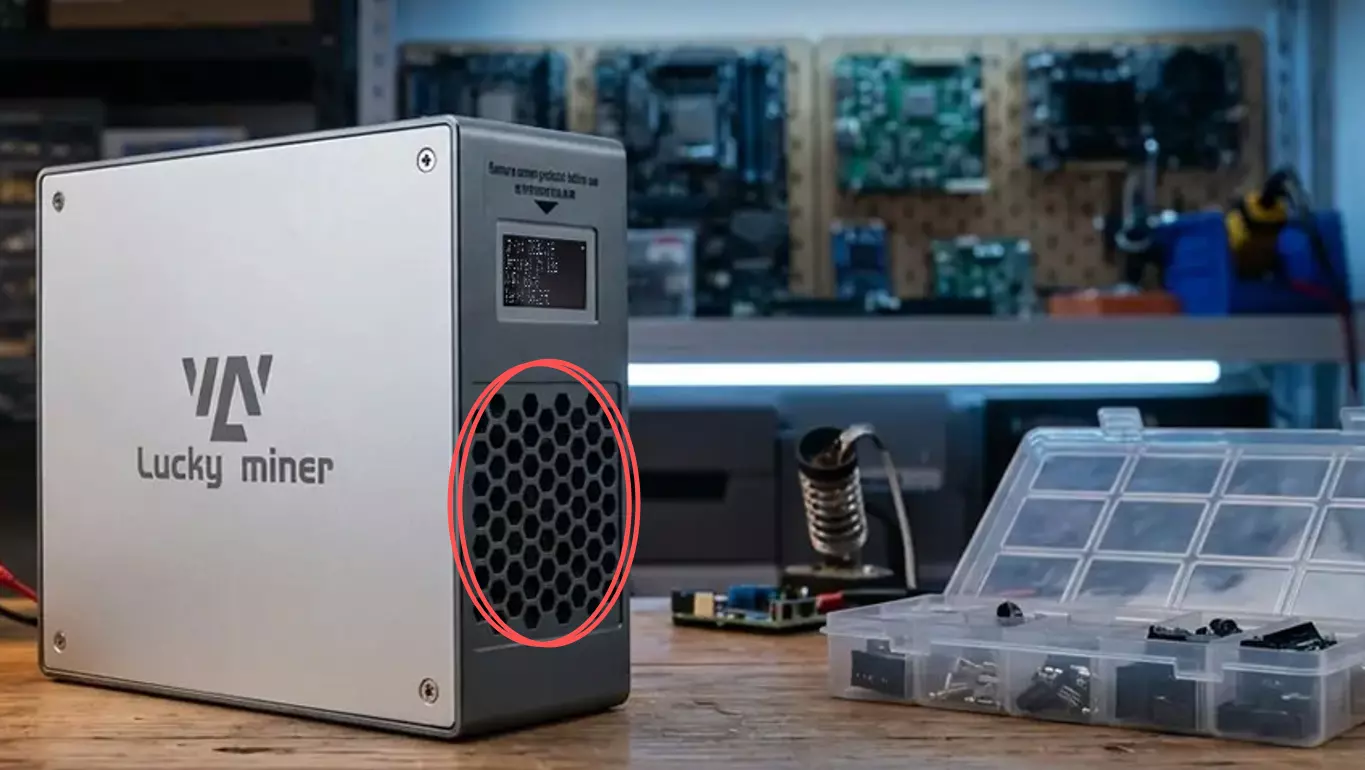
Environment: Use in a dry, well-ventilated environment. Do not stack or place close together. Do not place in confined spaces.
Temperature range: Operating temperature 0–30°C. Exceeding 30°C may cause performance degradation or trigger protective shutdown.
Heat dissipation: Keep air inlet and outlet unobstructed. Blocking is strictly prohibited.
Firmware restriction: Upgrading to unofficial firmware is prohibited. No after-sales service will be provided.
Regular cleaning: Clean the cooling system regularly to ensure proper operation.
Lucky Miner LV Series Usage Tips
Optimize pool selection: LV series supports SOLO, PPLNS, PPS, and P2P modes. Recommended pools: ViaBTC, F2Pool, AntPool.
Adjust frequency and voltage:
LV07: Frequency ≤575MHz, voltage ≤1300mV. If power exceeds 28W, reduce frequency or voltage gradually.
LV08: Frequency ≤575MHz, voltage ≤1300mV. If power exceeds 130W, reduce frequency or voltage gradually.
Use mainnet wallet address: Always use the mainnet wallet address of the currency being mined. For example, BTC address starts with 1/3/bc1.
Multi-currency mining: LV series supports all SHA256 algorithm coins, including BTC, BCH, BSV, DGB, XEC, etc. Refer to the product manual for the pool list.
Use official community: Join the global community to get the latest firmware, pool recommendations, and troubleshooting support.
We hope this Lucky Miner LV series troubleshooting guide helps you get back to mining quickly. If you have further questions, feel free to contact our support team.