Don’t Be Fooled by 6T! NerdQaxe++ Actual Hashrate Revealed
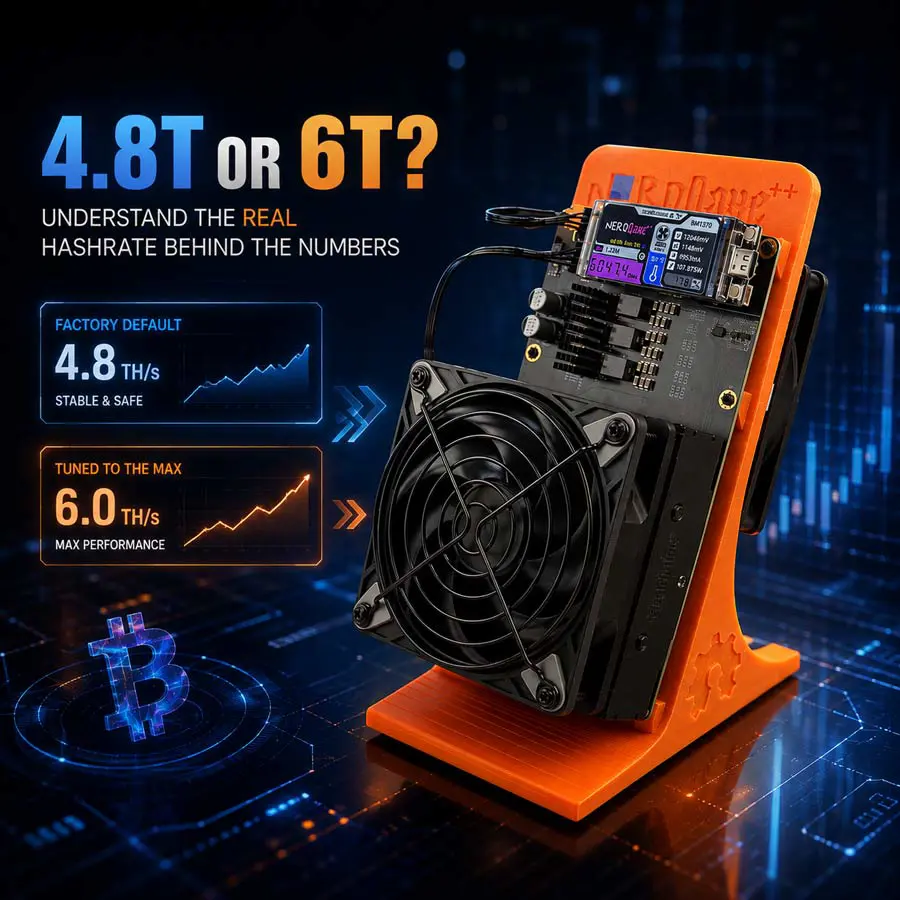
You eagerly unbox your new NerdQaxe++, plug it in, open the dashboard—and see a hashrate of only 4.8 TH/s. Yet the packaging clearly says 6 TH/s.
At this moment, do you feel like you’ve been misled? Are you already thinking about returning it?
Hold on. You are not alone. In our after-sales data, “hashrate below expectations” is one of the most frequently reported issues. Every day, users come to us with the same confusion: “I bought a 6T miner, why is it only running at 4.8T? Was the wrong unit shipped? Is the chip defective?”
The answer may surprise you: Your device is not wrong. The chip is not defective. And this is not even “shortchanging.” It is a deliberate safety margin designed by the manufacturer.
Understanding the nerdqaxe++ actual hashrate behind this logic will not only convince you to cancel that return request, but also help you truly unleash this device’s potential. This article will take you through the gap between 4.8T and 6T, and how to safely push your miner to its full capability.

PART ONE: WHERE DOES THE “6T” NUMBER ACTUALLY COME FROM?
Before questioning “why only 4.8T,” we need to understand where the “6T” figure originates.
1. The Advertised Figure Is the Ceiling, Not the Default
Almost all mining manufacturers advertise the maximum hashrate achievable under ideal conditions. This is like the top speed on a car’s speedometer—it represents what the vehicle can do, not what you drive every day.
The NerdQaxe++’s advertised 6 TH/s is its performance ceiling under specific frequency, voltage, and cooling conditions. That ceiling can only be approached when the user actively adjusts the parameters.
2. Why Is the Factory Default Set at 4.8T?
The factory default of 4.8 TH/s is not because the hardware cannot go higher. It is a deliberate engineering choice. The reason is simple: Stability trumps everything.
Running at the default frequency means lower heat output, lower power consumption, and less demanding power supply requirements. This ensures your miner can run 24/7 without dropping offline, throwing errors, or shutting down due to overheating—even if your room runs warm, your power supply isn’t top-tier, or your ventilation is mediocre.
A miner that runs consistently at 4.8 TH/s is far more valuable than one that hits 6 TH/s for half an hour before triggering thermal protection.
3. Is This “Shortchanging” or a Safety Margin?
If you interpret the advertised 6 TH/s as “this device’s true capability ceiling,” then the default 4.8 TH/s is the manufacturer’s built-in safety margin. It ensures reliable operation across different users and different environments.
In other words, 4.8 TH/s is not “shortchanging.” It is protection. It protects your device from burning out, and protects your experience from frequent interruptions.
PART TWO: WHAT IS THE NERDQAXE++ ACTUAL HASHRATE IN PRACTICE?
Now let’s look at real numbers.
1. Default State: Stable at 4.8 TH/s
At factory default settings, the nerdqaxe++ actual hashrate sits consistently around 4.8 TH/s. This is the performance level most users will get straight out of the box.
Under stable environmental conditions—good ventilation, reliable power, and moderate temperatures—this figure can be maintained over long periods without significant fluctuation.
2. Key Variables That Affect Hashrate
Even on the same unit, actual hashrate can vary due to several factors:
Ambient temperature. When temperatures rise, the chip automatically reduces frequency to protect itself, causing a temporary drop in hashrate.
Power supply quality. An unstable power supply causes voltage fluctuations, which affect chip performance.
Firmware version. Different firmware versions implement different default frequency and voltage policies.
Ventilation conditions. Poor airflow reduces cooling efficiency, raises chip temperature, and lowers hashrate.
Understanding these variables helps explain why hashrate may fluctuate slightly between 4.5 and 4.8 TH/s.
3. What Does 4.8T Actually Mean?
Against the Bitcoin network’s total hashrate, 4.8 TH/s is indeed modest. But for an individual user, it represents genuine participation in the network—a tool for learning, experimenting, and experiencing the full mining process.
When buying a home miner, don’t expect it to become a money printer. Think of it as a window that lets you see firsthand how the Bitcoin network operates.
PART THREE: WANT TO REACH 6T? HERE’S HOW
If you’re not satisfied with 4.8 TH/s and want to truly unlock this device’s performance, you can adjust the parameters. But you must understand what you’re doing and what risks you’re taking.
1. Adjust Frequency and Voltage
The NerdQaxe++ hashrate is determined by frequency and voltage settings. Increasing frequency raises hashrate, but power consumption and heat output also rise. Properly increasing voltage can improve stability at higher frequencies, but the trade-off is more heat.
2. Recommended Safe Overclocking Parameters
Based on extensive user testing, the following parameters provide a relatively safe starting point:
Frequency: 725 MHz
Voltage: 1150 mV
Fan: 100%
Shutdown Temperature: 85°C
With these settings, your NerdQaxe++ can run stably above 5.5 TH/s, and some units with good silicon quality can approach 6 TH/s.
3. When Must You Stop?
If you encounter any of the following error messages during adjustment, you have crossed the safety boundary:
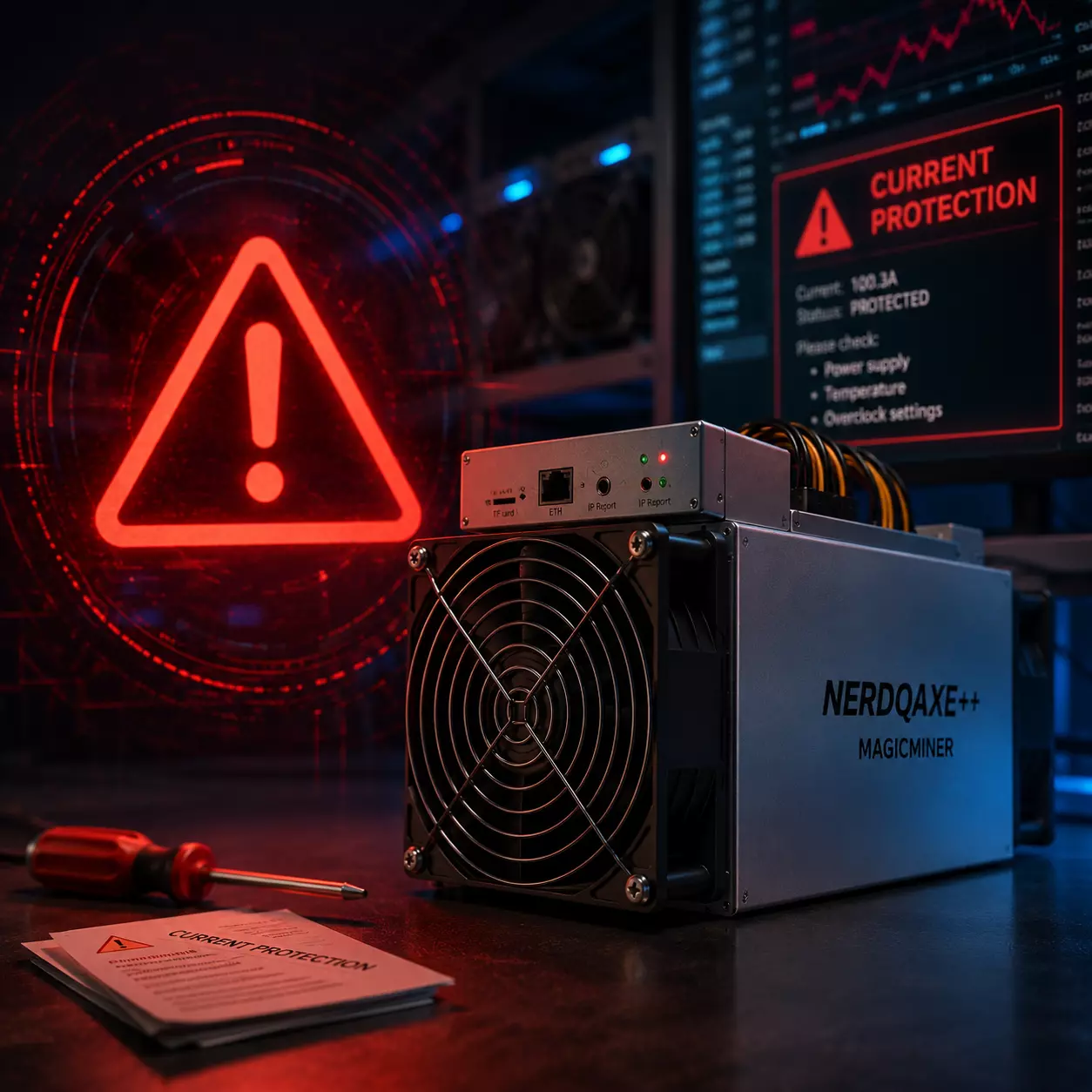
Current Protection
VREG Overheated
PSU_FAULT
VOLTAGE PROTECTION
When these appear, do not push further. Immediately revert to conservative settings. Otherwise, you risk causing irreversible damage to the hardware.
Remember, the golden rule of overclocking is: Stability first, performance second. A miner running consistently at 5.5 TH/s is far more valuable than one that intermittently hits 6 TH/s.
PART FOUR: HASHRATE BELOW EXPECTATIONS? CHECK THESE FOUR AREAS FIRST
If your NerdQaxe++ cannot reach 4.8 TH/s even at default settings, don’t immediately suspect a defective unit. Check these four areas first.
1. Is Cooling Sufficient?
The NerdQaxe++ needs to be placed in a well-ventilated open space. If you’ve put it in a cabinet, a corner, or surrounded by clutter, air cannot circulate, and the chip will proactively reduce frequency. This is not a malfunction—it’s the device protecting itself.
2. Is Your Power Supply Adequate?
Use a stable, reliable 12V DC power supply. Insufficient power output or unstable voltage will directly cause hashrate drops and may trigger frequent restarts.
3. Is Your Firmware Up to Date?
Periodically check for official firmware updates. Newer versions often include performance optimizations and bug fixes that can directly impact hashrate.
4. Is Your WiFi Connection Stable?
The NerdQaxe++ relies on WiFi to communicate with mining pools. When the network is unstable, the device loses connection with the pool, causing abnormal hashrate readings on the dashboard. If possible, prioritize a wired Ethernet connection.
PART FIVE: MINDSET MATTERS MORE THAN SPECS
Finally, some honest advice.
1. The NerdQaxe++ Is Not a Money Printer
Its positioning is an open-source, enthusiast-grade mining device. It’s designed for learning, experimenting, and experiencing—not as a primary source of investment returns.
2. Participation Itself Has Value
Even at 4.8 TH/s, you are contributing to the security of the Bitcoin network. For many users, the sense of participation, the learning process, and the satisfaction of maintaining a small mining operation are far more meaningful than daily mining rewards.
3. Overclocking Carries Risk
Unauthorized overclocking may void the warranty, and improper operation can damage the hardware. If you decide to experiment, do so with a full understanding of the consequences.
CONCLUSION: STOP OBSESSING OVER 4.8 VS 6
The truth about the nerdqaxe++ actual hashrate