
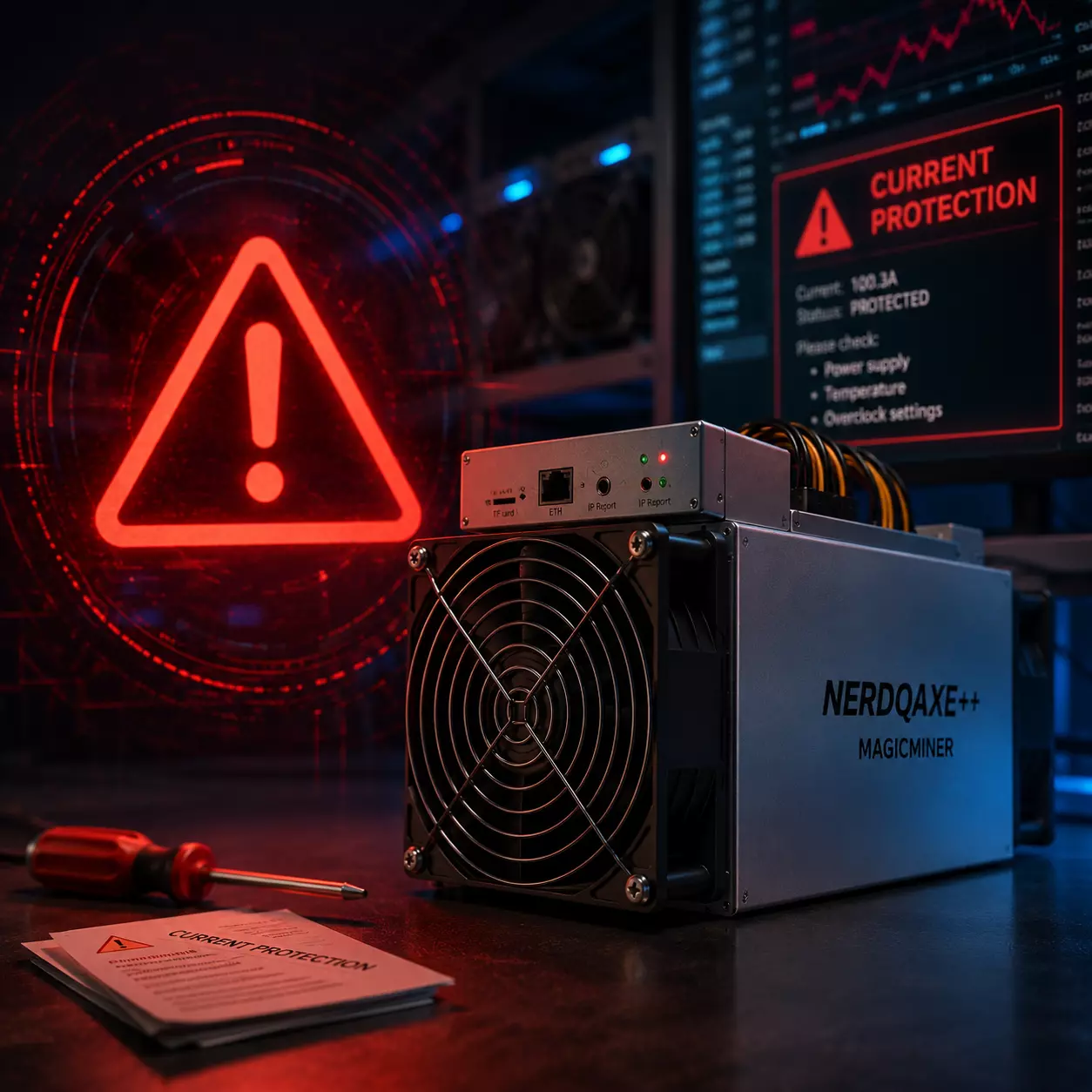
How to Fix “Current Protection” When Overclocking NerdQaxe++
How to Fix “Current Protection” When Overclocking NerdQaxe++ | MagicMiner Guide
If you are pushing your NerdQaxe++ beyond stock performance and suddenly encounter a “Current Protection” warning, you are not alone.
This behavior is common among users exploring higher frequencies and increased hashrate through overclocking.
In this guide, MagicMiner explains why current protection occurs, how temperature and power delivery affect stability, and what you can do to overclock safely and reliably.
1. What Does “Current Protection” Mean on NerdQaxe++?
Starting from firmware version V1.0.35, NerdQaxe++ enforces a firmware-level current limit of 100A.
This limit is intentionally conservative and designed to:
Protect power delivery components
Ensure long-term hardware reliability
Support a wide range of cooling and power environments
Under stock operation, this limit is rarely reached.
However, during overclocking, the situation changes.
Why Overclocking Triggers Current Protection
Higher frequency = higher instantaneous current demand
Power stages operate closer to their electrical limits
Heat accumulation increases electrical resistance
As a result, the firmware reaches its safety threshold before the hardware itself fails.
👉 Important:
This is not a malfunction.
It is the system protecting your miner from unsafe operating conditions.
2. Temperature: The Hidden Factor Behind Current Limits
Many overclockers focus only on frequency and voltage.
In reality, temperature plays an equally critical role.
As temperatures rise:
PCB resistance increases
Power efficiency drops
Effective current draw goes up
This means:
A configuration that looks stable at startup may trigger current protection after hours of heat buildup.
Thermal management is often the difference between unstable and stable overclocking.
3. How to Fix Current Protection When Overclocking NerdQaxe++
✅ Solution 1: Improve Cooling (Strongly Recommended)
Before adjusting firmware limits, always optimize cooling first.
Recommended actions:
Upgrade to a high-efficiency heatsink
Use a high-airflow fan with stable RPM
Direct airflow toward the power delivery area, not only the ASIC chip
Avoid enclosed or high ambient temperature environments
👉 Many users find that better cooling alone completely eliminates current protection, even at higher frequencies.
✅ Solution 2: Use MagicMiner Optimized Firmware
If current protection still occurs after proper thermal optimization, MagicMiner provides an overclocking-optimized firmware.
Firmware Improvements:
Current limit increased from 100A → 110A
Power management IC hardware maximum: 120A
Maintains a safe electrical margin
Designed specifically for experienced overclockers
This firmware does not disable protection — it simply aligns the threshold with real-world overclocking conditions.
4. Responsible Overclocking: Best Practices
This firmware is intended for advanced users who understand:
Power delivery constraints
Long-term thermal behavior
The difference between peak benchmarks and stable operation
Best practices:
Increase frequency gradually
Monitor temperatures continuously
Prioritize stability over maximum hashrate
Avoid long-term operation at thermal limits
Overclocking is about balance — not pushing blindly.
5. Firmware Download
You can download the latest official MagicMiner firmware here:
👉 MagicMiner Official Firmware Page
TBD
Please follow the official flashing instructions carefully.
6. Final Thoughts
The original open-source reference design of NerdQaxe++ prioritizes safety and compatibility.
MagicMiner’s goal is to help advanced users responsibly unlock additional performance while maintaining reliability.
Overclock smarter, not harder.
—
MagicMiner Technical Team
Mining Made Magical · Stability Comes First