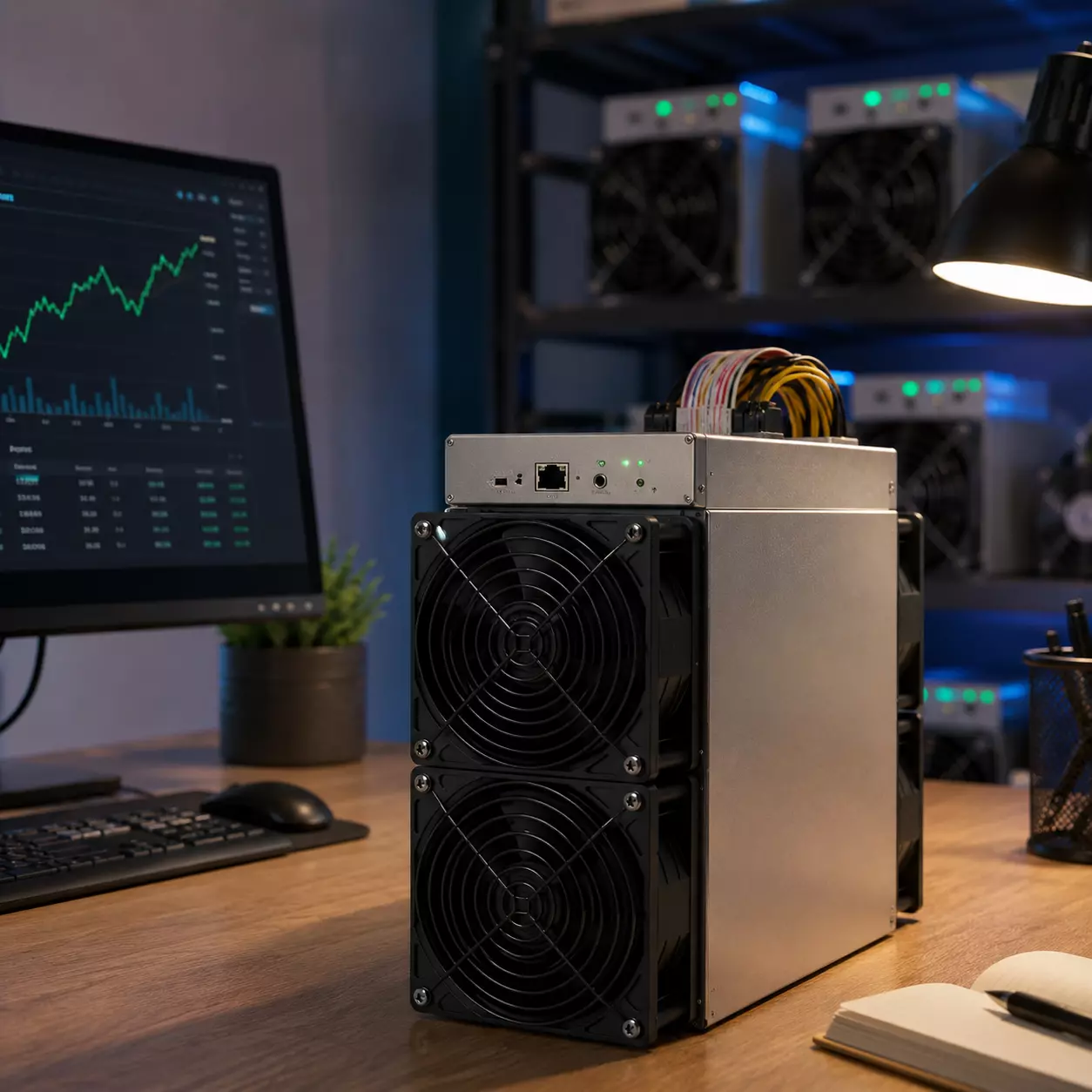
Magicminer BG02 Tuning: Stability & Frequency Settings
ASIC Miner Frequency Settings: A Practical Guide to Stability & Safety
Proper ASIC miner frequency settings are essential for ensuring the long-term reliability of your home mining hardware. Unlike large industrial data centers that rely on aggressive overclocking and extreme industrial cooling, home miners are designed for sustainable, efficient operation in everyday environments.
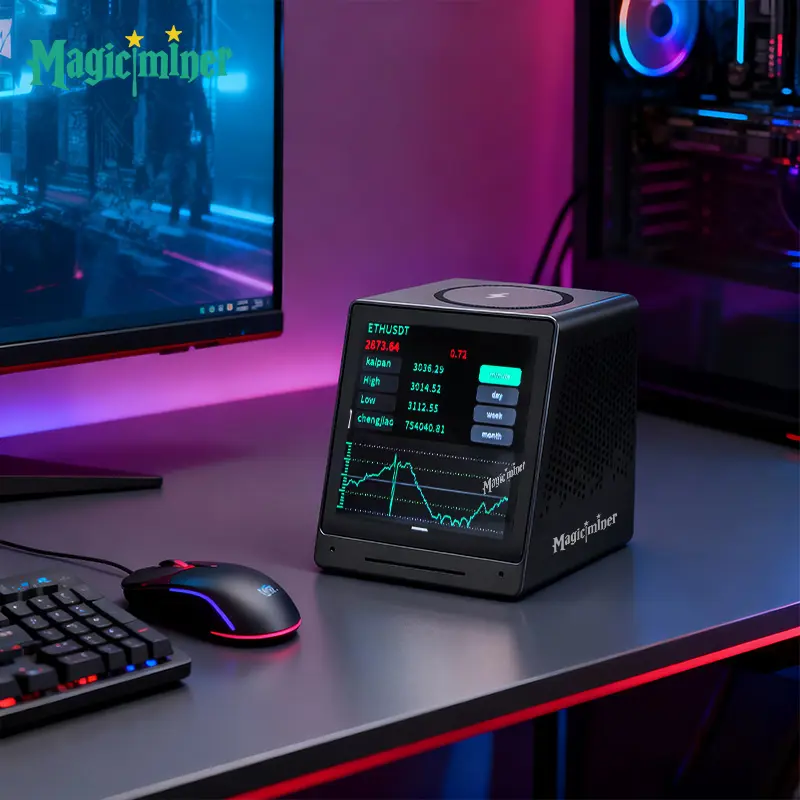
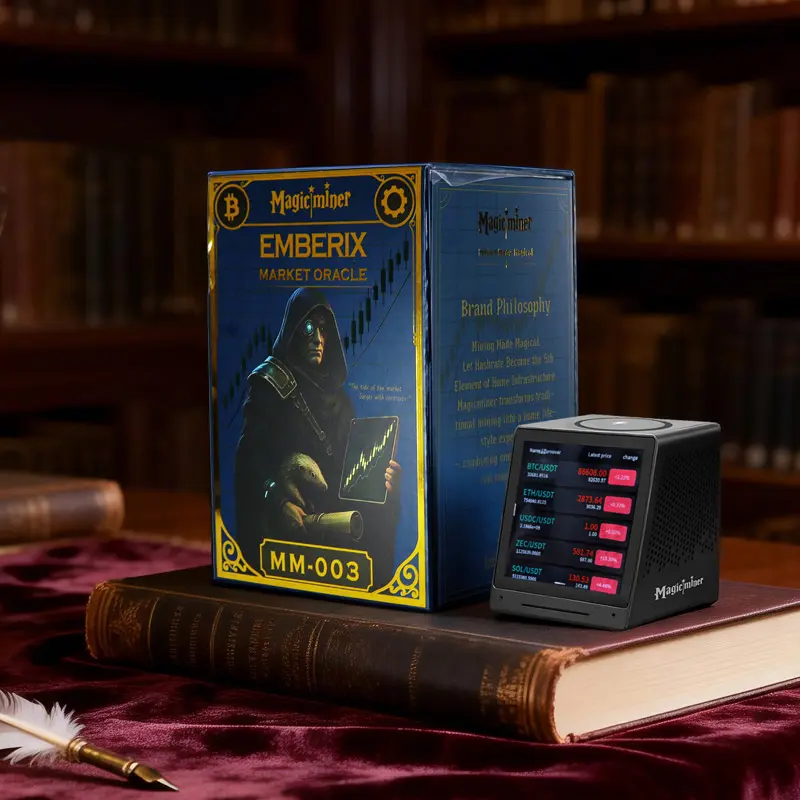
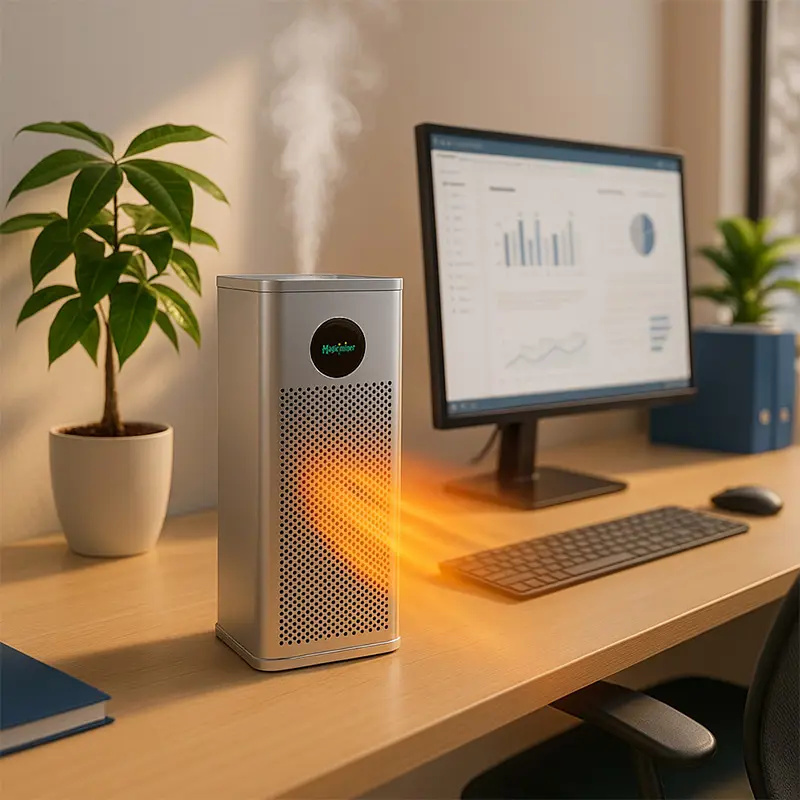
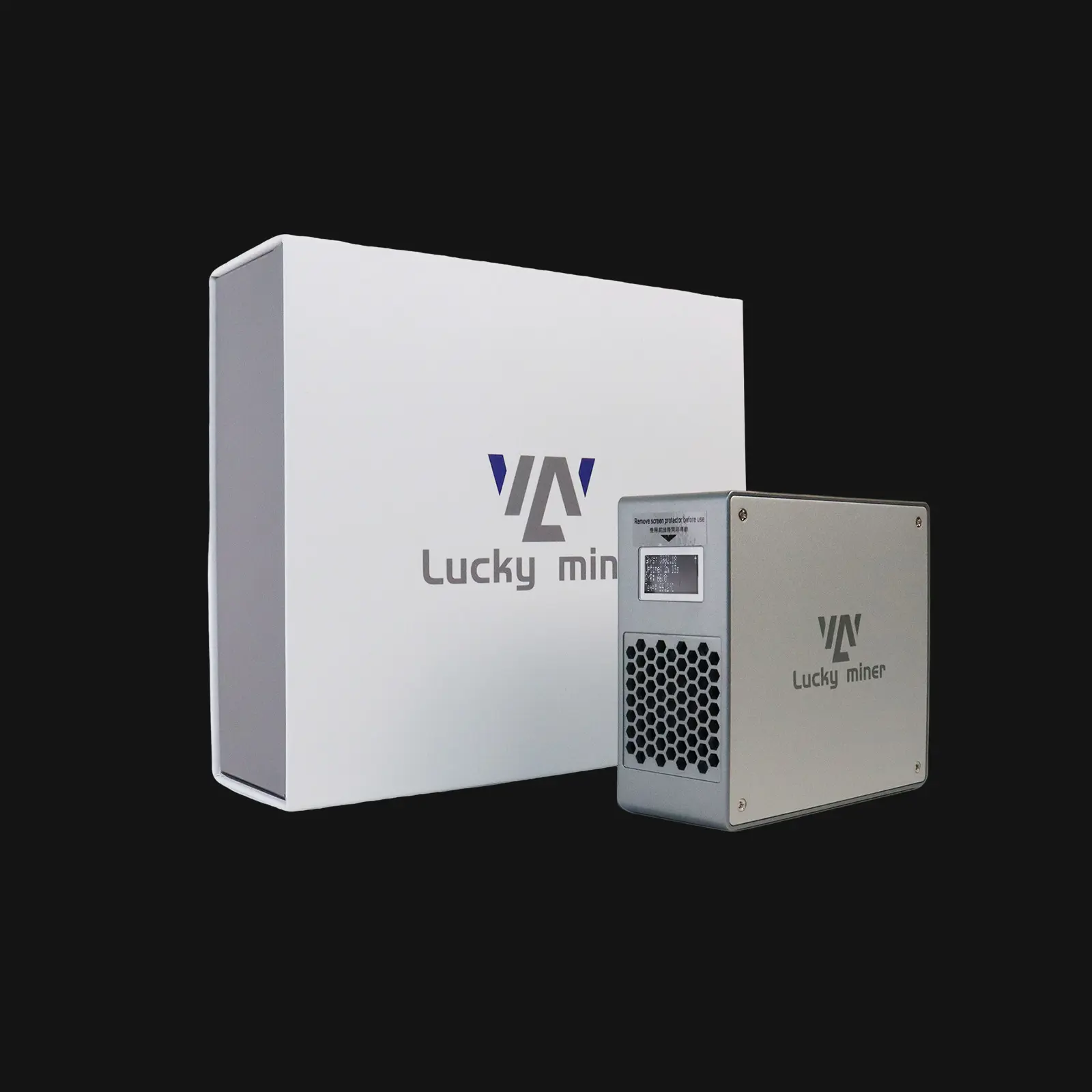
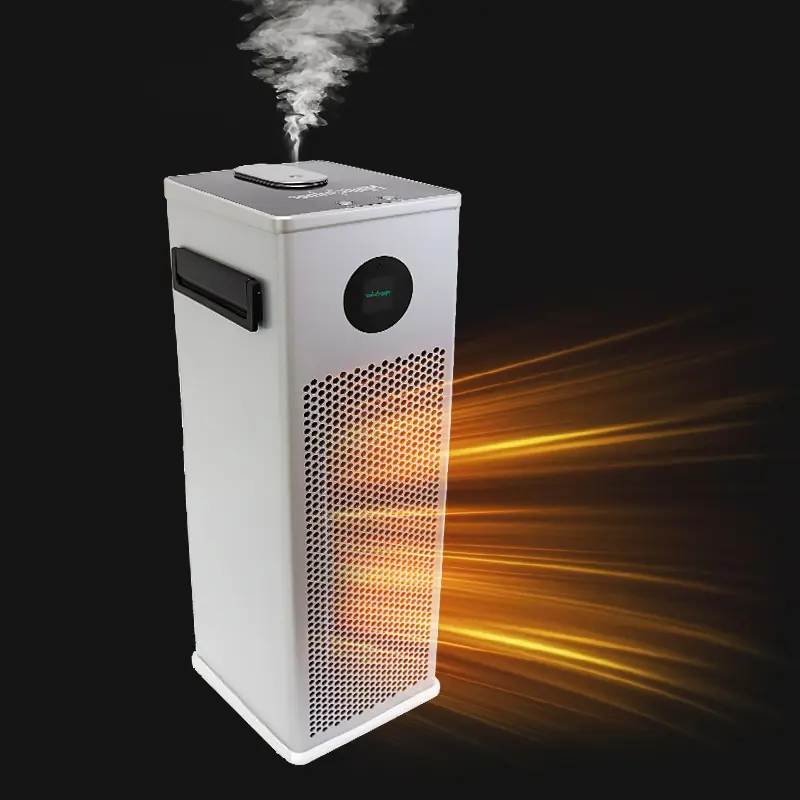
When you explore the settings on your home miner—using the popular Magicminer BG02 as a prime example—you will find multiple frequency options. However, these adjustments are not designed to push your hardware to the absolute limit. Instead, they provide a flexible, controlled mining experience. Whether you are running a single unit on your desk or managing a small home farm, understanding how to balance these options is a huge advantage.
This guide covers recommended safety parameters, explains how to optimize hash rate while managing power consumption, and helps you avoid common tuning mistakes that can void your warranty.
Why Frequency Flexibility Is a Smart Design Choice
Modern ASIC miners offer flexible frequency settings for safe, stable operation. Here is why having these options matters for your home setup:
1. Adapt to Your Home Environment
Every mining setup is unique. Whether you are in a cool basement or a warm study, flexible frequencies allow users to select a profile that matches their specific power supply and room cooling capabilities.
2. Balance Hash Rate and Power Efficiency
Higher hash rates are attractive for earning potential, but power efficiency is the true key to long-term profitability. Adjustable frequencies let you fine-tune this balance to reduce electricity costs over months of continuous operation.
3. Extend Hardware Longevity
Running a miner at its safest, optimal frequency reduces thermal stress on the chips and circuit boards. Consequently, this helps extend the lifespan of your miner while maintaining stable day-to-day performance.
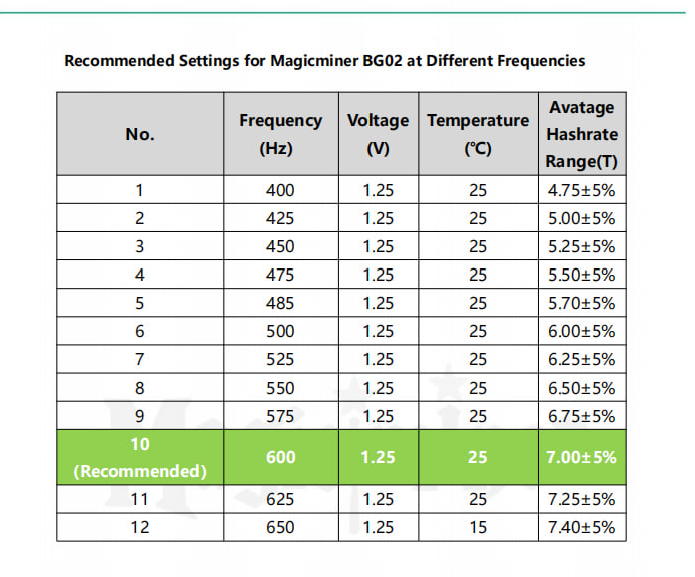
Recommended Safe Frequency Settings (Reference Chart)
Important Safety Reminder:
Please avoid using extreme frequencies that are unsuitable for your ambient cooling setup. While pushing the limits might seem appealing, high temperatures significantly reduce chip lifespan. Note that hardware failures caused by overheating or unauthorized extreme tuning will void your manufacturer’s warranty.
Below is a practical reference chart to help you set up your miner correctly from day one. Always start with these base benchmarks and monitor your temperatures before making gradual adjustments.
Pro Tips for Safe Tuning
When adjusting your ASIC miner frequency settings, keep these three rules in mind:
- Adjust in small steps: Never jump to the highest setting immediately. Increase the frequency gradually and monitor the ASIC temperature and hash rate for 6–12 hours.
- Monitor ambient temperature: If your room temperature exceeds 25°C (77°F), consider lowering your frequency to the next safe level to prevent thermal throttling.
- Ensure proper ventilation: Home miners need at least 10–15 cm of clearance on the intake and exhaust sides to circulate air effectively.
Final Thoughts on Home Miner Tuning
Tuning your home miner is not about chasing the absolute highest hashrate possible. Instead, it is about running your hardware efficiently, safely, and profitably for the long haul. By respecting the recommended frequency parameters, you ensure that your investment remains reliable and cost-effective.
If you are ready to get started, begin with the reference settings above. Monitor your chip temperatures during the first day, and adjust gradually based on your specific room conditions.
Ready to upgrade your setup?
If you are looking for a robust, intelligently designed home miner that offers safe and flexible frequency controls, visit the official Magicminer BG02 product page to learn more.