The NerdQaxe++ is one of the most popular open-source home miners available today. It delivers impressive hashrate for its size, supports multiple SHA-256 coins, and offers users the freedom to customize performance parameters.
However, with great power comes great responsibility. Many users who attempt to push their NerdQaxe++ beyond factory settings encounter error messages like “Current Protection,” “VREG Overheated,” or “PSU_FAULT.” These warnings can be alarming, especially for users who are new to tuning. Some users even worry that they have permanently damaged their device.
The good news is that these error messages are not signs of hardware failure. They are the device’s built-in protection systems working exactly as designed.
This will help you understand how to safely adjust your device’s settings, what each parameter means, and how to avoid common mistakes that trigger protection errors. Whether you’re a beginner who just wants stability or an experienced miner looking to squeeze out maximum hashrate, this guide has you covered.
PART ONE: UNDERSTANDING THE BASICS OF MINER TUNING
Before diving into specific settings, it’s essential to understand what tuning actually means and why it matters.
1. What Is Frequency?
Frequency, measured in megahertz (MHz), determines how fast the ASIC chip processes calculations. Higher frequency means more calculations per second, which translates to higher hashrate. However, higher frequency also means higher power consumption and more heat generation.
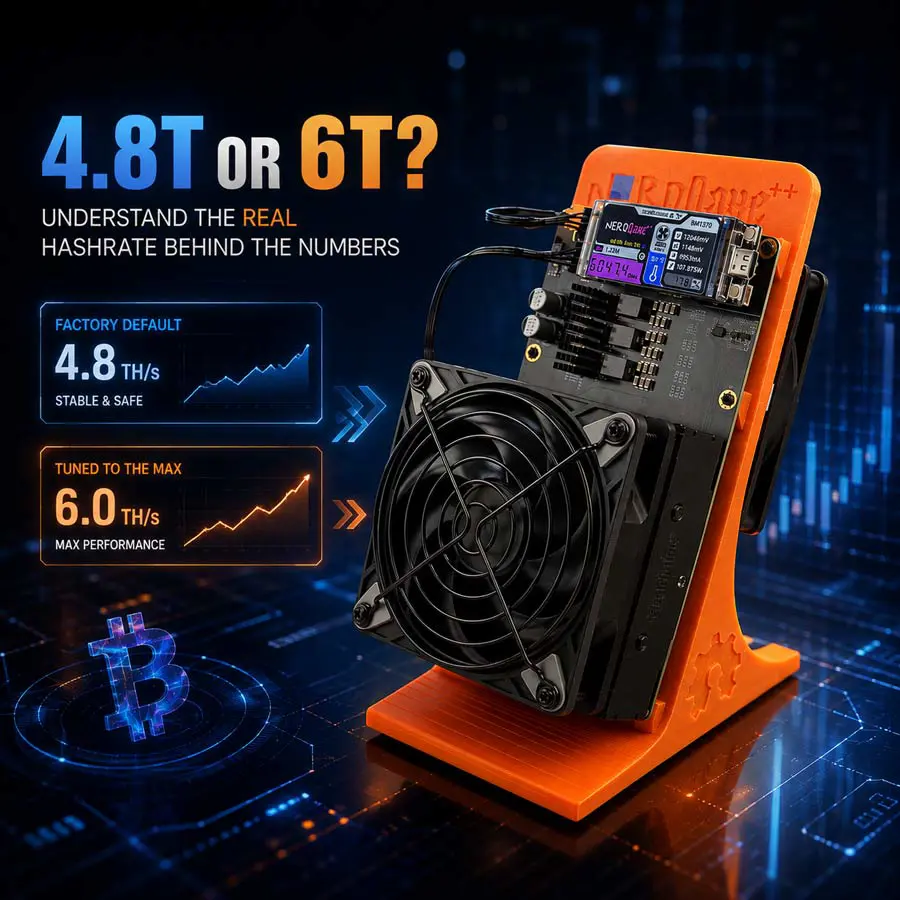
The NerdQaxe++ factory default frequency is approximately 600 MHz. At this setting, the device delivers roughly 4.8 TH/s with stable operation and moderate power draw.
2. What Is Voltage?
Voltage, measured in millivolts (mV), determines how much electrical pressure is supplied to the ASIC chip. Higher voltage helps maintain stability at higher frequencies but also increases heat output and power consumption.
The NerdQaxe++ factory default voltage is approximately 1150 mV. This value provides a good balance between stability and efficiency for most users.
3. What Is the Relationship Between Frequency, Voltage, and Temperature?
These three parameters are interdependent. Increasing frequency requires higher voltage to maintain stability. Higher voltage generates more heat. Higher temperature can cause instability, which may trigger protection mechanisms.
Understanding this triangle is the foundation of safe tuning. You cannot adjust one parameter without considering the others.
PART TWO: DEFAULT SETTINGS AND WHAT TO EXPECT OUT OF THE BOX
When you first receive your NerdQaxe++, it comes with factory-configured settings designed for broad compatibility across different environments.
1. Factory Default Parameters
Frequency: Approximately 600 MHz
Voltage: Approximately 1150 mV
Fan: Auto mode
Shutdown Temperature: Typically 85°C
At these settings, the NerdQaxe++ delivers approximately 4.8 TH/s. This is the “safe zone” where the device operates reliably in most home environments without requiring special cooling or premium power supplies.
2. Why Defaults Matter
The factory defaults are not arbitrary. They represent the manufacturer’s best assessment of a configuration that balances performance, stability, and longevity for the widest range of users.
Running at default settings provides several benefits:
Lower power consumption and electricity costs
Reduced heat output, making placement easier
Longer hardware lifespan due to less thermal stress
Compatibility with standard power supplies
Consistent, reliable hashrate without fluctuations
3. When Should You Consider Tuning?
There are several legitimate reasons to adjust your NerdQaxe++ settings:
You want to maximize hashrate for solo mining attempts
You have excellent cooling and want to push performance
You’re experimenting to learn how the device responds
You want to reduce power consumption by lowering frequency
However, tuning is not required for normal operation. The device performs perfectly well at factory settings.
PART THREE: SAFE OVERCLOCKING RECOMMENDATIONS
If you decide to push your NerdQaxe++ beyond default settings, follow these recommendations to minimize risk.
1. Start with Small Increments
Never jump directly to maximum settings. Increase frequency in small steps—for example, 25 MHz at a time. After each adjustment, run the device for at least 30 minutes and monitor temperature and stability.
2. Recommended Safe Settings for Higher Performance
Based on extensive user testing and manufacturer guidance, the following parameters provide a reasonable starting point for overclocking:
Frequency: 725 MHz
Voltage: 1150 mV
Fan: 100%
Shutdown Temperature: 85°C
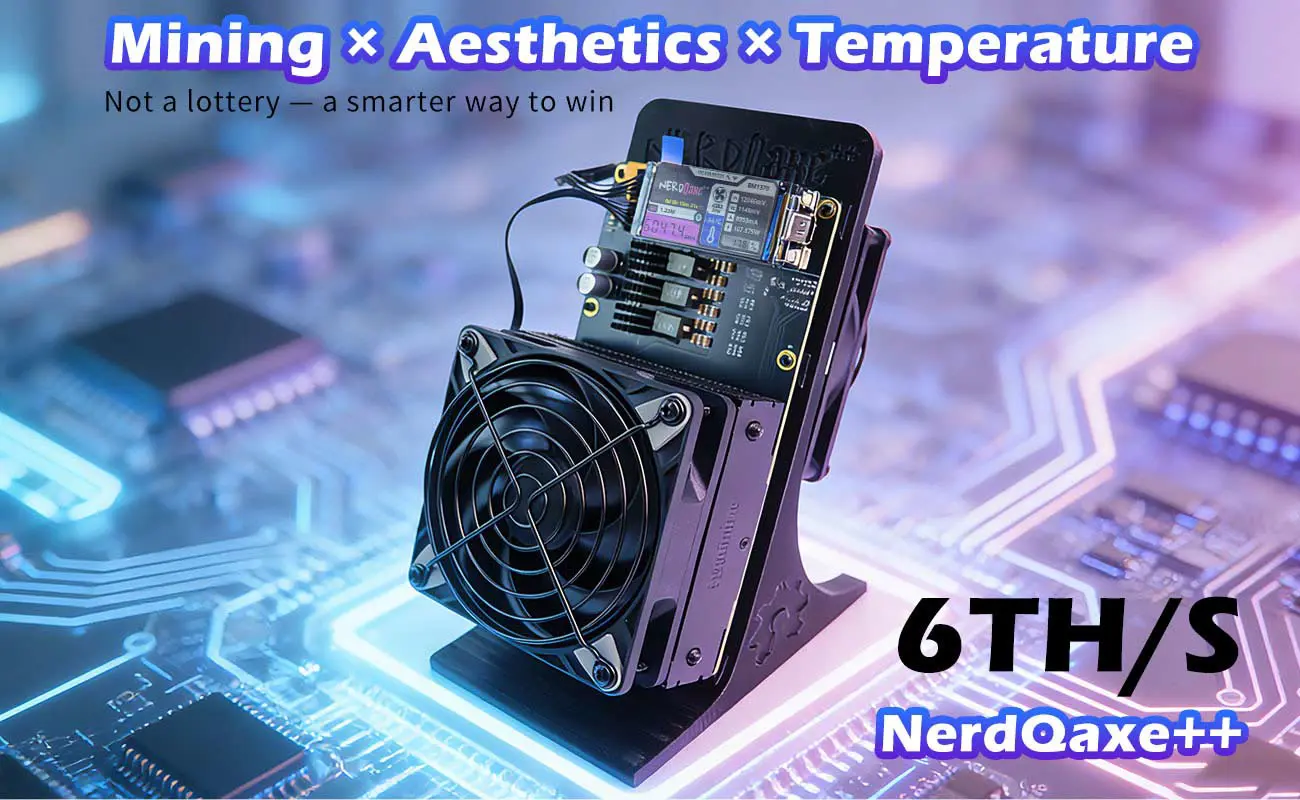
With these settings, most NerdQaxe++ units will deliver between 5.5 and 6.0 TH/s, depending on ambient temperature and silicon quality.
3. Understanding Your Device’s Limits
Every NerdQaxe++ unit is slightly different. Variations in chip quality, thermal paste application, and component tolerances mean that one unit may reach 6 TH/s while another may not exceed 5.2 TH/s.
Do not compare your device’s maximum performance with someone else’s. Focus on finding the settings that work best for your specific unit and environment.
4. What to Do When You Encounter Errors
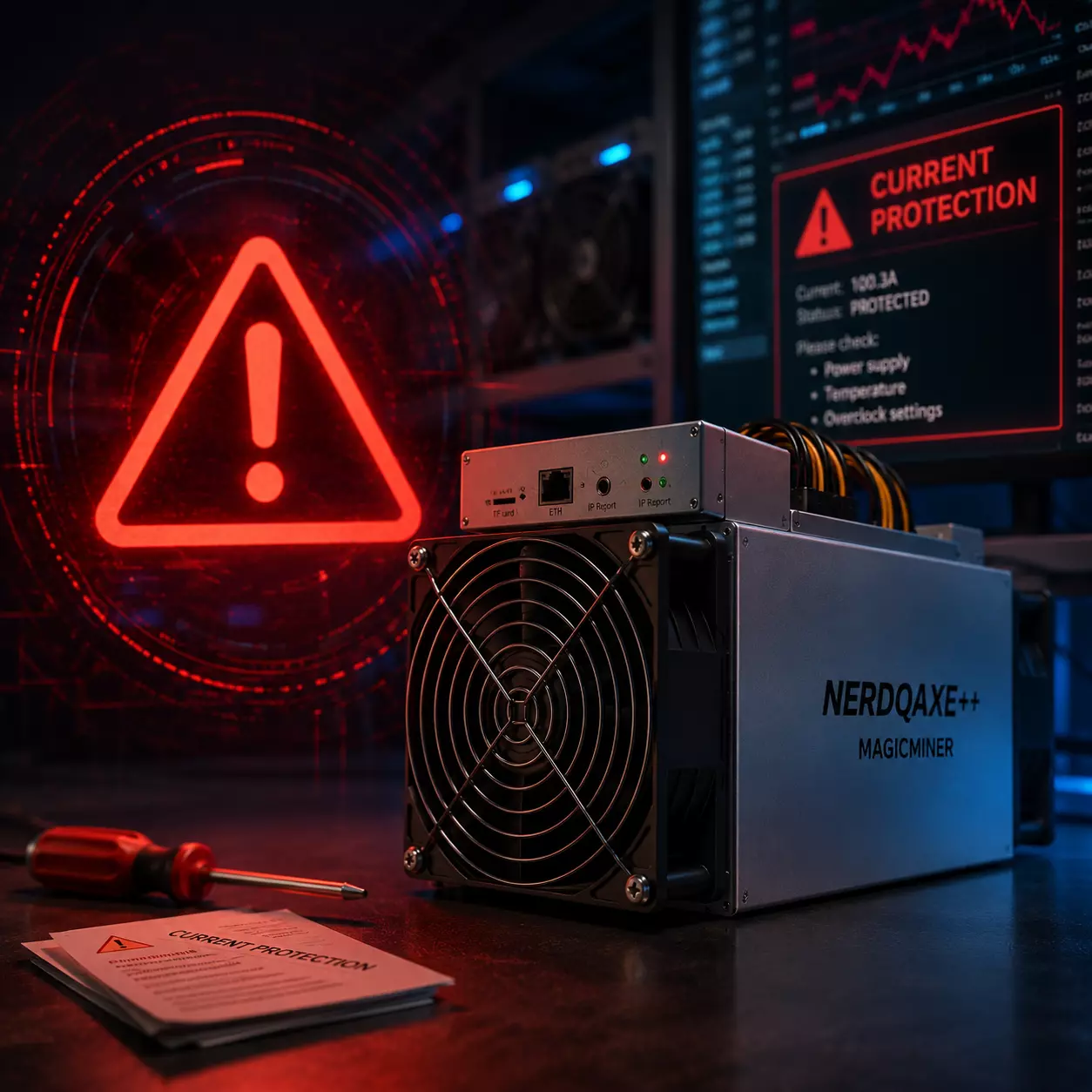
If you see “Current Protection,” “VREG Overheated,” or “PSU_FAULT” messages, do not panic. These are safety mechanisms, not hardware failures.
Immediately revert to factory default settings and allow the device to cool down. Once temperatures normalize, you can try again with more conservative parameters.
PART FOUR: COMMON TUNING MISTAKES AND HOW TO AVOID THEM
Many users encounter issues simply because they make avoidable mistakes. Here are the most common pitfalls and how to avoid them.
1. Overlooking Thermal Management
One of the biggest mistakes is increasing frequency without ensuring adequate cooling. The NerdQaxe++ relies on its cooling fan and heatsink to dissipate heat. If the device is placed in an enclosed space or near heat sources, even modest frequency increases can trigger overheating protection.
Solution: Always place the NerdQaxe++ in a well-ventilated area away from other heat-generating devices. Set fan speed to 100% when overclocking.
2. Using an Undersized or Unstable Power Supply
The NerdQaxe++ requires stable 12V DC power. Some users attempt to run the device with undersized adapters or low-quality power supplies, which can cause voltage drops and trigger protection errors.
Solution: Use a high-quality power supply that meets the device’s requirements. A power supply with adequate headroom is essential for stable overclocking.
3. Changing Multiple Parameters at Once
Adjusting frequency, voltage, and fan speed simultaneously makes it impossible to identify which change caused an issue. Always change one parameter at a time.
Solution: Modify frequency first. Test. Then adjust voltage if needed. Test again. Then set fan speed. This systematic approach helps you understand your device’s behavior.
4. Ignoring Ambient Temperature
Even with the fan at 100%, high ambient temperatures can cause overheating. If your room temperature exceeds 30°C, overclocking becomes much riskier.
Solution: Check ambient temperature before tuning. If your room is warm, consider running at default settings or limiting frequency increases.
5. Expecting Identical Results to Other Users
As mentioned earlier, every unit is unique. Don’t be discouraged if your device doesn’t reach the same hashrate as someone else’s.
PART FIVE: TROUBLESHOOTING PROTECTION ERRORS
Even with careful tuning, you may encounter protection errors. Here’s what they mean and how to resolve them.
1. Current Protection
This error indicates that the device is drawing more current than the firmware allows. It typically occurs when frequency is set too high for the given voltage.
Resolution: Reduce frequency by 25 MHz and test again. If the error persists, increase voltage slightly or revert to default settings.
2. VREG Overheated
This error indicates that the voltage regulator has reached an unsafe temperature. It is caused by excessive voltage or insufficient cooling.
Resolution: Lower voltage settings, increase fan speed to 100%, and ensure proper ventilation. Allow the device to cool before restarting.
3. PSU_FAULT
This error indicates a power supply issue. It may be caused by an undersized adapter, unstable power delivery, or a faulty cable.
Resolution: Check your power supply output and connections. Try a different power supply if available.
4. Voltage Protection
This error indicates that the voltage has exceeded the safe threshold. It prevents damage to the ASIC chip.
Resolution: Reduce voltage settings to within the recommended range.
PART SIX: MAINTAINING YOUR NERDQAXE++ FOR LONG-TERM STABILITY
Proper maintenance is essential for consistent performance and hardware longevity.
1. Regular Cleaning
Dust accumulation can impede airflow and cause overheating. Clean the device’s fan and heatsink regularly using compressed air.
2. Monitor Temperatures
Check the device’s temperature readings periodically, especially when running at higher frequencies. Consistent temperatures below 70°C for the ASIC chip and 80°C for the VR are ideal.
3. Update Firmware When Available
Firmware updates may include performance improvements, bug fixes, and enhanced protection algorithms. Always use official firmware from the manufacturer.
4. Avoid Unnecessary Stress
Running the device at maximum settings 24/7 accelerates component wear. If you don’t need maximum hashrate, consider running at more conservative settings to extend the device’s lifespan.
CONCLUSION: TUNE WITH CONFIDENCE
The NerdQaxe++ is a powerful and flexible device that rewards users who take the time to understand it. With this nerdqaxe++ tuning guide, you now know how to:
Understand the relationship between frequency, voltage, and temperature
Start with safe, recommended settings
Avoid common mistakes that trigger protection errors
Troubleshoot protection messages when they appear
Maintain your device for long-term reliability
Remember: tuning is optional. The NerdQaxe++ performs excellently at factory defaults. If you choose to explore its full potential, do so with patience and respect for the device’s safety limits.